


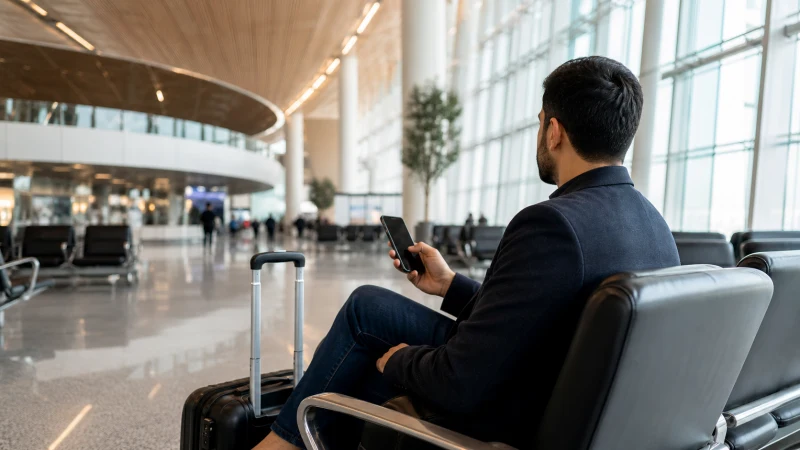

Terminal WiFi at Riyadh’s King Khalid International Airport is generally the first connection most visitors touch after landing, and while it’s a genuine convenience, it’s worth understanding exactly what it covers and where its limits are before relying on it for anything beyond a quick check.
Quick answer: Free WiFi is available throughout the airport’s passenger terminals, typically requiring you to accept terms of use or enter basic details on a landing page before connecting. It’s generally reliable enough for messaging and browsing, though speed can dip during busy periods with many passengers connected at once.
Top Saudi Arabia eSIMs


Connecting to the network
Available WiFi networks show up in your phone’s list once you’re within range of the terminal, and connecting typically involves accepting a terms-of-use page or providing minimal details like an email address — no payment or SIM registration is required for this basic access.
Where coverage is strongest
Coverage is generally strongest in the main terminal areas, gate seating, and near information desks, with some variation in signal strength in less central parts of the building — if a connection feels weak in one spot, moving closer to a main concourse area usually helps.
Speed and reliability
Terminal WiFi performance varies with how many passengers are connected at once, and during peak arrival and departure times for multiple international flights, speeds can slow noticeably compared to quieter periods. Treat it as sufficient for browsing, messaging, and checking bookings rather than something to depend on for a video call.
Using WiFi to activate an eSIM
If you’ve installed an eSIM before your flight, terminal WiFi is exactly what you need to activate it once you land, since activation typically requires a brief internet connection to confirm with your provider — the Riyadh Airport eSIM setup guide covers this specific process step by step.
What terminal WiFi doesn’t do
Terminal WiFi only covers you while you’re physically inside the airport building — it won’t follow you into a taxi or onto the road toward the city, which is why most visitors pair it with a SIM or eSIM for anything beyond the arrivals process itself. The Riyadh airport to city guide covers what connectivity looks like once you’ve left the terminal.
Charging and settling in while you connect
Most terminal areas with strong WiFi signal also have seating and charging points nearby, making it practical to sit down, charge your phone, and take care of any connectivity setup — installing a SIM or activating an eSIM — before heading toward ground transport, rather than trying to manage this while walking through the building.
Business travelers and time-sensitive connectivity
For business visitors who need a reliable connection immediately for a call or urgent email, terminal WiFi’s variable performance during busy periods means it shouldn’t be your only plan — having a working eSIM already activated before you land removes this uncertainty entirely.
Departing Riyadh: WiFi on your way out
The same terminal WiFi network is available for departing passengers too, useful for a final check of messages or a boarding pass download while waiting at the gate — worth remembering this works both ways rather than assuming it’s only relevant on arrival.
FAQ
Is WiFi free at Riyadh airport?
Yes, free WiFi is available throughout the passenger terminals.
Do I need to sign up for anything to use it?
Typically just accepting terms of use or entering basic details like an email address.
Is airport WiFi reliable enough for a video call?
Not consistently — treat it as sufficient for browsing and messaging rather than anything more demanding during busy periods.
Can I use airport WiFi to activate my eSIM?
Yes, this is exactly the kind of task terminal WiFi handles well.
Does airport WiFi work once I leave the building?
No, it only covers the terminal itself — you’ll need mobile data for anything beyond that.
Should business travelers rely on airport WiFi for urgent calls?
No, an already-activated eSIM is more dependable given how variable WiFi performance can be during busy periods.
Final Recommendation
Use terminal WiFi for a quick check on arrival, and set up your eSIM or SIM before leaving the building for anything you’ll need once you’re on the road. See the buying a SIM at Riyadh Airport guide if you’re getting a physical SIM instead.