


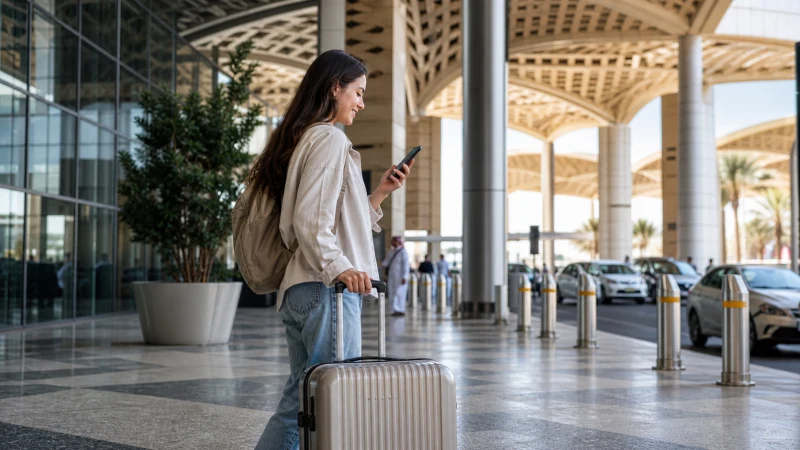

King Khalid International Airport is Riyadh’s main gateway and one of the busiest in the Gulf region, and arriving here for the first time means choosing between several genuinely workable ways to get online within the first few minutes of stepping off the plane.
Quick answer: You have three practical options at Riyadh airport — free terminal WiFi to get started, a SIM card from an STC, Mobily, or Zain kiosk in arrivals, or activating an eSIM you installed before your flight. Most travelers combine the first with whichever of the other two suits their trip.
Top Saudi Arabia eSIMs

Saudi Arabia eSIM
Fixed
1 GB, 7 days3.50$2 GB, 15 days6.00$3 GB, 30 days8.50$Unlimited
Unlimited, 1 day3.50$Unlimited, 3 days9.00$Unlimited, 5 days12.00$
The three ways to get connected here
Terminal WiFi is available throughout the airport’s public areas and works well enough for a quick check while you’re still landside, covered in detail in the Riyadh Airport WiFi guide. SIM kiosks in the arrivals hall sell prepaid options from all three Saudi networks, covered in the buying a SIM at Riyadh Airport guide. And if you’d rather skip both, activating a pre-installed eSIM is covered step by step in the Riyadh Airport eSIM setup guide.
Which option actually suits you
If you’re just messaging someone that you’ve landed or checking a hotel confirmation, terminal WiFi is enough on its own. If you need a Saudi phone number or plan to be in the country for a while, the SIM kiosk is worth the short queue. If you’d rather be online before you’ve even collected your luggage, an eSIM installed before departure is the fastest option of the three.
How long does getting connected take
Terminal WiFi connects instantly once you accept the network’s terms. SIM registration at a kiosk generally takes a few minutes per person, longer during busy arrival periods when several international flights land close together. Activating a pre-installed eSIM is typically the fastest of all, often connecting within a minute or two of toggling it on.
Immigration and baggage claim
Since immigration processing and baggage claim can themselves take some time, many travelers use this window to get their SIM or eSIM sorted before they’ve even left the secure area — worth keeping your passport accessible if you’re planning to visit a SIM kiosk, since it’s needed for registration regardless of which network you choose.
Getting into the city afterward
Once you’re connected and have collected your luggage, the drive into central Riyadh takes some time depending on traffic and your final destination — the Riyadh airport to city guide covers what connectivity looks like during that specific journey, distinct from the airport itself.
If you’re continuing to another Saudi city
Some visitors use Riyadh as an arrival point before continuing to Jeddah, Dammam, or elsewhere — getting connected here first means you’re set up for the rest of your trip regardless of where you head next, covered more broadly in the internet in Riyadh guide for the city itself.
FAQ
What are my options for getting online at Riyadh airport?
Free terminal WiFi, a SIM card from a kiosk in arrivals, or activating a pre-installed eSIM.
Which option is fastest?
An already-installed eSIM, typically connecting within a minute or two of activation.
Do I need my passport for any of these options?
Yes, for buying a physical SIM — not needed for terminal WiFi or eSIM activation.
Should I get connected before or after baggage claim?
Either works, though many travelers use the baggage claim wait to sort out a SIM or eSIM.
Is there a difference between terminal WiFi and mobile data?
Yes — WiFi covers the terminal only, while a SIM or eSIM stays with you once you leave the airport.
What if I’m continuing to another Saudi city from Riyadh?
Getting connected at Riyadh airport sets you up for the rest of your trip, regardless of your next destination.
Final Recommendation
Use terminal WiFi for anything urgent immediately on landing, and sort out a SIM or activated eSIM before you leave the airport for a connection that lasts the rest of your trip. See the Riyadh airport to city guide for what comes next.