


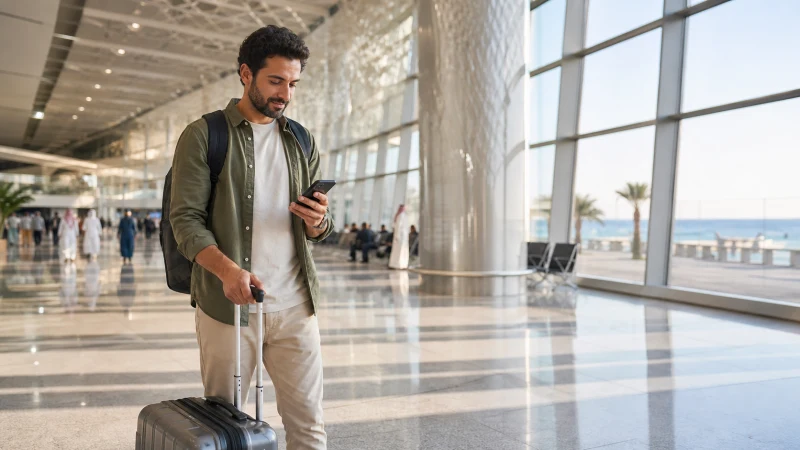

Given how many visitors pass through Jeddah specifically for Umrah or Hajj, often arriving with a packed schedule to reach Makkah, getting your eSIM activated quickly right at the airport matters more here than at a typical leisure destination — worth knowing the exact sequence before you land.
Quick answer: As soon as your phone reconnects to any signal after landing, go into your cellular settings, turn on the pre-installed eSIM, and confirm it’s set as your active data line. It typically registers with a Saudi network within a minute or two, letting you book transport toward Makkah or your hotel without delay.
Top Saudi Arabia eSIMs


Before you land: what should already be done
Ideally, you installed your eSIM before departure, meaning the profile is already sitting on your phone waiting to be switched on — if you haven’t done this yet, you’ll need terminal WiFi to complete installation first, which takes longer than simple activation and is worth avoiding if you’re on a tight pilgrimage schedule.
Activating right after landing
Once your phone reconnects to any network after landing, head into your cellular or mobile network settings, find the installed eSIM, and toggle it on. Setting it as your primary or active data line, rather than leaving your home SIM as default, is the step most travelers forget in the moment.
Priorities for pilgrims heading straight to Makkah
If you’re continuing directly toward Makkah after landing, getting your eSIM active before you board onward transport matters more than it might for a leisure trip, since you’ll want working navigation and messaging for coordinating group logistics during the transfer — the Jeddah to Makkah guide covers what connectivity looks like on that specific route.
Using terminal WiFi if needed
If your eSIM doesn’t activate immediately, connecting briefly to the airport’s terminal WiFi gives you a stable connection to sort out any activation issues while you’re still in a familiar environment, before continuing on to Makkah or your hotel in Jeddah. The how much data guide is worth checking too, to make sure your plan is sized for the rest of your trip.
Confirming you’re connected to a Saudi network
After activation, check that your phone displays a Saudi carrier name — STC, Mobily, or Zain, depending on your eSIM’s underlying network — rather than still showing your home carrier or “no service.” This confirms you’re properly connected rather than still relying on expensive home-network roaming by accident.
If activation doesn’t work at the airport
A profile that won’t activate is usually a settings issue rather than anything specific to being at the airport — check your APN settings next, and the eSIM not working guide covers a fuller troubleshooting sequence if the basics don’t resolve it before you need to move on.
After you’re connected
Once your eSIM is active and confirmed, you’re ready to book transport, message your group, or look up directions — the Jeddah airport to city guide covers what connectivity looks like for the journey that follows.
FAQ
When should I activate my eSIM at Jeddah airport?
As soon as convenient after landing, especially important if you’re continuing straight on to Makkah.
Do I need WiFi to activate an already-installed eSIM?
Not always — activation can work over the airport’s ambient signal, though terminal WiFi is a reliable backup.
How do I know my eSIM is properly connected?
Your phone should display a Saudi carrier name like STC, Mobily, or Zain instead of your home network.
Is this different for pilgrims heading to Makkah?
The technical steps are the same, though timing matters more given onward travel and group coordination needs.
What if my eSIM won’t activate at the airport?
Check your APN settings, and use terminal WiFi for a stable connection while troubleshooting.
What comes after I’m connected at Jeddah airport?
Booking transport and navigating to your next destination, covered in the Jeddah airport to city guide.
Final Recommendation
Activate your pre-installed eSIM as soon as you land, particularly if you’re on a tight schedule heading to Makkah, and confirm a Saudi carrier name before assuming you’re connected. See the installing an eSIM guide if you haven’t set up your profile yet.