


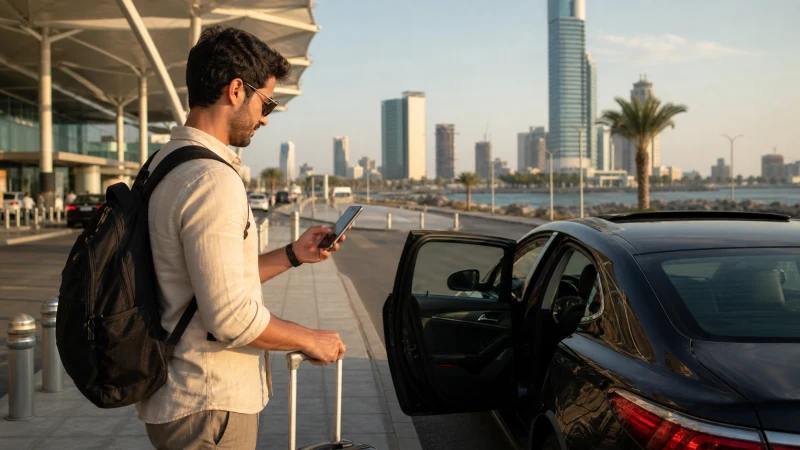

Unlike some Saudi airports set well outside the city they serve, King Abdulaziz International Airport sits relatively close to Jeddah itself, meaning the transfer into the city is a shorter, more straightforward affair than the equivalent drive at some other major airports in the country.
Quick answer: Coverage along the route from the airport into central Jeddah is consistently strong throughout this short drive, since it runs through well-developed urban and suburban areas rather than anything remote — you shouldn’t expect any gaps, whether you’re in a taxi, ride-hailing car, or arranged transport.
Top Saudi Arabia eSIMs

Saudi Arabia eSIM
Fixed
1 GB, 7 days3.50$2 GB, 15 days6.00$3 GB, 30 days8.50$Unlimited
Unlimited, 1 day3.50$Unlimited, 3 days9.00$Unlimited, 5 days12.00$
How this journey compares to other Saudi airports
Jeddah’s airport-to-city distance is notably shorter than the equivalent journey at Riyadh, which matters practically for anyone timing a tight connection or coordinating pickup with family or a tour group — there’s less time pressure to get connectivity sorted before you’re already at your hotel or heading toward Makkah. The how much data guide covers sizing a bundle for the rest of your trip once you’ve arrived.
Coverage along the route
The road connecting the airport to central Jeddah passes through developed urban areas for nearly its entire length, and coverage from all three Saudi networks holds up consistently — there’s no meaningful dead zone to plan around on this specific stretch. See the best SIM card guide if you haven’t chosen a network yet.
If you’re heading straight to Makkah
Many visitors arriving in Jeddah continue directly toward Makkah rather than stopping in the city itself, and the route in that direction is covered separately in the Jeddah to Makkah mobile internet guide, since it’s a longer journey with a different coverage profile than the short airport-to-city hop covered here.
Booking transport from the airport
Ride-hailing apps and arranged transport both work well from Jeddah airport once you have a data connection, whether through terminal WiFi for the initial booking or your own mobile data once you’re moving — worth having your ride-hailing app installed and payment method set up before you fly.
Traveling with a tour group or family
Visitors arriving as part of an organized Umrah group or with extended family often coordinate pickup logistics during this window, and having a working connection immediately on landing makes confirming meeting points and vehicle assignments considerably smoother than trying to sort this out mid-crowd at arrivals.
If you’ve already set up connectivity at the airport
Assuming you’ve activated your eSIM or SIM before leaving the terminal, covered in the Jeddah Airport eSIM setup guide or SIM card guide, you’ll have working data for the entire short drive into the city without needing to think about it further.
Arriving in central Jeddah
Once you reach the city, coverage remains dense and consistent, matching what you’d expect from any major Saudi coastal city — there’s no adjustment period needed between the drive and settling into Jeddah itself. If you’re still deciding on a connectivity setup, the does eSIM work in Saudi Arabia guide covers device compatibility before you commit to a plan.
FAQ
Is there mobile coverage between Jeddah airport and the city center?
Yes, consistently strong along this comparatively short route.
How long does the drive from the airport take?
Notably shorter than the equivalent journey at some other major Saudi airports, given the airport’s closer proximity to the city.
Is the route to Makkah covered here too?
No, that’s a longer journey covered separately in the Jeddah to Makkah guide, distinct from this short airport-to-city hop.
Can I book a ride-hailing app from the terminal?
Yes, as long as you have a working data connection through terminal WiFi or an already-active SIM or eSIM.
What if I haven’t set up a SIM or eSIM before leaving the airport?
Given how short this specific drive is, going without a connection is less of an issue here than at airports with a longer transfer.
Is coverage in central Jeddah different from the drive in?
No meaningful difference — both are consistently well covered.
Final Recommendation
Get your SIM or eSIM active before leaving the terminal if possible, though this short drive is more forgiving than a longer airport transfer elsewhere in the country. See the Jeddah to Makkah guide if you’re continuing on for Umrah rather than staying in the city.