


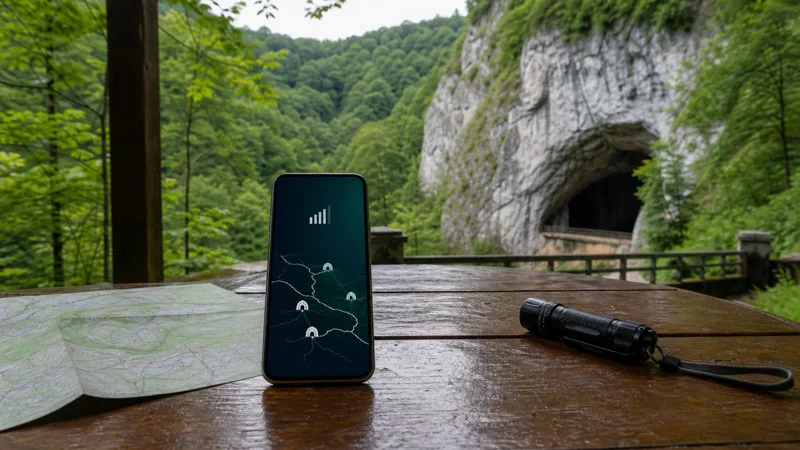

Internet in the Moravian Karst is primarily a surface service. Mobile data can help with the journey, parking, shuttle information and last-minute checks, but it cannot be expected underground inside the cave system.
A Czech travel eSIM is useful before and after a cave visit and while moving between Brno, Blansko, Skalní Mlýn and surrounding stops. Tickets, meeting points and walking routes should already be stored on the phone.
Quick answer: Activate your Czech eSIM before leaving Brno, save cave tickets and the full Moravian Karst map offline, and record the exact meeting place. Expect no dependable signal underground and variable reception in wooded limestone valleys.
Top Czech Republic eSIMs

Czech Republic eSIM
Fixed
1 GB, 7 days€ 1.792 GB, 15 days€ 3.573 GB, 30 days€ 4.46Unlimited
Unlimited, 1 day€ 2.23Unlimited, 3 days€ 4.91Unlimited, 5 days€ 8.03
Europe Extra eSIM
Fixed
1 GB, 7 days€ 2.232 GB, 15 days€ 3.573 GB, 30 days€ 4.46Unlimited
Unlimited, 1 day€ 2.68Unlimited, 3 days€ 5.36Unlimited, 5 days€ 8.93Europe+ eSIM
Fixed
1 GB, 7 days€ 2.682 GB, 15 days€ 4.023 GB, 30 days€ 5.36Unlimited
Unlimited, 1 day€ 2.68Unlimited, 3 days€ 6.25Unlimited, 5 days€ 10.26Understand where mobile data can help
Use data while approaching the area to confirm the route, transport and current visitor information. Around developed surface locations, a connection may be available for messages and maps. Once a tour enters a cave, rock blocks the network and the phone should be treated as offline.
Reception can also vary between the floor of a valley and higher open ground. The Czech Republic coverage guide gives the national picture, but it cannot promise service at a particular trail bend or cave entrance.
Save tickets and the correct arrival point
Keep a screenshot or offline copy of each reservation, including the time and named cave. Save the relevant car park, bus stop or visitor point rather than relying on a general “Moravian Karst” pin. Arriving in the wider area is not the same as reaching the tour meeting place.
If using public transport, store the return connection separately. A missed tour or delayed walk may make the original journey plan irrelevant, and the phone may not have enough service to rebuild it immediately.
Download a map for the entire surface route
A cave ticket does not cover navigation between viewpoints, walking paths and transport stops. Download the broader area and mark Macocha, Skalní Mlýn and any other confirmed part of the itinerary. Keep an alternative route back to the starting point.
GPS can continue locating the phone on a downloaded map without mobile data. For the setup steps, see the Czech Republic navigation guide.
Set up the eSIM before the day trip
- Install the eSIM on reliable Wi-Fi.
- Select it for mobile data and apply its required roaming setting.
- Disable mobile-data switching to the home line.
- Test a webpage with Wi-Fi turned off.
- Download tickets, maps and booking messages.
The Czech eSIM installation guide covers the full phone configuration. Do not wait until a cave entrance to resolve an installation problem.
Protect battery and keep the phone ready
Searching repeatedly for a weak network can increase battery use. Put the phone away during the guided underground section and use it only where photography and device use are permitted. Carry a power bank for navigation and the return journey.
Pause large backups until dependable Wi-Fi is available. A cave day generally needs little data; reliability of the saved information matters more than a large allowance.
Related Articles
Frequently Asked Questions
Will my phone have a signal inside the Moravian caves?
Do not expect a dependable mobile connection underground. Download all essential information before entering.
Can GPS work in a cave?
Satellite positioning is unreliable underground. Use the guided route and official visitor instructions rather than phone navigation.
Do I need a large data plan for a Moravian Karst day trip?
Usually not for maps, messages and transport checks. Choose the allowance for the entire Czech trip rather than this excursion alone.
What should I do if service drops on the surface?
Use the offline map and test again in a more open area. Keep automatic network selection enabled and do not delete the eSIM.
Final Recommendation
Prepare for the Moravian Karst as an offline attraction supported by mobile data at the edges. Test the Czech eSIM in advance, store every ticket and meeting point, and download a surface map that remains useful when limestone and underground passages remove the signal.