


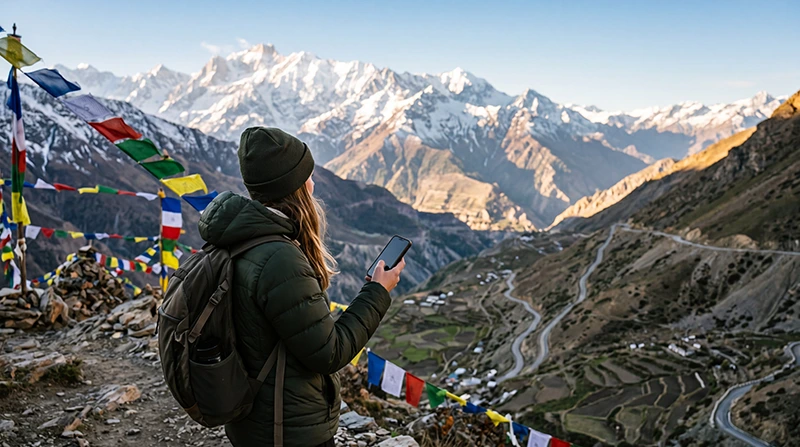

Internet in the Indian Himalayas becomes less predictable as routes move away from towns and into high-altitude or remote terrain. Mobile data may work in one settlement and disappear along the next road, valley or pass.
Prepare around the absence of a connection: download maps, permits, bookings, weather information and emergency contacts before leaving a connected town. Do not schedule essential online work during a remote transfer.
NoveSIM travel eSIMs are data-only. We do not provide an Indian number or conventional calls and SMS, and an eSIM cannot create coverage where no supported network is available.
Quick answer: Use an India eSIM where a supported partner network is available, but treat it as a convenience rather than a safety system. Download every route area, save accommodation coordinates and tell someone your itinerary before entering remote terrain.
Top India eSIMs


Why does Himalayan coverage vary?
Terrain, altitude, distance from settlements, weather, power and road access can all affect service. Signal bars in a town do not predict reception beyond it. Device bands and the plan’s supported network also matter.
Prepare before leaving a connected town
- Download the complete route and a wider surrounding map.
- Save permits, tickets and identification copies offline.
- Record accommodation coordinates and telephone details.
- Check weather and road information from authoritative local sources.
- Tell a trusted person the planned route and arrival time.
- Charge the phone and power bank fully.
Use the India offline-maps guide and the broader India road-trip internet guide before a self-drive route.
Choose mobile data without coverage promises
Check that India is included in the plan and that the phone supports the necessary service, but do not interpret national coverage as continuous Himalayan coverage. Review current India eSIM plans and keep network selection on Automatic initially.
Protect battery and data
Weak signal can increase battery use while the phone searches for service. Use Airplane Mode when no connection is expected and re-enable it at planned stops. Pause cloud backup, application updates and automatic media downloads.
What should you do when signal disappears?
Continue using saved maps and information rather than repeatedly changing advanced settings. When you reach a populated area, toggle Airplane Mode and allow the phone time to register. Do not delete the eSIM.
If signal returns but data does not, follow the India troubleshooting guide. For NoveSIM, use APN data.esim only when manual entry is required.
Related Articles
FAQ
Does an India eSIM work everywhere in the Himalayas?
No. It requires a supported local network, and remote routes may have no usable signal.
Can offline maps replace mobile data?
They preserve basic route information, but not live traffic, weather, closures or messaging.
Why does my battery drain faster in the mountains?
A phone may use more power while searching for weak or unavailable networks.
Should I manually select a network?
Start with Automatic selection. Change it only as a targeted troubleshooting step when support or plan guidance recommends it.
Final Recommendation
Plan internet in the Indian Himalayas with the expectation that coverage will be intermittent outside connected towns.
Download maps, documents and emergency information, protect battery power and share the route before departure.
Use an India eSIM where service exists, but never make mobile connectivity the only safety or navigation system.