


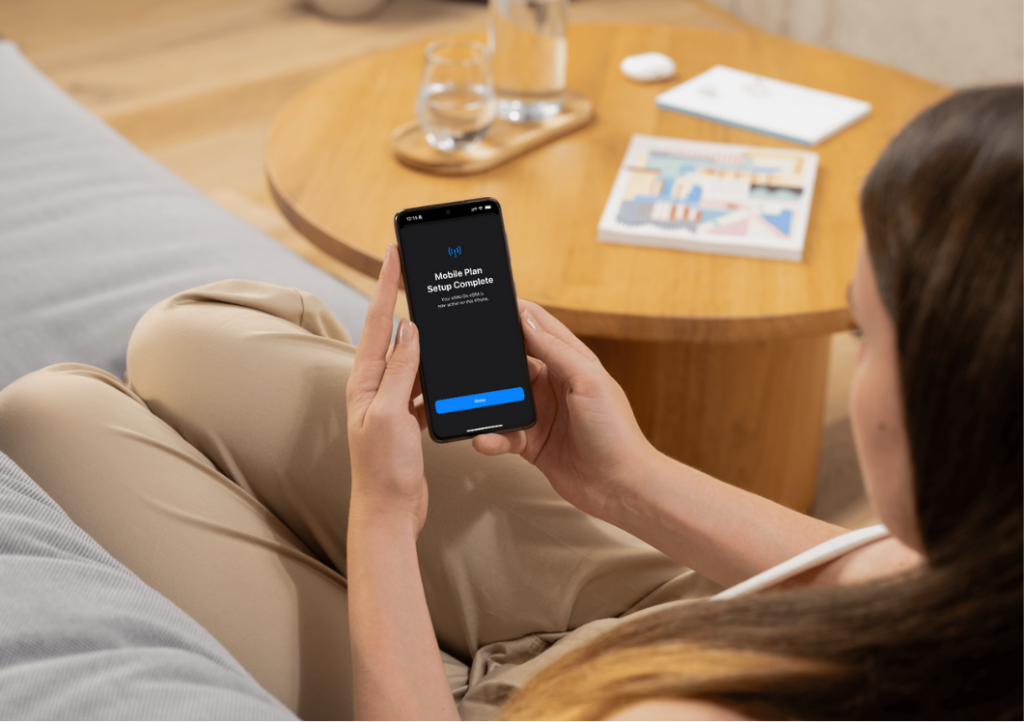
An eSIM works by allowing your device to download and use a mobile network profile digitally, without inserting a physical SIM card.
For travelers, this means faster setup, no roaming fees, and instant connectivity.
Below is a clear, step-by-step explanation of how an eSIM works in real life.
Step 1: Check if your device supports eSIM
Before buying an eSIM, make sure your phone supports eSIM technology.
Most modern devices do, including:
- iPhone XS and newer
- Samsung Galaxy S20 and newer
- Google Pixel phones
Your device must also be unlocked to use an eSIM from any provider.
Step 2: Purchase an eSIM data plan online
You buy an eSIM data plan online, usually choosing:
- The destination country or region
- The amount of data
- The validity period
There is no physical delivery. Everything happens digitally.
Once the purchase is completed, the eSIM is prepared for instant installation.
Step 3: Receive your eSIM QR code
After purchase, you receive:
- A QR code by email
- Additional manual installation details
The QR code contains your eSIM profile and tells your phone how to connect to the mobile network.
You should keep this email until the eSIM is installed.
Step 4: Install the eSIM on your phone
To install the eSIM:
- 1. Open your phone’s mobile network settings
- 2. Choose “Add eSIM” or “Add mobile plan”
- 3. Scan the QR code you received
- 4. Confirm the installation
- 5. When you arrived enable the data roaming of your eSIM and disable data roaming of your primary card.
The eSIM profile is downloaded and stored securely on your device.
You need an internet connection (Wi-Fi or mobile data) for this step.
Step 5: Activate the eSIM
Activation depends on the plan:
- Some eSIMs activate immediately after installation
- Others activate when you arrive in the destination country
- Some activate when they first connect to a supported network
For travel eSIMs, activation typically happens automatically when you land and turn on mobile data.
Step 6: Connect to the local mobile network
Once activated:
- Your phone connects to a local network
- Mobile data becomes available
- No roaming fees apply
You can start using maps, messaging apps, ride-hailing, and browsing instantly.
Step 7: Use eSIM together with your regular SIM
Most phones support eSIM functionality.
This means you can:
- Keep your physical SIM active for calls and SMS
- Use the eSIM only for mobile data
Your main phone number stays the same, and apps like WhatsApp continue working normally.
What happens when your eSIM data runs out?
When your data is used up:
- Mobile data stops working
- You will receive a message from NoveSIM when you reached 50, 80 and 100% of your mobile data
- There are no extra charges
- You can buy a new plan
You remain in control of your spending.
Common eSIM mistakes to avoid
- Installing the eSIM without internet access
- Deleting the eSIM profile before using it
- Installing the eSIM on a locked device
- Turning off the eSIM line by accident
Following the correct steps avoids most problems.
Why travelers prefer eSIMs
Travelers choose eSIMs because they:
- Avoid roaming fees
- Work immediately after landing
- Don’t require visiting local stores
- Are easy to manage digitally
For short trips, long stays, and multi-country travel, eSIMs simplify mobile connectivity.
Final thoughts
- An eSIM works by replacing physical SIM cards with a secure, digital alternative.
- From purchase to activation, the entire process can take just a few minutes.
- Understanding how eSIM works step by step helps you avoid mistakes and stay connected wherever you travel.
Usually less than two minutes once you scan the QR code.
Frequently asked questions about how eSIM works
How long does it take to install an eSIM?
Does an eSIM activate automatically?
In most cases, yes. Travel eSIMs often activate when you arrive and connect to a local network.
Can I install an eSIM before traveling?
Yes. Installing it in advance ensures you have internet immediately after landing.
Do I need to remove my physical SIM?
No. You can keep your physical SIM and use the eSIM for data only.