


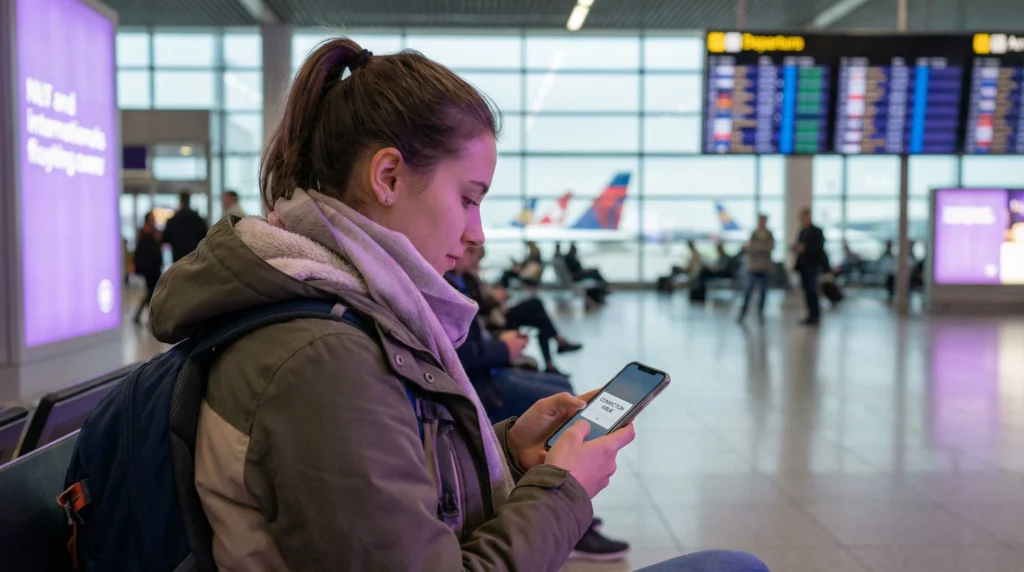
If your eSIM isn’t working, you’re not alone. Travelers frequently experience temporary connection issues after arriving in a new country.
Common problems include:
- Signal but no internet
- No signal
- Slow data
- Activation failure
The important thing to know: In most cases, your eSIM is not broken — it just needs a quick fix.
This guide explains every possible reason why an eSIM may not work and how to solve it step-by-step, anywhere in the world.
Step 1 — Check if roaming is enabled
This is the #1 reason eSIM doesn’t work.
Travel eSIM profiles require roaming turned ON.
- Fix: Settings → Mobile Data → eSIM → Data Roaming → ON
Step 2 — Restart your device
Many connectivity issues are temporary system glitches.
Restarting your phone:
- Refreshes network registration
- Reloads carrier settings
- Reconnects to local towers
This alone fixes many cases.
Step 3 — Switch network manually
Phones often connect automatically to the wrong carrier. Manual selection can instantly solve the problem.
Steps:
- 1. Open network selection
- 2. Disable automatic mode
- 3. Choose another network
- 4. Test connection
Step 4 — Confirm your eSIM is selected for data
Your phone may still be using your physical SIM.
- Check: Settings → Mobile Data → Data Line → select eSIM
Step 5 — Check if your plan is active
Your plan may:
- Not be activated yet
- Be expired
- Be out of data
Look for usage notifications:
- Activation message
- 50% used
- 80% used
- Data finished
- Expiry warning
Step 6 — Toggle airplane mode
- 1. Turning airplane mode ON for 10 seconds resets network connection.
- 2. Then turn it OFF.
This forces the device to reconnect to local towers.
Step 7 — Verify device compatibility
Not all phones support all network frequencies.
- Important: eSIM supported ≠ compatible with every country network
- Older or imported phones may lack required bands.
Step 8 — Reinstall the eSIM profile (rare cases)
If installation failed or profile is corrupted:
- Delete eSIM
- Reinstall using QR code or activation link
Only do this if other fixes fail.
Step 9 — Coverage limitations
Some areas simply have weak coverage:
- Mountains
- Rural areas
- Highways
- Tunnels
Even local SIM cards may not work there.
Quick universal fix checklist
Try these in order:
- Turn roaming ON
- Restart phone
- Toggle airplane mode
- Switch network manually
- Confirm eSIM selected for data
- Check remaining data
Most problems are solved within minutes.
Most common misconception
- Myth -> My eSIM doesn’t work.
- Reality -> Your settings or network selection are causing the issue.
When you should contact support
Contact support only if:
- No networks appear
- Installation fails
- QR code doesn’t work
- Profile missing
These are rare cases.
Country-specific troubleshooting guides
If you want targeted fixes for your destination, open your country guide:
- Turkey — https://novesim.com/esim-not-working-turkey/
- USA — https://novesim.com/esim-not-working-usa/
- Japan — https://novesim.com/esim-not-working-japan/
- Thailand — https://novesim.com/esim-not-working-thailand/
- UAE — https://novesim.com/esim-not-working-uae/
- UK — https://novesim.com/esim-not-working-uk/
- India — https://novesim.com/esim-not-working-india/
- Indonesia — https://novesim.com/esim-not-working-indonesia/
- Singapore — https://novesim.com/esim-not-working-singapore/
- Malaysia — https://novesim.com/esim-not-working-malaysia/
- South Korea — https://novesim.com/esim-not-working-south-korea/
- Vietnam — https://novesim.com/esim-not-working-vietnam/
- Australia — https://novesim.com/esim-not-working-australia/
- Canada — https://novesim.com/esim-not-working-canada/
- Mexico — https://novesim.com/esim-not-working-mexico/
- Brazil — https://novesim.com/esim-not-working-brazil/
- Spain — https://novesim.com/esim-not-working-spain/
- Italy — https://novesim.com/esim-not-working-italy/
- France — https://novesim.com/esim-not-working-france/
- Germany — https://novesim.com/esim-not-working-germany/
Final verdict
If your eSIM isn’t working anywhere in the world, the cause is almost always:
- Settings
- Network selection
- Compatibility
- Coverage
Not the eSIM itself. Most issues can be fixed in under 2 minutes. Find plans that work globally: 👉 https://novesim.com/destinations/
Frequently asked questions
Why is my eSIM not working?
Usually because roaming is disabled, the wrong network is selected, or your device is not compatible with local bands.
Can eSIM stop working suddenly?
Yes. This can happen if your data plan expires or your device switches to another network.
Does restarting phone fix eSIM problems?
Yes. Restarting often resolves temporary network connection issues.
Do I need roaming turned on for eSIM?
Yes. Travel eSIM profiles require roaming enabled to connect abroad.