


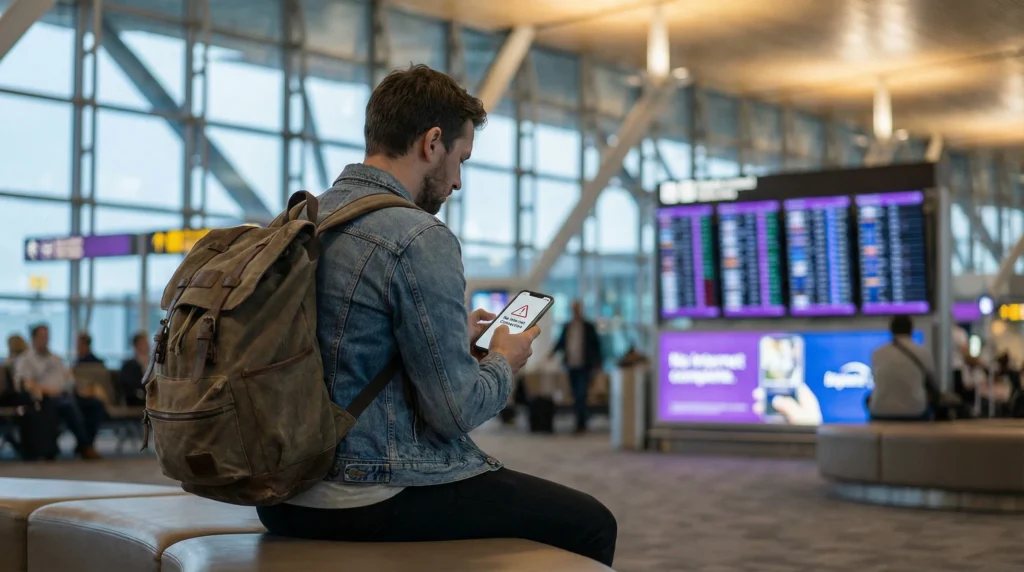

An eSIM not working in the USA can mean several different things: the profile may be absent, the line may show No Service, signal may appear without data, or only one app may fail. Identify the exact symptom before changing settings.
The United States uses several network technologies and frequency bands, so the exact phone variant matters as well as the plan. A handset that supports eSIM is not automatically compatible with every local band.
NoveSIM travel eSIMs are data-only. A successful test is a working webpage or map, not an ordinary carrier call or SMS.
Quick answer: Keep the eSIM installed, confirm the USA is included, turn the travel line on, select it for Mobile Data, enable Data Roaming and leave Network Selection on Automatic. Toggle Airplane Mode, then check data.esim only if manual APN entry is required.
Top United States eSIMs

United States eSIM
Fixed
1 GB, 7 days€ 2.672 GB, 15 days€ 4.453 GB, 30 days€ 5.79Unlimited
Unlimited, 1 day€ 3.56Unlimited, 3 days€ 8.91Unlimited, 5 days€ 13.81
Identify What Is Not Working
- No profile: installation did not complete or the wrong phone is being checked.
- Activating: the plan may be waiting for an eligible US network.
- No Service: registration, coverage or compatibility needs attention.
- Signal but no internet: check the data line, roaming, balance and APN.
- One app fails: investigate that app, VPN or account rather than reinstalling the eSIM.
Run the Safe USA Connection Sequence
- Confirm the eSIM appears in the phone’s SIM settings and is switched on.
- Select it under Mobile Data or Cellular Data.
- Enable Data Roaming on the travel eSIM.
- Keep roaming off on the primary SIM and disable automatic data switching.
- Set Network Selection to Automatic and wait several minutes.
- Toggle Airplane Mode for 30 seconds, then test a webpage and map.
The Data Roaming guide explains why roaming is normally required on a travel profile.
Check the Plan and Regional Coverage
Verify that the plan is valid, has remaining data and includes the United States. Coverage can differ across cities, interstate routes, national parks and indoor locations. Test outdoors or at a second location before concluding that the profile has failed.
Review the live USA eSIM plans for current partner networks, validity, 4G or 5G access and hotspot terms. Use only a listed partner if Support asks you to test manual selection.
Confirm Phone Compatibility
Check the exact model and regional variant on the NoveSIM compatible-device list, then confirm the phone is carrier-unlocked. Imported variants can support different bands despite sharing a model family name.
Check the NoveSIM APN
Do not edit a working automatic APN. If manual entry is required, use data.esim with username and password blank. Save it, select it if the phone provides that option, and restart mobile data.
When to Contact Support
Send the order number, US city or route, exact model, operating-system version, status-bar wording and safe screenshots of the selected data line, roaming and APN. Do not expose the QR code.
Do not delete the installed eSIM unless NoveSIM Support specifically instructs you to do so.
Related Articles
FAQ
Why is my eSIM not working in the USA?
The usual causes are wrong data-line selection, disabled roaming, incomplete registration, exhausted data, unsupported coverage or device-band differences.
Should Data Roaming be on in the USA?
It should normally be on for the travel eSIM because it uses partner networks. Keep it off on the primary SIM.
Can I select a US network manually?
Only test networks authorised for the plan. A visible network may reject registration if it is not a partner.
Should I delete and reinstall the eSIM?
No. Preserve the profile and contact Support after reversible checks. Delete it only when Support explicitly instructs you.
Final Recommendation
For an eSIM not working in the USA, diagnose the visible symptom first and verify the plan, phone variant and location.
Keep the travel line selected, roaming enabled on that line and Network Selection automatic before testing authorised alternatives.
Preserve the installed profile and provide precise device and location evidence if NoveSIM Support is required.