


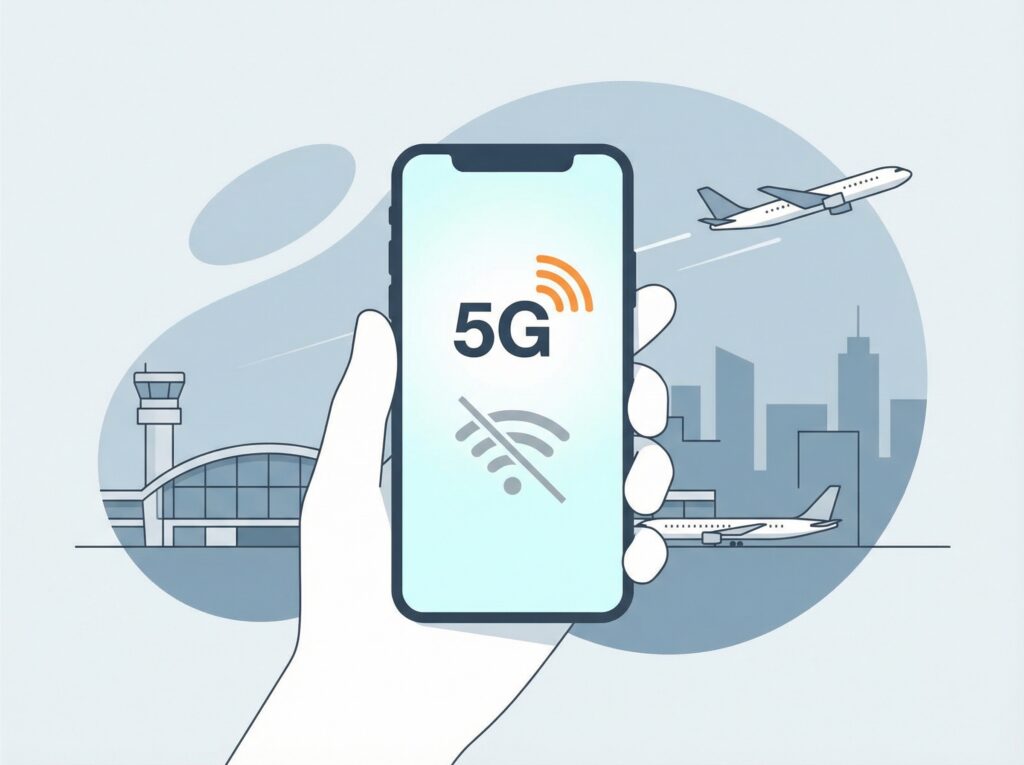
One of the most common questions travelers ask is whether an eSIM works without Wi-Fi.The short answer is yes — but Wi-Fi is needed at one specific moment.
This article explains exactly when Wi-Fi is required, when it isn’t, and how to avoid common mistakes.
If you’re new to eSIM technology, it helps to first understand what an eSIM is and how it works before looking at how it behaves without Wi-Fi.
When do you need Wi-Fi for an eSIM?
You only need Wi-Fi for one step:
👉 Installing the eSIM profile on your device
This happens when:
- You scan the QR code
- Your phone downloads the eSIM profile
- The mobile plan is added to your device
Once this step is completed, Wi-Fi is no longer required.
Does an eSIM work without Wi-Fi after installation?
After the eSIM is installed and activated, it works independently of Wi-Fi, just like a physical SIM card.
You can use:
- Mobile data
- Maps
- Messaging apps
- Browsing
- Ride-hailing apps
All through the mobile network, without Wi-Fi.
Can I install an eSIM without Wi-Fi?
Installing an eSIM requires an internet connection, which is usually:
- Wi-Fi
- Or another active mobile data connection
That’s why it’s recommended to install your eSIM before traveling, while you still have reliable internet access.
What happens if I arrive without Wi-Fi?
If you arrive at your destination and don’t have Wi-Fi:
- You may not be able to install the eSIM immediately
- You might need to find airport Wi-Fi, hotel Wi-Fi, or a café
To avoid this situation, installing the eSIM in advance is the safest option.
Does an eSIM activate without Wi-Fi?
Activation usually happens:
- Automatically when you connect to a supported mobile network
- When you arrive in the destination country
- When mobile data is enabled
Wi-Fi is not required for activation in most cases.
Using eSIM with mobile data only.
Once activated, an eSIM behaves like a regular mobile data connection:
- No Wi-Fi needed
- No roaming pop-ups
- No manual network selection in most cases
Your phone simply connects to the available network.
Can I use eSIM on a plane without Wi-Fi?
Like all mobile data services:
- eSIM requires cellular network coverage
- Airplane mode disables mobile connections
You can install an eSIM before your flight, but it will only work after landing.
Compared to traditional SIM cards, understanding how eSIM differs from a physical SIM explains why it performs better when Wi-Fi isn’t available.
Common mistakes to avoid:
- Waiting until arrival to install the eSIM
- Assuming eSIM needs Wi-Fi all the time
- Turning off the eSIM line by accident
- Deleting the eSIM profile too early
Understanding when Wi-Fi is needed prevents most issues.
Why travelers choose eSIM over relying on Wi-Fi
Travelers prefer eSIMs because:
- Public Wi-Fi is unreliable
- Hotel Wi-Fi can be slow
- Security risks exist on open networks
With an eSIM, you stay connected anywhere, not just where Wi-Fi is available.
Final thoughts
An eSIM does not need Wi-Fi to work on a daily basis. Wi-Fi is only required during installation, which can be done in advance. Once installed, your eSIM works like any other mobile data connection, keeping you online wherever you go.
Frequently asked questions about eSIM and Wi-Fi
Does eSIM need Wi-Fi all the time?
No. Wi-Fi is only needed during installation, not for daily use.
Can I install an eSIM using mobile data?
Sometimes yes, but Wi-Fi is more reliable and recommended.
Will my eSIM stop working if Wi-Fi is off?
eSIM uses mobile networks, not Wi-Fi.
Is eSIM better than relying on public Wi-Fi?
Yes. eSIM provides a more secure and stable internet connection.