


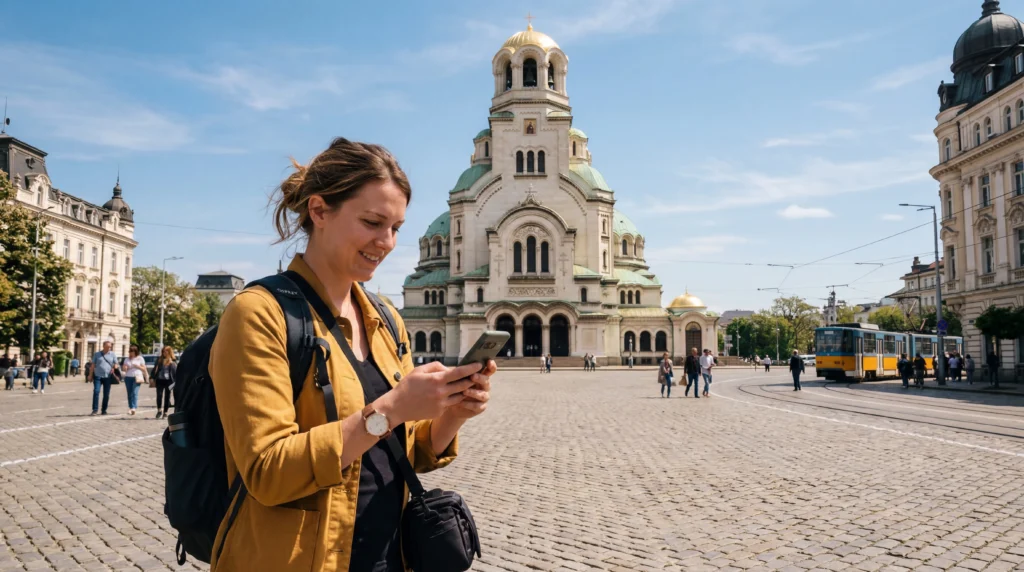

You can buy an eSIM for Bulgaria online before departure, receive the installation details digitally and prepare mobile data without visiting a local SIM shop.
This page focuses on the purchase and activation process. For a broader comparison of plan types, use the best eSIM for Bulgaria guide.
NoveSIM Bulgaria plans are data-only and do not supply a Bulgarian number, traditional calls or SMS. Internet messaging and calling work through mobile data.
Quick answer: confirm compatibility, choose a plan for the trip length and expected usage, install it on stable Wi-Fi and activate the correct data line after landing.
Top Bulgaria eSIMs

Bulgaria eSIM
Fixed
1 GB, 7 days2.00$2 GB, 15 days4.00$3 GB, 30 days5.00$Unlimited
Unlimited, 1 day2.50$Unlimited, 3 days5.50$Unlimited, 5 days9.00$
Balkans eSIM
Fixed
1 GB, 7 days5.00$2 GB, 15 days8.00$3 GB, 30 days10.50$Unlimited
Unlimited, 1 day5.50$Unlimited, 3 days12.50$Unlimited, 5 days19.50$Europe Extra eSIM
Fixed
1 GB, 7 days2.50$2 GB, 15 days4.00$3 GB, 30 days5.00$Unlimited
Unlimited, 1 day3.00$Unlimited, 3 days6.00$Unlimited, 5 days10.00$Europe+ eSIM
Fixed
1 GB, 7 days3.00$2 GB, 15 days4.50$3 GB, 30 days6.00$Unlimited
Unlimited, 1 day3.00$Unlimited, 3 days7.00$Unlimited, 5 days11.50$Europe Lite eSIM
Fixed
1 GB, 7 days2.50$2 GB, 15 days4.00$3 GB, 30 days5.00$Unlimited
Unlimited, 1 day3.00$Unlimited, 3 days6.00$Unlimited, 5 days10.00$What to Check Before Buying
- The phone supports eSIM and is not locked to one carrier.
- The plan explicitly includes Bulgaria.
- The validity period covers the entire trip.
- The data allowance fits navigation, messaging, uploads and work.
- Hotspot use is allowed if another device must be connected.
- The installation and activation timing are understood.
Do not choose only by headline data volume. Compare validity, supported network access, speed policy and whether a new plan is required after the allowance expires.
How to Buy and Install a Bulgaria eSIM
- Open the Bulgaria destination or plan page.
- Select the required data allowance and validity.
- Complete the purchase using accurate contact details.
- Open the delivery email on a second screen or save the manual installation details.
- On the destination phone, choose Add eSIM and scan the QR code.
- Label the new line Bulgaria or NoveSIM.
- Keep it disabled until the provider’s activation instructions say to connect.
How Much Data Should You Buy?
| Travel pattern | Planning range | Typical use |
|---|---|---|
| Light city break | 3–5GB | Maps, messages and bookings |
| Regular holiday | 5–15GB | Social media, photos and occasional calls |
| Heavy or work use | 15GB+ | Video, uploads and tethering |
These are planning ranges, not guarantees. Video quality and automatic backups can change consumption dramatically. Check usage after the first day and preserve a reserve for the airport transfer home.
When Does the Plan Start?
Installation and activation are not always the same event. Follow the specific plan instructions: some validity periods begin only when the eSIM first connects to a supported network, while other products may use different rules. Do not assume that every provider behaves identically.
Buying Online or Using a Local SIM Shop
An eSIM is convenient for immediate data and avoids swapping the home SIM. A registered local prepaid SIM may be preferable when a Bulgarian telephone number and conventional calls or SMS are essential. Compare the local SIM and eSIM options before choosing.
How to Prepare a Travel eSIM for Bulgaria
- Confirm that the phone supports eSIM and is carrier-unlocked.
- Buy the plan while a stable internet connection is available.
- Install the profile before departure when the plan instructions permit it.
- Label the home line and travel eSIM clearly.
- After arrival, select the travel eSIM for mobile data.
- Enable data roaming for that line and disable data switching to the home SIM.
- Turn off Wi-Fi and load a map or normal website to test mobile data.
NoveSIM travel eSIM plans are data-only. They do not include a Bulgarian telephone number, conventional calls or SMS, but maps, email, messaging and app-based calls can work through data. Keep the home SIM active only when needed and review its roaming charges.
Coverage, 5G and Hotspot Expectations
Bulgaria’s domestic operators publish coverage maps for technologies including 4G and 5G. Those maps are planning tools rather than promises: terrain, buildings, indoor position, device capability, crowding and network maintenance affect the real result. A travel eSIM may use a partner network defined by the plan, so access is not necessarily identical to a domestic subscription.
5G and hotspot availability depend on the plan, device, partner network, region and local coverage. A stable 4G connection is often more useful than an unstable 5G indicator. Tethering, when supported, shares the data allowance and can consume it quickly through laptop updates and cloud backup.
Safe Connection Checks
- Confirm the correct line is selected for mobile data.
- Enable data roaming on the travel eSIM.
- Toggle aeroplane mode for about 30 seconds.
- Restart the phone and allow automatic network selection to rescan.
- For NoveSIM, verify APN data.esim.
- Do not delete the installed eSIM unless support instructs you to do so.
If service remains unavailable, provide support with the order reference, device model, current location, displayed network and screenshots of the data-line and APN settings. Do not share passwords or complete payment details.
Common Buying Mistakes to Avoid
- Buying before confirming that the phone is unlocked.
- Scanning the QR code on a different device from the one that will use it.
- Assuming every plan begins only after landing.
- Choosing a regional plan without checking that Bulgaria is listed.
- Expecting a data-only plan to provide a Bulgarian telephone number.
- Deleting the profile when a setting correction would restore service.
Save the order reference and installation instructions somewhere accessible without the eSIM connection. If the delivery email does not arrive, check the entered address and spam folder before buying a duplicate plan.
What Happens After the Data Is Used
Top-up and renewal rules differ between products. Some plans allow an add-on, while others require a new purchase and a new eSIM profile. Check this before the allowance becomes low, especially during a road trip or late-night transfer. Do not assume that adding payment automatically extends the existing validity.
Refund and Device-Change Considerations
An eSIM is a digitally delivered product and refund eligibility can change once installation or activation has occurred. Review the current terms before purchase. An activated profile also may not transfer to another phone, so install it on the intended device and contact support before replacing or resetting that device.
Managing Data and Battery During the Trip
Download offline maps, translation packs, tickets and accommodation details over trusted Wi-Fi. Set photo backup and operating-system updates to Wi-Fi only, and choose a lower video quality when the mobile allowance matters. The phone’s data counter is useful for trends, although the provider’s accounting controls the actual allowance.
- Reset or note the data counter when the trip begins.
- Review consumption after the first full day.
- Pause automatic media downloads in group chats.
- Keep a reserve for airport transfers and delays.
- Carry a power bank on long travel days.
Weak signal increases battery use because the phone searches and transmits more aggressively. In a confirmed coverage gap, offline navigation and temporary aeroplane mode can preserve power, but remember to reconnect when service is needed.
Using the Home SIM Alongside the eSIM
A dual-SIM phone can retain the home number for incoming messages while using the travel eSIM for data. Label both lines clearly, disable data roaming on the home line unless its terms are understood, and turn off automatic data switching. Calls and SMS on the home number may still incur charges depending on the operator and plan.
Internet-based messaging uses the selected data line and normally keeps the existing account number. Installing a data-only eSIM does not require changing a WhatsApp or similar messaging account number.
Related Articles
- Buy an eSIM for Bulgaria
- Best eSIM for Bulgaria travel
- Internet in Sofia for tourists
- Internet on a Bulgaria to Turkey road trip
- Internet in Bulgaria for tourists
- Best SIM card for Bulgaria
- Local SIM versus eSIM in Bulgaria
- Mobile networks in Bulgaria
- Bulgaria eSIM coverage by route
- Roaming charges in Bulgaria
- EU roaming in Bulgaria
- How much data you need for Bulgaria
- Bulgaria eSIM APN settings
- Troubleshoot an eSIM in Bulgaria
- Internet at Sofia Airport
- Internet at Varna Airport
- Internet at Burgas Airport
FAQ
Does a NoveSIM Bulgaria eSIM include a local number?
No. NoveSIM travel eSIM plans are data-only and do not provide a Bulgarian number, conventional calls or SMS.
Can EU visitors use their home roaming in Bulgaria?
Eligible EU and EEA customers can generally use Roam Like at Home, but the home operator’s fair-use limits and contract conditions still apply.
Is 5G guaranteed with a Bulgaria eSIM?
No. It depends on the plan, partner network, device, provisioning, region and local coverage.
What is the NoveSIM APN?
The NoveSIM APN is data.esim. Username and password should remain blank unless support provides account-specific instructions.
Should I delete an eSIM that does not connect?
No. Check settings and contact support first; delete it only when support explicitly instructs you to do so.
Final Recommendation
Choose the connection according to the trip, device and need for a Bulgarian number rather than relying on one generic option.
Prepare mobile data before departure, keep offline maps and test the selected line after arrival.
Retain the eSIM during troubleshooting and verify the plan’s coverage, validity, hotspot and 5G conditions.