


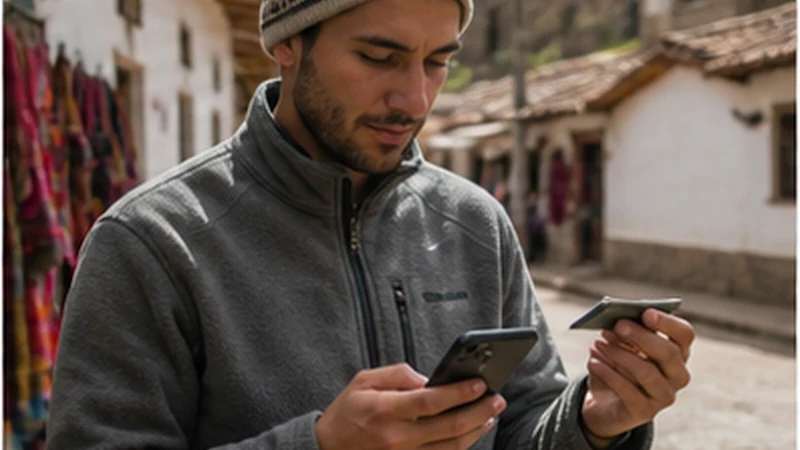

Bolivia eSIM dual SIM use lets a traveller keep the home number active while assigning mobile data to the travel profile.
The main risk is not having two lines; it is allowing the phone to switch data back to the home SIM and create roaming charges.
NoveSIM plans are data-only, so calls and SMS remain associated with the primary line while apps use the selected data connection.
Quick answer: For Bolivia eSIM dual SIM settings, select the travel profile for data, enable roaming only on that line and disable automatic mobile-data switching.
Top Bolivia eSIMs


Bolivia eSIM Dual SIM Line Roles
| Task | Line |
|---|---|
| Mobile data | Bolivia travel eSIM |
| Existing number | Home SIM |
| Travel-line roaming | On |
| Home-line roaming | Off |
| Automatic data switching | Off |
Follow the complete Bolivia installation guide and review activation after arrival.
Prevent Accidental Home-Line Data
Check the selected data line after a restart or system update. Receiving a call on the home number does not mean that line should also supply mobile data.
If the travel line has signal without internet, use data.esim only when manual APN entry is required. Do not delete the installed eSIM; use the safe troubleshooting order.
Related Articles
FAQ
Can I keep my normal number?
Yes. Keep the home SIM enabled for its number while using the travel eSIM for data.
Should roaming be enabled on both lines?
No. Enable it on the travel eSIM and keep it off on the home line.
Can the phone change data lines automatically?
Some phones can, so disable automatic mobile-data switching.
Should I delete the eSIM after a settings problem?
No. Preserve the profile and correct the line assignments first.
Final Recommendation
Bolivia eSIM dual SIM use is safest when each line has one clear role.
Keep travel data and roaming on the eSIM while protecting the home line.
Recheck the selected data line whenever the phone restarts or changes configuration.