


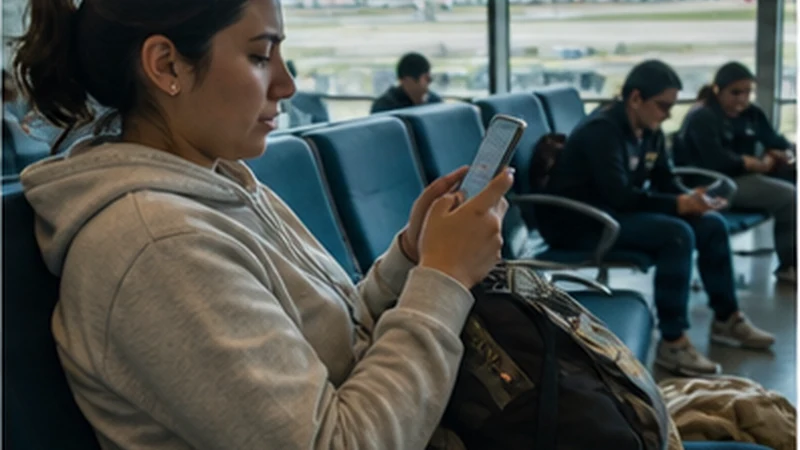

Viru Viru airport Wi-Fi can help with a short arrival message or transfer check, but access conditions and performance may change.
Travellers should verify the network name at the airport, avoid sensitive account activity and keep the Santa Cruz destination available offline.
A NoveSIM travel eSIM is data-only and can provide an independent connection after registration; it does not include a Bolivian number, calls or SMS.
Quick answer: Use Viru Viru airport Wi-Fi only after confirming the official network, limit it to essential tasks and keep a pre-installed eSIM plus offline transfer details as backups.
Top Bolivia eSIMs


Verify Viru Viru Airport Wi-Fi Before Connecting
Check the displayed network name against airport signage or ask an information point. A similarly named open hotspot is not proof that the connection belongs to the airport.
The consolidated Viru Viru Airport internet guide compares Wi-Fi, eSIM and local SIM options. Use it before travelling rather than making a rushed decision in the terminal.
Keep Public Wi-Fi Use Limited
- Send an arrival message or confirm a transfer.
- Avoid banking, password changes and sensitive work accounts.
- Do not share an eSIM QR code with an unknown helper.
- Disconnect when the essential task is complete.
Save the driver contact, accommodation address and booking reference before flying. The Santa Cruz connectivity guide covers the city stage after leaving the terminal.
Use a Pre-Installed eSIM as the Fallback
Install the profile before departure, then select it for mobile data and enable Data Roaming after arrival. Keep home-line roaming and automatic data switching off.
If signal appears without data, use data.esim only when manual APN entry is required. Do not delete the installed eSIM in the terminal; follow the Bolivia eSIM checks first.
Related Articles
FAQ
Is Viru Viru Airport Wi-Fi always available?
Availability and performance can change, so keep essential arrival information offline and an alternative connection ready.
How do I identify the correct network?
Use current terminal signage or ask airport staff rather than selecting a network based only on its name.
Should I install an eSIM over airport Wi-Fi?
Installing before departure over trusted Wi-Fi is preferable because it avoids exposing the private QR code or depending on the arrival network.
What if the eSIM does not connect?
Keep the profile installed, verify the selected data line and roaming settings, then try Airplane Mode and a restart.
Final Recommendation
Treat Viru Viru airport Wi-Fi as a temporary convenience for a small number of arrival tasks.
Verify the network, protect sensitive accounts and move to the installed travel data line when it registers.
Keep the Santa Cruz transfer usable offline so neither Wi-Fi nor mobile data becomes a single point of failure.