


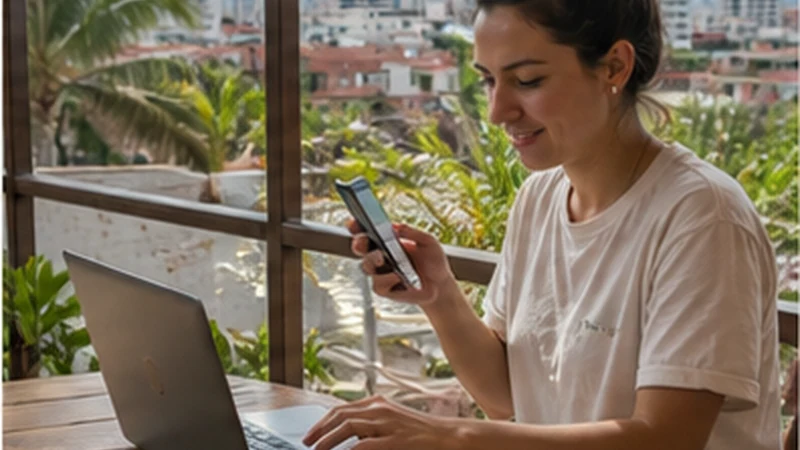

A Bolivia eSIM hotspot can share mobile data with a laptop, tablet or another phone when tethering is allowed by the selected plan and supported by the device.
Hotspot performance cannot be better than the phone’s mobile connection. It is most useful in connected cities and towns, not as a promise of service on remote Altiplano, salt-flat or Amazon routes.
NoveSIM Bolivia plans are data-only and provide no Bolivian number, traditional calls or SMS. Hotspot traffic uses the same data allowance as activity on the phone.
Quick answer: Confirm that the current plan permits tethering, test mobile data on the phone first, use a strong password and monitor laptop background traffic.
Top Bolivia eSIMs


Check Bolivia eSIM hotspot support
Hotspot availability depends on the selected plan, phone, operating system and current network conditions. An unlimited label may still have fair-use or tethering conditions.
Read the live Bolivia plan terms and the Bolivia eSIM comparison before relying on tethering for work.
Set up a secure hotspot
- Confirm that mobile data works on the Bolivia eSIM.
- Open Personal Hotspot, Mobile Hotspot or Tethering settings.
- Create a strong password and use WPA2 or WPA3 when available.
- Connect only the devices needed for the session.
- Turn the hotspot off afterwards.
Keep home-line roaming and automatic data switching off. The Bolivia setup guide explains the dual-SIM arrangement.
Control data and battery use
- Pause cloud sync, operating-system updates and automatic photo backup.
- Lower video-call quality when mobile data is the backup.
- Mark the hotspot as a metered connection on the laptop.
- Keep the phone ventilated and connected to suitable power.
- Disconnect idle devices.
Estimate the allowance with the Bolivia mobile-data guide. Weak reception can increase battery use and make calls unstable.
Choose a realistic place to tether
La Paz, Santa Cruz or another populated location is a more realistic work setting than a moving vehicle or a remote excursion. Test the exact room and time period before an important meeting.
Use the Bolivia coverage guide and keep essential files offline.
If the hotspot connects without internet
Test mobile data directly on the phone. Restart the hotspot, forget it on the receiving device and check the plan allowance. Use data.esim only if phone data also fails and manual APN entry is required.
Do not delete the installed eSIM. Follow the Bolivia troubleshooting steps before contacting support.
Related Articles
FAQ
Does every Bolivia eSIM allow hotspot use?
No. Tethering depends on the current plan, phone and network conditions.
Can I work from a laptop using the hotspot?
Yes where the connection is stable and the allowance is sufficient, but test before an important call.
Why is tethering slower than the phone?
Weak signal, congestion, Wi-Fi interference and several devices can reduce performance.
Should I delete the eSIM if hotspot fails?
No. Keep the profile and test phone data separately first.
Final Recommendation
Use a Bolivia eSIM hotspot for deliberate sessions in places with tested mobile coverage.
Protect the connection, control background traffic and monitor the allowance.
Keep offline files and another work option because tethering depends on both mobile coverage and the selected plan.