


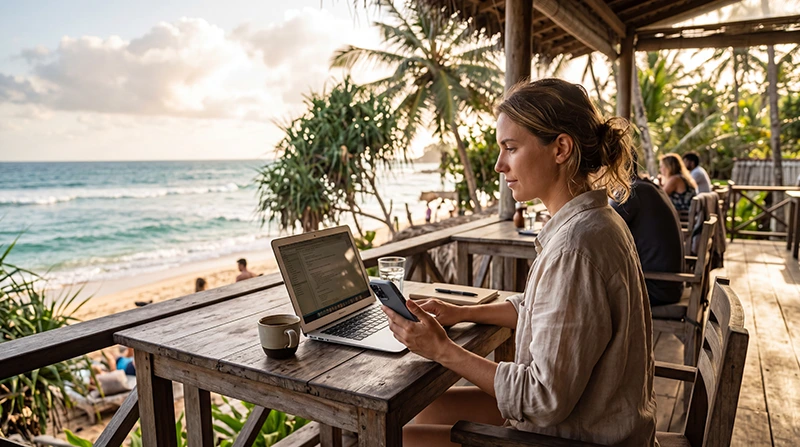

Remote work in Sri Lanka is safest when you test the actual connection before the workday starts and keep a second route online. Accommodation Wi-Fi can be the primary connection, while a travel eSIM provides mobile backup for messages, documents and urgent reconnecting.
This guide focuses on execution: running meetings, using a hotspot, controlling laptop traffic and responding to an outage. It does not replace the longer-stay decision about which city or property to choose.
NoveSIM travel eSIMs are data-only. We do not provide a local number or conventional calls and SMS, but meeting and messaging apps work through data when bandwidth and latency are adequate.
Quick answer: Test download, upload, latency and one real call from the exact desk. Connect the laptop to your mobile hotspot once before a deadline, pause cloud sync and keep essential files offline.
Top Sri Lanka eSIMs

Sri Lanka eSIM
Fixed
1 GB, 7 days€ 4.452 GB, 15 days€ 7.133 GB, 30 days€ 9.35Unlimited
Unlimited, 1 day€ 4.90Unlimited, 3 days€ 11.14Unlimited, 5 days€ 17.37
Run a Workday Test, Not Only a Speed Test
- Test from the desk at the time you expect to work.
- Check upload as well as download performance.
- Join a short call using the normal camera and headset.
- Open the cloud tools required for the job.
- Move the phone to find the strongest safe hotspot position.
- Repeat the test when other guests are using the network.
A fast result at midday may not predict evening congestion. Stability across the planned working hours matters more than a single peak reading.
Prepare a Hotspot Before You Need It
Check the current Sri Lanka eSIM options, then verify whether the selected plan supports hotspot use. Availability depends on the plan and device.
- Connect the laptop and confirm it receives internet.
- Mark the phone connection as metered where possible.
- Pause system updates, photo backup and cloud synchronisation.
- Keep the phone powered without covering or overheating it.
- Disconnect the hotspot after the test.
Reduce Data Use During Video Meetings
Video meetings can consume far more data than documents or messaging. Turn off incoming HD video when it is unnecessary, close cloud-sync applications and use audio-only mode if the connection weakens. Estimate the total allowance with the Sri Lanka data-use guide.
What to Do When Wi-Fi Fails
- Send a brief message before attempting lengthy troubleshooting.
- Switch to the tested hotspot.
- Close non-essential tabs and background applications.
- Move to the backup workspace if the outage continues.
- Reschedule bandwidth-heavy transfers for a stable connection.
If the eSIM itself has signal but no data, follow the Sri Lanka mobile-data recovery steps. Do not delete the installed profile.
Plan Around Trains and Long Transfers
Do not schedule an important live meeting while travelling through the hill country or by rail. Mobile service can drop in tunnels and terrain shadows. Download documents before departure and treat the journey as offline time.
See the Sri Lanka train internet guide for route preparation.
Choose a Workspace for the Specific Task
A café may suit email but not a confidential call. A coworking desk may be useful for a full workday, while an accommodation room can be quieter if its router coverage is adequate. Compare venue questions in the Sri Lanka coworking guide.
For choosing a longer-term base and property, use the digital-nomad internet guide.
Keep Work Secure on Shared Wi-Fi
- Use approved multi-factor authentication and security tools.
- Avoid unknown open networks for sensitive work.
- Confirm the correct network name with the venue.
- Forget the network after leaving.
- Keep the device updated before travelling.
Related Articles
- Internet for Digital Nomads in Sri Lanka
- Coworking in Sri Lanka
- Sri Lanka eSIM Plans
- Fix a Sri Lanka eSIM with No Internet
FAQ
Can I make video calls while working remotely in Sri Lanka?
Often yes, but test the exact location and working time. Upload stability and latency matter as much as download speed.
Can an eSIM replace accommodation Wi-Fi?
It may work as a backup or primary connection for light tasks, but video calls and laptop updates can consume substantial data.
Can I use a Sri Lanka eSIM as a hotspot?
Hotspot availability depends on the plan and device. Confirm the plan terms and test the laptop connection in advance.
Should I work during a Sri Lanka train journey?
Offline tasks are safer. Tunnels and terrain can interrupt mobile service, making live meetings unreliable.
Final Recommendation
For remote work in Sri Lanka, test the real work setup rather than relying on a general promise of fast internet.
Keep fixed Wi-Fi as the primary connection where possible and prepare a mobile hotspot for short outages and urgent messages.
Pause background data, save essential files offline and avoid scheduling critical calls during transfers through variable-coverage areas.