


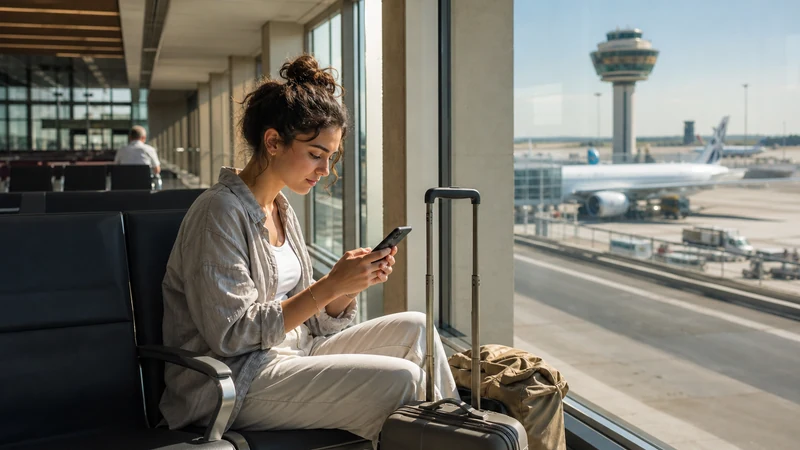

Seville Airport WiFi is useful for opening a boarding pass, checking a booking or sending a message while you are inside the terminal. It does not solve the need for maps, ride coordination and mobile data once you leave the airport.
Aena provides the airport network, while a Spanish SIM or travel eSIM supplies the onward connection. Travellers arriving late should not assume that a suitable SIM package will be available at an airport retailer.
NoveSIM travel eSIMs are data-only. We do not provide a Spanish telephone number, conventional calls or SMS.
Quick answer: At Seville Airport, select Airport Free Wifi Aena and complete the welcome portal as a guest or Aena Club member. If you need internet after leaving the terminal, prepare an eSIM before departure or buy a Spanish SIM after checking current retailer hours and identification requirements.
Top Spain eSIMs

Spain eSIM
Fixed
1 GB, 7 days€ 1.762 GB, 15 days€ 3.523 GB, 30 days€ 4.40Unlimited
Unlimited, 1 day€ 2.20Unlimited, 3 days€ 4.84Unlimited, 5 days€ 7.93
Europe Extra eSIM
Fixed
1 GB, 7 days€ 2.202 GB, 15 days€ 3.523 GB, 30 days€ 4.40Unlimited
Unlimited, 1 day€ 2.64Unlimited, 3 days€ 5.28Unlimited, 5 days€ 8.81Europe+ eSIM
Fixed
1 GB, 7 days€ 2.642 GB, 15 days€ 3.963 GB, 30 days€ 5.28Unlimited
Unlimited, 1 day€ 2.64Unlimited, 3 days€ 6.16Unlimited, 5 days€ 10.13How to Connect to Seville Airport WiFi
- Open WiFi settings and select Airport Free Wifi Aena.
- Open the welcome portal when it appears.
- Continue with an email address as a guest or sign in with Aena Club.
- Complete any verification shown on screen before using the connection.
Aena currently describes the service as unlimited after verification. Confirm the displayed network name on airport signage because login details can change.
If the Login Page Does Not Appear
Turn WiFi off and on, forget the network and reconnect. Then open a normal website in the browser to prompt the captive portal. Aena also directs users to freewifi.aena.es when the registration page does not open automatically.
A VPN or private DNS setting can prevent a captive portal from loading. Pause it only long enough to sign in, then restore the setting. Ask airport staff before joining any similarly named network.
Can You Buy a SIM Card at Seville Airport?
Retail availability, stock and opening hours can change, so an airport SIM should be treated as an option rather than a guaranteed arrival service. A local prepaid SIM may suit travellers who need a Spanish number, but registration and physical-SIM replacement may be required.
An eSIM avoids waiting for a shop and leaves the physical SIM in place on a compatible unlocked phone. Compare the current Spain eSIM plans with the wider guidance in the Spain SIM card guide before choosing.
Internet from the Airport to Seville
Airport WiFi ends as you move away from the terminal. Save the accommodation address and transfer instructions offline, especially if arrival is late. Mobile data is useful for current bus information, taxi coordination and walking directions at the city end of the journey.
Install an eSIM on dependable WiFi before travel and follow the activation timing in the order. Check the exact handset on the eSIM-compatible device list.
Safe Settings after Landing
Select the travel eSIM for Mobile Data, enable Data Roaming on that line and turn off automatic data switching. Keep Data Roaming disabled on the primary SIM. Leave Network Selection on Automatic unless Support gives a specific alternative.
If manual NoveSIM APN entry is required, use data.esim with blank username and password. Do not delete the installed profile during troubleshooting unless Support instructs you to do so.
Related Articles
- Spain eSIM plans
- Best SIM card options for Spain
- Internet in Seville for tourists
- Install a Spain eSIM
- Using Google Maps in Spain
FAQ
Is WiFi free at Seville Airport?
Aena provides the Airport Free Wifi Aena network. Follow the current welcome-portal instructions and verify the network name on official airport signage.
Why is the Seville Airport WiFi login page not opening?
Forget and rejoin the network, open a normal website or enter freewifi.aena.es. A VPN or private DNS may need to be paused during login.
Can I buy a tourist SIM at Seville Airport?
Availability depends on current retailers, hours and stock. Check before relying on an airport purchase, particularly for a late arrival.
Do I need mobile data after leaving Seville Airport?
Mobile data is useful for live transport, taxi coordination, accommodation messages and navigation because the terminal WiFi does not continue into the city.
Final Recommendation
Use Seville Airport WiFi for immediate terminal tasks, but verify the official Aena network before entering information.
Prepare mobile data before departure if maps and transfers must work without depending on airport retail stock or opening hours.
Keep the accommodation address offline, protect the primary SIM from roaming and retain the installed eSIM through temporary registration problems.