


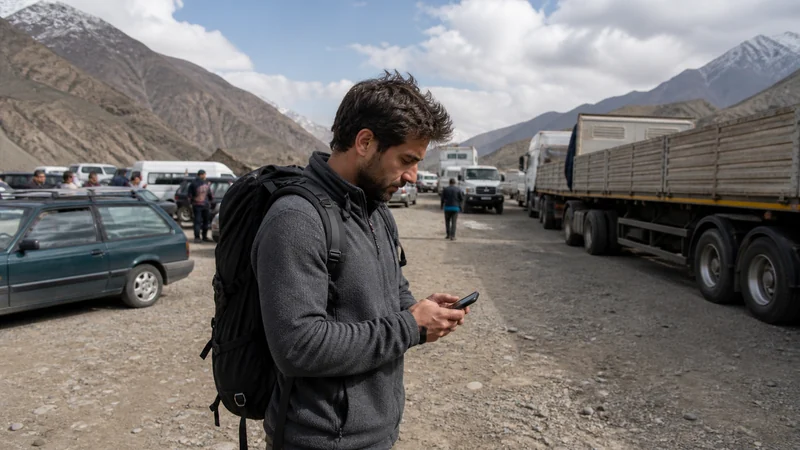

Tajikistan Uzbekistan border mobile internet involves leaving one national network environment and registering in another. Even at a busy crossing, the phone may spend time without data while coverage, roaming permissions and the selected plan change.
Connectivity advice does not confirm that a crossing is open or suitable for a traveller’s documents. Check current official border and entry information independently.
Quick answer: Verify that the live plan covers both countries or prepare separate profiles, save crossing details offline and allow time for network registration after entry.
Top Tajikistan eSIMs


Tajikistan Uzbekistan Border Mobile Internet: The Decision Framework
The practical decision depends on the traveller’s route, device and current plan terms. The sections below separate those factors so the recommendation remains useful without relying on a generic ranking or a blanket coverage promise.
Tajikistan Uzbekistan Border Mobile Internet Coverage
Review the current Tajikistan plan and its country list. A regional label is not enough evidence that Uzbekistan is included.
The national internet guide explains why service along a transport corridor can still vary close to the frontier.
Prepare Before Leaving the Last City
Install required profiles on reliable Wi-Fi using the setup guide. Label each by country and retain private order instructions.
Download maps, the next accommodation, transport booking, entry documents and important contacts. Keep legally required originals separately.
Switch Lines After Entry
Choose the profile covering Uzbekistan for Mobile Data, enable its Data Roaming and keep automatic network selection during first registration. Disable data switching to prevent the phone falling back to the wrong line.
A short offline interval does not prove that installation failed. Move beyond the border facility and allow time for a supported network to appear.
Safe Troubleshooting
If signal appears without data, verify the active plan and then enter data.esim only if manual APN entry is required. Never copy settings from an unrelated local subscription.
Do not delete the profile. Use the Tajikistan troubleshooting sequence, check coverage limits or contact support from a dependable connection.
Related Articles
- how NoveSIM works
- NoveSIM FAQ
- eSIM help centre
- best eSIM for travel
- install eSIM on iPhone
- install eSIM on Android
- eSIM APN settings
- eSIM hotspot guidance
- check phone eSIM support
- contact NoveSIM Support
- all eSIM destinations
- Tajikistan eSIM plans
- Tajikistan mobile internet
- Pamir mobile internet
FAQ
Does a Tajikistan eSIM work in Uzbekistan?
Only when the exact plan explicitly lists Uzbekistan.
Why does data stop at the border?
The phone must leave one network and register on an allowed partner in the next country.
Should both profiles stay installed?
Yes. Keep them labelled and switch the active data line rather than deleting profiles.
Which APN should NoveSIM use?
Use data.esim only if manual APN entry is required.
Final Recommendation
Tajikistan Uzbekistan border mobile internet preparation starts with verifying both country entitlements before travel.
Store the crossing and onward route offline, then switch the active data profile after entry.
Allow time for registration and preserve installed profiles if troubleshooting is needed.