


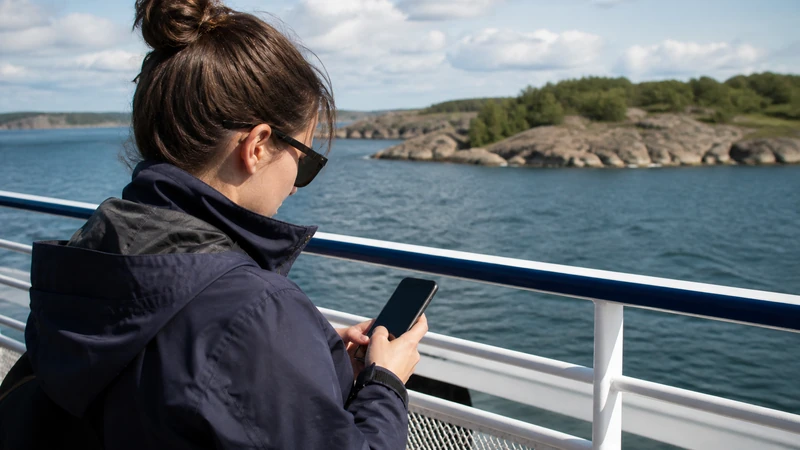

Mobile internet on Sweden’s archipelago ferries can work near populated islands and the mainland, but reception may weaken as the vessel moves between islands or farther from coastal network sites.
A ferry route should therefore be planned offline-first. Tickets, terminal details, island addresses and the next connection should remain available without a live signal.
NoveSIM Sweden plans are data-only. They support travel apps and internet messaging but do not include a Swedish number, traditional calls or carrier SMS.
Quick answer: Download tickets and island maps before boarding, keep automatic network selection enabled and expect short coverage changes during the crossing. Do not rely on ferry Wi-Fi or mobile data as the only copy of an essential booking.
Top Sweden eSIMs

Sweden eSIM
Fixed
1 GB, 7 days€ 2.222 GB, 15 days€ 3.553 GB, 30 days€ 4.44Unlimited
Unlimited, 1 day€ 2.22Unlimited, 3 days€ 5.32Unlimited, 5 days€ 8.43
Europe Extra eSIM
Fixed
1 GB, 7 days€ 2.222 GB, 15 days€ 3.553 GB, 30 days€ 4.44Unlimited
Unlimited, 1 day€ 2.66Unlimited, 3 days€ 5.32Unlimited, 5 days€ 8.87Europe+ eSIM
Fixed
1 GB, 7 days€ 2.662 GB, 15 days€ 3.993 GB, 30 days€ 5.32Unlimited
Unlimited, 1 day€ 2.66Unlimited, 3 days€ 6.21Unlimited, 5 days€ 10.20Why ferry reception changes
Mobile coverage follows land-based infrastructure. Open water, islands, vessel structure, weather and distance from shore can affect the signal. A phone may also change between available partner networks as the route progresses.
Coverage and 5G depend on the purchased plan, device, route and local conditions. Stable 4G is sufficient for tickets, maps and messages when it is available.
Prepare before reaching the terminal
- Save the booking confirmation and boarding location.
- Download the island map and accommodation address.
- Record the final ferry or bus connection of the day.
- Charge the phone and carry a power bank.
- Tell accommodation hosts the expected arrival time.
Use Google Maps in Sweden to prepare offline areas, while treating operator schedules as the source for current ferry information.
Configure the eSIM for the crossing
- Confirm that the Sweden eSIM is turned on.
- Select it as the mobile-data line.
- Disable automatic data switching.
- Enable roaming on the travel eSIM when the plan requires it.
- Leave network selection on automatic.
This avoids moving data to the home SIM during a brief signal change. Review Sweden roaming charges before leaving the home line available.
Use ferry Wi-Fi as a convenience
If Wi-Fi is offered, it may be shared, congested or limited by the vessel’s own connection. It can help with light browsing, but should not be the sole way to retrieve a ticket or contact the next stop.
A personal data line provides an alternative near coverage, while offline copies cover the gaps. Compare both approaches in the Sweden eSIM and pocket Wi-Fi guide.
Reduce unnecessary data at sea
Pause cloud backups, app updates and high-resolution streaming before departure. Ferry movement and signal changes can make large transfers unreliable while consuming the remaining high-speed allowance.
Estimate the full journey with the Sweden data guide, not only the crossing.
If the phone loses service
Wait until the route approaches another populated island or shore, then let automatic selection reconnect. A short aeroplane-mode cycle can refresh registration after coverage returns.
If service remains absent on land, follow Sweden eSIM troubleshooting. Keep the eSIM installed unless NoveSIM support tells you to remove it.
Related Articles
- Sweden eSIM Coverage
- Rural Sweden Mobile Coverage
- Mobile Networks in Sweden
- Mobile Data in Sweden
- Sweden Road-Trip Internet
FAQ
Is there mobile internet on Sweden archipelago ferries?
Often there is coverage near the mainland and populated islands, but it can change during the route. Availability depends on location, network and vessel conditions.
Do Sweden ferries have Wi-Fi?
Some services may offer it, but availability and quality differ. Keep tickets and essential route details offline rather than depending on onboard Wi-Fi.
Should I select a network manually on a ferry?
Usually no. Automatic selection is better as the route moves through different coverage areas. Use manual selection only when the purchased plan supports the network and troubleshooting requires it.
Will 5G work throughout an archipelago crossing?
It is not guaranteed. 5G depends on the plan, phone and local coverage; stable 4G is adequate for normal travel tasks.
Final Recommendation
Prepare Sweden archipelago ferry travel around offline tickets, maps and onward connections.
Use the Sweden eSIM with automatic network selection and controlled home-SIM settings, while expecting temporary changes in reception.
Treat onboard Wi-Fi and mobile data as useful live layers, not as the only copy of information required to complete the journey.