


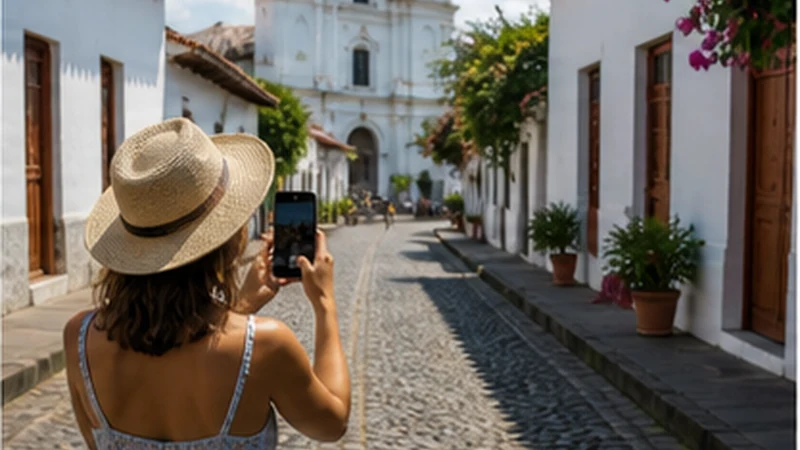

Suchitoto mobile internet is useful for maps, accommodation messages and changed transport, but the return plan should exist offline before leaving San Salvador or another base. A delayed message should not determine whether you can get back.
For an overnight stay, ask whether Wi-Fi reaches the booked room rather than assuming a common-area connection is suitable for work or uploads.
NoveSIM plans are data-only and do not provide a Salvadoran number, normal calls or SMS. Internet messaging works through data where coverage is available.
Quick answer: Save the full address, meeting point and last practical return option before departure. Test mobile data on arrival, but keep the town map and onward route available without signal.
Top El Salvador eSIMs

El Salvador eSIM
Fixed
1 GB, 7 days€ 3.992 GB, 15 days€ 7.103 GB, 30 days€ 11.98Unlimited
Unlimited, 1 day€ 5.32Unlimited, 3 days€ 17.75Unlimited, 5 days€ 24.40
Caribbean eSIM
Fixed
1 GB, 7 days€ 9.322 GB, 15 days€ 16.863 GB, 30 days€ 23.52Unlimited
Unlimited, 1 day€ 13.75Unlimited, 3 days€ 39.49Unlimited, 5 days€ 65.22Central America eSIM
Fixed
1 GB, 7 days€ 7.102 GB, 15 days€ 11.543 GB, 30 days€ 15.53Unlimited
Unlimited, 1 day€ 6.66Unlimited, 3 days€ 16.42Unlimited, 5 days€ 26.18Decide whether Suchitoto is a day trip or a base
| Trip type | Connectivity priority |
|---|---|
| Day trip | Return transport, meeting point and charged phone |
| Overnight stay | Property Wi-Fi, room reception and next departure |
| Work stay | Verified fixed connection plus mobile backup |
| Road-trip stop | Offline onward map and vehicle details |
The San Salvador–Suchitoto route guide focuses on the transfer rather than the town stay.
Prepare Suchitoto mobile internet before departure
- Download the town and full road corridor.
- Save the destination address in plain text.
- Record return transport and an alternative.
- Store the accommodation contact if staying overnight.
- Charge the phone and power bank.
- Pause automatic photo and video backup.
Use the canonical El Salvador road-trip guide when Suchitoto is one stage of a larger route.
Verify property Wi-Fi by room and task
Ask whether the signal reaches the bedroom or workspace and whether outages are common. Use fixed Wi-Fi for large transfers, while retaining travel data for movement around town.
For sustained work, the digital-nomad guide covers power and second-connection planning.
Do not confuse a local gap with broken settings
Buildings, terrain and the exact street can change reception. Move to a safe open position before altering the phone. Available networks and 4G or 5G depend on the plan, device and local coverage.
Check the coverage guide and preserve the offline return plan through any temporary gap.
Test the travel line methodically
Select NoveSIM for data, enable roaming on that profile and keep network selection on Automatic. If manual APN entry is required, use data.esim.
Use the troubleshooting guide if no page loads. Do not delete the installed eSIM unless support instructs you to do so.
Related Articles
FAQ
Can I use an eSIM in Suchitoto?
Yes on a compatible unlocked phone with an eligible El Salvador plan, subject to local coverage.
Should I download the return route?
Yes. Save the route and transport details before leaving the starting base.
Is accommodation Wi-Fi enough for work?
Verify the exact room and keep mobile data as a separate backup.
What if reception disappears?
Use the offline route and move safely before assuming the settings are wrong.
Final Recommendation
Use Suchitoto mobile internet to support the visit after the return plan is already saved.
Test travel data, verify room Wi-Fi and preserve the installed eSIM through local coverage changes.
Leave the town with the next route available offline, whether returning to San Salvador or continuing elsewhere.