


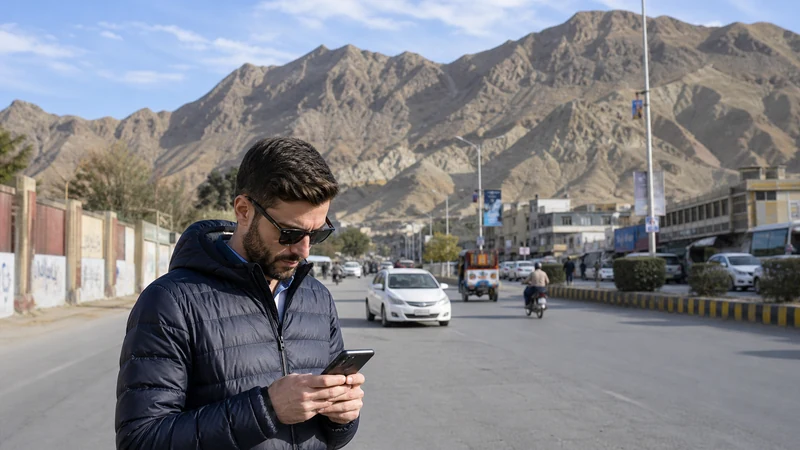

Mobile internet in Quetta can support city navigation and coordination, but travellers continuing through Balochistan need a stronger offline plan for distance and sparse service.
NoveSIM Pakistan plans are data-only and do not include a Pakistani number.
Do not infer wider Balochistan service or route permission from a successful connection inside Quetta.
Quick answer: Test the eSIM in Quetta, download the complete next route, save contacts and permits, carry power and confirm recent local conditions before leaving the city.
Top Pakistan eSIMs

Pakistan eSIM
Fixed
1 GB, 7 days€ 3.992 GB, 15 days€ 7.103 GB, 30 days€ 10.20Unlimited
Unlimited, 1 day€ 5.32Unlimited, 3 days€ 15.09Unlimited, 5 days€ 23.96
Use Quetta as the Last Preparation Point
Resolve line, allowance and device problems while a known connection is available. A city test does not promise continuity outside it.
Prepare Balochistan Routes Offline
- Download route alternatives.
- Save fuel, accommodation and driver contacts.
- Keep permits and identity documents accessible offline.
- Agree on check-in times.
Follow the remote-area checklist.
Separate Coverage from Safety
Mobile signal does not replace current official travel guidance, local transport advice or route restrictions. Check these before departure.
Test the Connection Methodically
Use Automatic network selection, test outdoors and preserve the installed eSIM. Review coverage expectations and safe troubleshooting.
Related Articles
FAQ
Will Quetta mobile data continue across Balochistan?
Do not assume so. Compare the exact route with current coverage and prepare for gaps.
Should I select a network manually?
Keep Automatic normally and test only networks permitted by the plan.
What should be offline?
Maps, permits, accommodation, transport contacts and check-in plans.
Should I delete an eSIM in a gap?
No. Keep it installed and retest in a known served location.
Final Recommendation
Test and prepare in Quetta before wider travel.
Keep routes, documents and contacts offline.
Follow current travel guidance and treat connectivity as support, not route safety.