


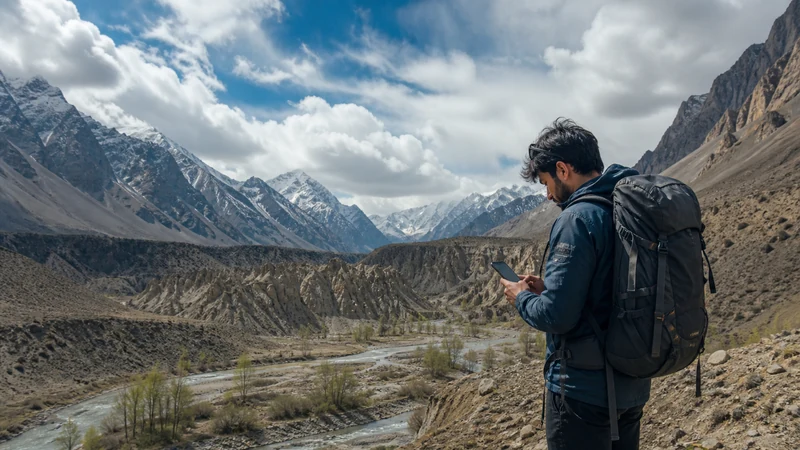

Mobile internet in remote Pakistan should be treated as an occasional tool, not a continuous safety system. The journey must remain workable when no network is available.
Remote can mean mountain terrain, sparse roads, border regions or places affected by local restrictions and disruption. Connectivity never substitutes for permission or qualified route advice.
NoveSIM Pakistan plans are data-only and cannot guarantee service beyond the plan’s available network footprint.
Quick answer: Verify route permission and recent conditions, download maps and documents, carry power, agree on check-in times and escalation, and test the exact plan’s network before leaving the last served location.
Top Pakistan eSIMs


Define the Last Reliable Connection Point
Identify the town, property or transport stop where the phone, maps and contacts can be updated. Complete all downloads and send the next check-in plan there.
Create an Offline Field Pack
- Full route, alternatives and safe stops
- Accommodation and transport contacts
- Permits and identity documents
- Emergency and check-in procedure
- Weather and road information available before departure
- Power, cables and protected backup battery
Agree on Communication Failure
Tell a trusted contact the route, expected arrival and when a missed check-in becomes actionable. Do not promise updates from a location that has not been tested.
Keep Official Restrictions Separate from Coverage
A mobile network map says nothing about whether an area is open, permitted or advisable. Check current authorities and relevant travel advisories before departure, especially near borders.
Test the Exact Network at the Edge
Confirm the eSIM is active and has allowance, then compare the plan’s permitted network with recent local information. Use the network guide and the coverage framework.
Do Not Turn a Gap into a Profile Problem
At a safe stop, test outdoors and refresh registration. A valley or road gap does not justify deleting the eSIM. Use the troubleshooting guide only after returning to a known served area.
Manage Power for the Entire Route
Reduce screen brightness, stop hotspot and backup, keep devices protected from temperature extremes and reserve battery for navigation and essential contact.
Related Articles
FAQ
Will a travel eSIM work in remote Pakistan?
Only where the exact plan’s available network has usable service. Prepare for no connection.
Can a coverage map prove a route is safe?
No. Coverage, permission, road status and safety are separate questions.
What is the most important backup?
An offline route and a clear check-in/escalation plan, supported by sufficient power.
Should I reset the phone in a gap?
No. Preserve the configuration and retest at the next known served location.
Final Recommendation
Design the remote journey to succeed without signal.
Update at the last reliable connection and carry route, documents, power and check-in arrangements offline.
Use mobile data when available, but keep permission and safety decisions independent of it.