


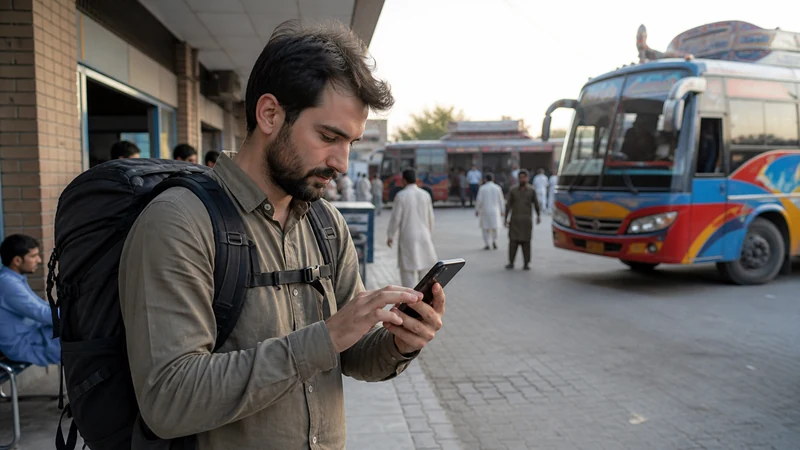

Mobile internet near the Pakistan–Afghanistan border must never be treated as a reason to enter, approach or remain in an area. Current official restrictions, permits and security guidance determine what is allowed.
Coverage and border conditions can change independently. A signal proves only that the phone sees a network.
NoveSIM Pakistan plans are data-only and do not provide permission, security support or an Afghan connection unless the exact product explicitly covers Afghanistan.
Quick answer: Travel only with current official authorisation and qualified local arrangements, keep documents and contacts offline, avoid unintended roaming and follow all instructions on device use and photography.
Top Pakistan eSIMs


Resolve Permission before Connectivity
Check relevant government and local authority information immediately before travel. Do not use an old itinerary or crowdsourced map as authority.
Keep Essential Information Offline
- Identity and permit documents
- Authorised transport and accommodation
- Emergency and official contacts
- Meeting points and check-in procedure
Avoid Accidental Cross-Border Roaming
Keep the Pakistan eSIM as the selected data line, automatic network selection on and home-SIM roaming off. Do not manually select an unfamiliar network.
Follow Device and Photography Instructions
Do not record or transmit sensitive facilities, checkpoints or personnel. Follow every posted and official direction.
Prepare for No Connection
Use the offline resilience plan and the safe road workflow. Do not delete the eSIM in a coverage gap.
Related Articles
FAQ
Does mobile coverage mean an area is open?
No. Access and security rules are separate from network service.
Can a Pakistan plan work across the border?
Only if the exact product explicitly includes Afghanistan; never assume it.
Should I choose a network manually?
No. Avoid unintended roaming and follow the plan and official instructions.
What is the essential backup?
Offline documents, authorised contacts, transport details and a check-in plan.
Final Recommendation
Put official permission and security guidance before connectivity.
Keep essential arrangements offline and prevent unintended network selection.
Use mobile data only within the exact authorised plan and never as evidence that movement is permitted.