


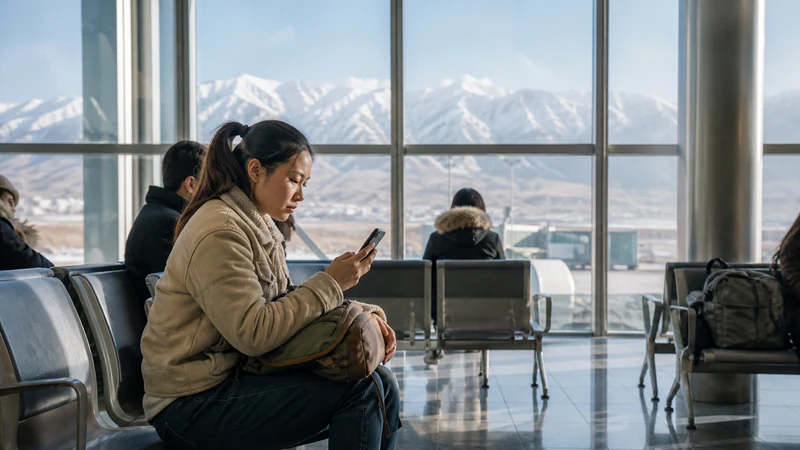

If Manas Airport’s terminal WiFi isn’t connecting or keeps dropping, a few quick checks resolve the issue in most cases, and having a backup connectivity plan means you’re not stuck waiting on it either way.
Quick answer: Try forgetting and reconnecting to the network, moving to a different part of the terminal, or restarting your phone’s WiFi. If none of this works, fall back on a local SIM purchase or your pre-installed eSIM instead.
Top Kyrgyzstan eSIMs

Kyrgyzstan eSIM
Fixed
1 GB, 7 days€ 3.112 GB, 15 days€ 5.773 GB, 30 days€ 7.99Unlimited
Unlimited, 1 day€ 5.32Unlimited, 3 days€ 11.98Unlimited, 5 days€ 18.64
Commonwealth of Independent States eSIM
Fixed
1 GB, 7 days€ 7.992 GB, 15 days€ 13.313 GB, 30 days€ 18.19Unlimited
Unlimited, 1 day€ 8.43Unlimited, 3 days€ 22.63Unlimited, 5 days€ 36.38Forgetting and reconnecting to the network
Sometimes a stuck connection resolves simply by forgetting the network in your phone’s WiFi settings and reconnecting fresh, particularly if you connected earlier during a layover or previous visit.
Moving to a different part of the terminal
Signal strength varies by location within the terminal, and moving closer to the main halls or gate areas sometimes resolves a weak or dropping connection.
Restarting your phone’s WiFi
Toggling WiFi off and back on, or restarting your phone entirely, often clears up minor connectivity glitches that a simple reconnect doesn’t fix.
Falling back on a local SIM or eSIM
If WiFi troubleshooting doesn’t work, buying a local SIM at the airport kiosks or activating a pre-installed eSIM gets you connected without depending on the terminal network at all — the SIM card at Manas Airport guide covers this alternative, and the Manas Airport internet guide covers all your options in one place.
Avoiding this issue entirely with an eSIM
Setting up an eSIM before you travel removes any dependency on airport WiFi from the start — the Manas Airport eSIM setup guide covers activating your eSIM upon arrival instead, and the eSIM vs airport WiFi guide covers this decision in more depth.
FAQ
Why isn’t Manas Airport’s WiFi connecting?
Often a stuck connection or weak signal in your specific location within the terminal.
Should I forget and reconnect to the network?
Yes, this resolves many minor connection issues.
Does moving to a different part of the terminal help?
Sometimes, given that signal strength varies by location.
Should I restart my phone if WiFi isn’t working?
Worth trying, as this often clears up minor connectivity glitches.
What if none of these steps fix the WiFi?
Fall back on a local SIM purchase or your pre-installed eSIM instead.
How do I avoid this issue entirely?
Set up an eSIM before you travel, removing any dependency on airport WiFi.
Final Recommendation
Try basic troubleshooting first, then fall back on a local SIM or eSIM if the WiFi remains unreliable. See the Manas Airport WiFi guide for general expectations around this connection.