


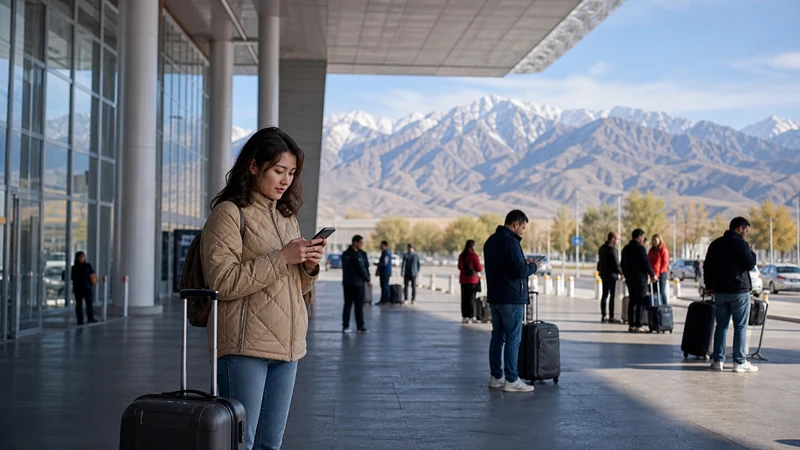

Manas International Airport, Kyrgyzstan’s main gateway near Bishkek, offers several ways to get connected right after landing — free terminal WiFi, SIM card kiosks, and enough signal strength to activate a pre-installed eSIM the moment you touch down.
Quick answer: Manas has workable terminal WiFi for basic use, SIM card kiosks for local options, and reliable enough cellular coverage to activate an eSIM immediately after landing. Setting up an eSIM before departure remains the most convenient option overall.
Top Kyrgyzstan eSIMs

Kyrgyzstan eSIM
Fixed
1 GB, 7 days€ 3.102 GB, 15 days€ 5.753 GB, 30 days€ 7.97Unlimited
Unlimited, 1 day€ 5.31Unlimited, 3 days€ 11.95Unlimited, 5 days€ 18.59
Commonwealth of Independent States eSIM
Fixed
1 GB, 7 days€ 7.972 GB, 15 days€ 13.283 GB, 30 days€ 18.14Unlimited
Unlimited, 1 day€ 8.41Unlimited, 3 days€ 22.57Unlimited, 5 days€ 36.29WiFi in the terminal
Manas offers free WiFi in parts of the terminal, generally sufficient for checking messages or basic browsing while waiting for luggage or transport, though not something to rely on for extended use.
Buying a local SIM at the airport
Kiosks near arrivals sell prepaid SIM cards from Beeline, MegaCom, and O!, requiring your passport for registration — a straightforward option if you’d rather sort out connectivity after landing than in advance, similar to the broader comparison covered in the best SIM card guide.
Setting up your eSIM upon arrival
If you’ve installed an eSIM before departure, Manas’s terminal has sufficient cellular coverage to activate it the moment you land — the activate eSIM guide covers this final step.
Comparing airport WiFi against an eSIM
While terminal WiFi works for basic needs, an eSIM gives you continuous connectivity beyond the airport itself — the eSIM vs airport WiFi guide covers this decision in more depth.
Getting from Manas into Bishkek
The drive from Manas into central Bishkek takes roughly 40 minutes, and having mobile data active during this trip helps with booking transport or navigating — coverage along this route is generally reliable given its proximity to the capital, as covered further in the Manas to Bishkek guide.
What to do if airport WiFi isn’t working
Terminal WiFi occasionally has connectivity issues — falling back on a local SIM purchase or your pre-installed eSIM avoids relying on it entirely.
FAQ
Does Manas Airport have WiFi?
Yes, free WiFi in parts of the terminal, sufficient for basic use.
Can I buy a SIM card at Manas Airport?
Yes, kiosks near arrivals sell prepaid SIMs from all three networks.
Should I set up an eSIM before I arrive instead?
Yes, this remains the most convenient option, letting you connect the moment you land.
Is coverage good on the drive from Manas into Bishkek?
Yes, generally reliable given the short distance to the capital.
What do I need to buy a SIM at the airport?
Your passport, required for registration at the point of sale.
What if the airport WiFi isn’t working?
Fall back on a local SIM purchase or your pre-installed eSIM instead.
Final Recommendation
Set up an eSIM before you travel for the most convenient connectivity at Manas, with a local SIM as a solid backup option. See the best eSIM for Kyrgyzstan travel guide to choose a provider.