


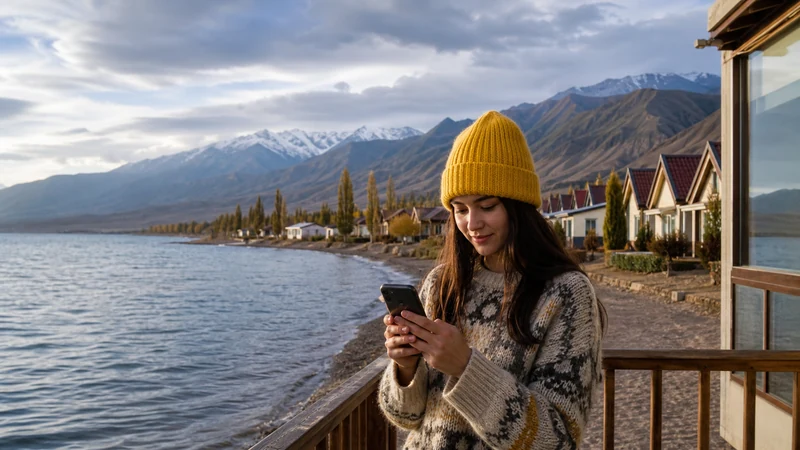

Using your Kyrgyzstan eSIM as a hotspot lets you share its data connection with a laptop, tablet, or a travel companion’s phone, useful for remote work or when only one person in a group has set up connectivity.
Quick answer: Most eSIMs support hotspot sharing without any special configuration — enable it in your phone’s settings and connect other devices as you would to any WiFi network. Data usage adds up faster when hotspotting, so size your plan accordingly.
Top Kyrgyzstan eSIMs

Kyrgyzstan eSIM
Fixed
1 GB, 7 days3.50$2 GB, 15 days6.50$3 GB, 30 days9.00$Unlimited
Unlimited, 1 day6.00$Unlimited, 3 days13.50$Unlimited, 5 days21.00$
Commonwealth of Independent States eSIM
Fixed
1 GB, 7 days9.00$2 GB, 15 days15.00$3 GB, 30 days20.50$Unlimited
Unlimited, 1 day9.50$Unlimited, 3 days25.50$Unlimited, 5 days41.00$Enabling hotspot on your phone
Turning on personal hotspot or tethering in your phone’s settings creates a local WiFi network that other devices can join, drawing data from your Kyrgyzstan eSIM — the dual SIM guide covers a related setup where you’re managing multiple connections on one phone.
Sizing your data plan for hotspot use
Sharing your connection with a laptop for work or streaming uses considerably more data than typical phone browsing — the how much data guide covers sizing a plan that accounts for this heavier use.
Hotspotting in remote areas
Hotspot sharing is only as good as your underlying signal, so expect it to fail in the same remote mountain areas where regular data struggles — the mountain connectivity guide covers this limitation.
Using hotspot for remote work
Digital nomads relying on a laptop connection while traveling in Kyrgyzstan should plan for hotspot as a backup to dedicated WiFi rather than a primary solution — the digital nomad guide covers this consideration further.
Sharing a connection within a travel group
If only one person in your group has set up an eSIM, hotspotting lets everyone share that connection rather than each person needing separate plans — useful for short stretches of travel together, similar to considerations covered in the family travel guide for group connectivity.
FAQ
Can I use my Kyrgyzstan eSIM as a hotspot?
Yes, most eSIMs support hotspot sharing without special configuration.
Does hotspotting use more data than normal browsing?
Yes, significantly more, particularly for laptop use or streaming.
Will hotspot work in remote mountain areas?
Only as well as the underlying signal — expect it to fail where regular data also struggles.
Is hotspot good for remote work while traveling?
Useful as a backup, though dedicated WiFi is generally more reliable for consistent work.
Can I share my eSIM’s connection with my whole travel group?
Yes, hotspotting lets one person’s plan cover the group for short stretches.
Do I need to enable anything special for hotspot to work?
Just enabling personal hotspot or tethering in your phone’s settings.
Final Recommendation
Size your data plan generously if you plan to use hotspot regularly, and expect it to fail in remote mountain areas. See the how much data guide to plan appropriately.