


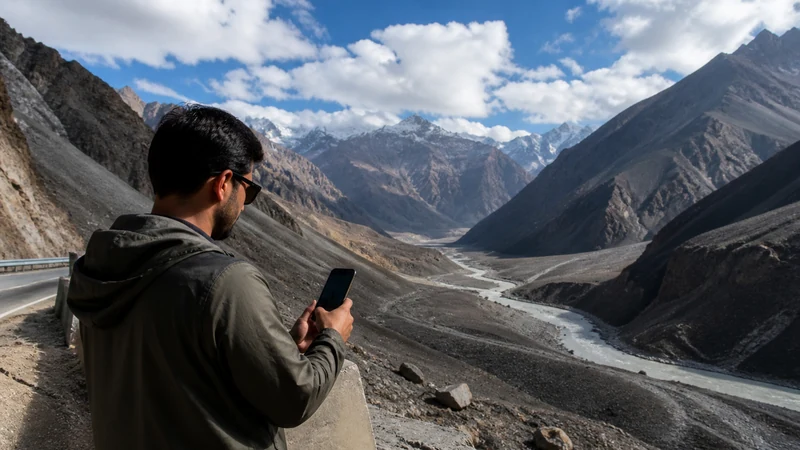

Mobile internet on the Karakoram Highway should be planned around settlements and safe stopping points, not as an uninterrupted line of coverage.
Terrain, distance, local network footprints, power and road disruption can affect the connection. Current route permission and safety information always take priority over signal.
NoveSIM Pakistan plans are data-only, and the exact plan must have suitable northern network access.
Quick answer: Verify the plan’s Gilgit-Baltistan access, download the full highway and alternatives, update information in served towns, carry power and agree on check-in points before each long section.
Top Pakistan eSIMs

Pakistan eSIM
Fixed
1 GB, 7 days€ 3.992 GB, 15 days€ 7.103 GB, 30 days€ 10.20Unlimited
Unlimited, 1 day€ 5.32Unlimited, 3 days€ 15.09Unlimited, 5 days€ 23.96
Break the Highway into Connectivity Stages
| Stage | Action |
|---|---|
| Major departure city | Test profile, allowance and route package |
| Served town | Update maps, weather, road and accommodation |
| Long road section | Use offline route and agreed check-in procedure |
| Gilgit/Hunza base | Recheck network before side routes |
| Border approach | Confirm current access and official requirements |
Verify the Northern Network, Not Just Pakistan Coverage
A travel eSIM that works elsewhere in Pakistan may not offer the same practical footprint on the KKH. Check the current plan partner and recent local advice. Use the coverage framework.
Keep a Complete Offline Route Package
- Primary highway and current alternatives
- Fuel, accommodation and safe stops
- Driver and property contacts
- Permits, tickets and identity records
- Official road, weather and border information
Update at Served Settlements
Use Gilgit, Hunza and other known stops to download current information and send check-ins before the next section. See Gilgit and Hunza connectivity.
Protect the Driver from Phone Tasks
A passenger should manage live information, charging and messages. Do not stop on an exposed or unsafe road edge to search for signal.
Prepare for Weather and Power
Carry suitable charging equipment and protect batteries from heat or cold. Connectivity does not confirm that the road ahead is open. Consult current official and local sources before each stage.
Troubleshoot Only at a Safe Stop
Test outdoors, refresh registration and use only permitted networks. Do not delete the eSIM after a route gap. Follow the reversible diagnostic flow.
Related Articles
FAQ
Is there continuous internet on the Karakoram Highway?
Do not assume so. Plan around settlements and offline stages.
Will any Pakistan eSIM work on the KKH?
No. Verify the exact plan’s northern network access.
Can signal confirm that the highway is open?
No. Use current official and local road information.
Should I select a network manually?
Only as a safe, controlled test of networks permitted by the plan.
Final Recommendation
Plan the Karakoram Highway as a sequence of served and offline stages.
Update information and send check-ins in settlements before long sections.
Keep route safety, permission and navigation independent of continuous mobile service.