


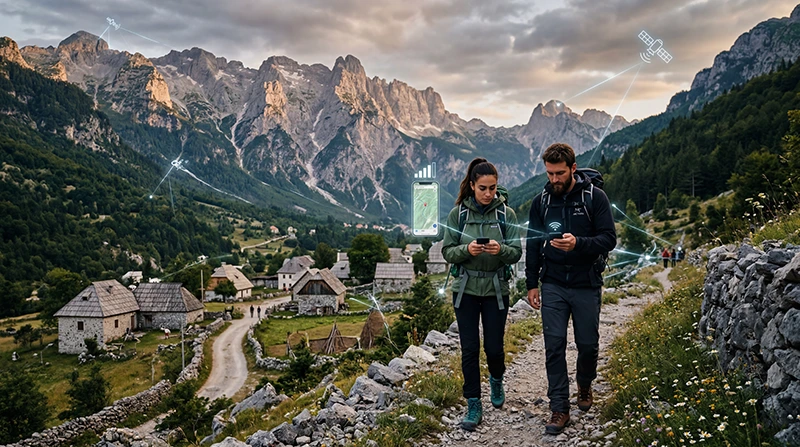

Internet in Theth should be treated as useful but not continuous. Mobile signal can vary with the valley, terrain, buildings and the route into the Albanian Alps, while guesthouse Wi-Fi depends on the property’s own connection and power.
A travel eSIM can provide data through its supported Albanian partner network where reception exists, but it is not a substitute for offline navigation or a hiking safety plan.
NoveSIM Albania eSIMs are data-only and do not include an Albanian number, ordinary calls or carrier SMS.
Quick answer: install and test the Albania eSIM before travelling to Theth, download the entire route and hiking area offline, and save guesthouse and driver details. Expect weak or absent service on some mountain sections and never make connectivity the only emergency plan.
Top Albania eSIMs

Albania eSIM
Fixed
1 GB, 7 days€ 3.992 GB, 15 days€ 5.773 GB, 30 days€ 7.54Unlimited
Unlimited, 1 day€ 3.99Unlimited, 3 days€ 9.32Unlimited, 5 days€ 14.20
Balkans eSIM
Fixed
1 GB, 7 days€ 4.442 GB, 15 days€ 7.103 GB, 30 days€ 9.32Unlimited
Unlimited, 1 day€ 4.88Unlimited, 3 days€ 11.09Unlimited, 5 days€ 17.30Review Albania eSIM plans, compare local SIM and eSIM options and use the wider Albania mobile-internet guide before leaving an urban area.
Prepare before the Road into Theth
- Download offline maps for the road, village and intended trails.
- Save the guesthouse pin, written address and telephone number.
- Keep the return driver or transport arrangement outside a messaging app.
- Download weather information shortly before departure.
- Carry a power bank and protect the phone from water and cold.
What Coverage Changes in the Mountains?
A phone may show service in the village and lose it behind terrain or along a trail. 4G or 5G availability depends on the plan, device, partner network and exact location. A strong signal at the accommodation does not prove coverage throughout a hike.
Configure the eSIM before Leaving Shkodër
- Install the profile on stable Wi-Fi.
- Select it for Mobile Data.
- Enable Data Roaming on the travel line.
- Disable automatic data switching to the primary SIM.
- Test maps and messaging without Wi-Fi.
- Keep network selection on Automatic unless Support advises otherwise.
Use Guesthouse Wi-Fi as a Supplement
Ask the host for the correct network and use it for larger uploads or downloads. Power interruption or limited backhaul can affect performance, so complete essential bookings before relying on the property connection.
If the eSIM Loses Service
Move only when it is safe, wait for the phone to register and try aeroplane mode briefly. Do not delete the eSIM. For NoveSIM, use data.esim only if manual APN entry is required. A missing signal in a mountain section may be a coverage limitation rather than a configuration fault.
Related Articles
FAQ
Is there mobile internet in Theth?
Service may be available in parts of the village and approach, but terrain can create weak or absent coverage.
Can I rely on Google Maps for hiking?
Do not rely on a live connection. Download appropriate maps and carry the safety information required for the route.
Will guesthouse Wi-Fi always work?
No. Its performance depends on the property’s connection, equipment and power.
Should I delete an eSIM when signal disappears?
No. Mountain coverage can change by location; preserve the profile and check settings when service is available.
Final Recommendation
Set up the eSIM and complete essential downloads before the mountain transfer. In Theth, use mobile data and guesthouse Wi-Fi when available, but plan routes, meetings and safety as though the phone may be offline.