


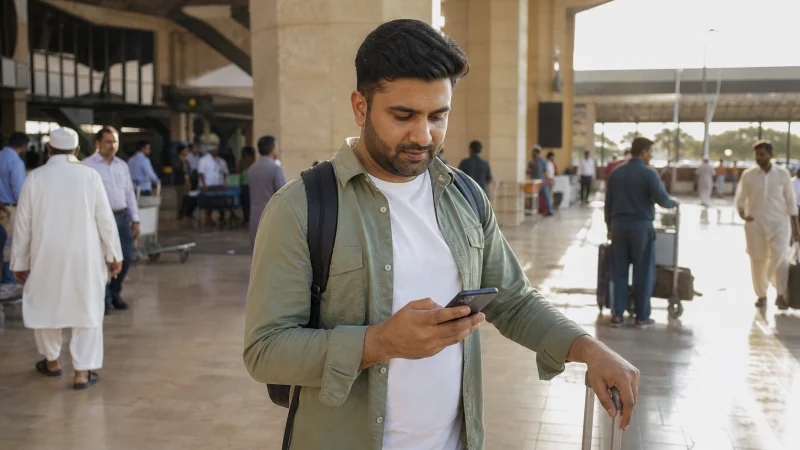

Internet at Jinnah International Airport is most dependable when the phone and travel eSIM are prepared before departure and the first Karachi transfer can still proceed offline.
Karachi arrivals often require immediate coordination in a busy urban setting. Save the exact pickup zone, driver identity, accommodation address and a backup contact rather than relying on a message sent after baggage claim.
NoveSIM Pakistan plans are data-only. They support maps and communication apps but do not include a Pakistani number, traditional calls or SMS.
Quick answer: Install the eSIM before flying, keep pickup details as screenshots, select it for Mobile Data and enable Data Roaming after landing, then verify any airport Wi-Fi name with staff before connecting.
Top Pakistan eSIMs


Design the Arrival Around Two Connections
Use the travel eSIM as the intended arrival connection and retain a second path: verified airport Wi-Fi, a companion’s working phone, or a staffed information point. This prevents a delayed registration session from becoming a transport problem.
| Before departure | Why it matters in Karachi |
|---|---|
| Screenshot the pickup zone | Drivers and passengers may wait at different terminal exits |
| Save vehicle and driver details | Helps verify the arranged pickup |
| Download the airport-to-hotel map | Keeps the route visible without data |
| Store the address in copyable text | Useful for maps and communication |
| Charge the phone | Arrival processing and transfer can take time |
Connect the Travel eSIM
- Turn off Airplane Mode when permitted.
- Enable the Pakistan travel line.
- Select it for Mobile Data.
- Enable Data Roaming on that eSIM.
- Disable data switching and keep primary-line roaming off.
- Wait for automatic registration before selecting a network manually.
If the phone shows signal but no data, verify plan validity and allowance before checking the data.esim APN. Use the Pakistan troubleshooting guide and do not delete the installed profile.
Verify Airport Wi-Fi Before Using It
Network names and access procedures can change. Confirm them with airport, airline lounge or authorised service staff. A familiar-looking SSID is not proof that the access point is official.
Use airport Wi-Fi for low-risk tasks such as contacting a driver. Avoid sending passport scans, payment details or confidential work through an unverified connection, and do not accept unexpected certificate or configuration-profile prompts.
Decide Whether You Need a Local SIM
A local SIM may be useful for a long stay or when a Pakistani number is required. Purchase through an authorised source, complete the current identity process and verify activation before leaving the counter.
For a short trip centred on app communication, a prepared data eSIM may avoid spending arrival time on purchase and registration. Compare the two in the Pakistan SIM-versus-eSIM guide.
Use the Connection for a Verified Transfer
Confirm the driver, vehicle and pickup location through the original booking channel. Do not change to an unsolicited ride merely because a person knows the destination area.
Load the saved route before departure and keep the accommodation telephone number available separately. For city use after arrival, see the Karachi mobile-internet guide.
Prepare for Karachi Data Use
Urban coverage does not guarantee identical indoor performance. Large terminals, hotels and dense buildings can affect reception, while congestion can change speed. Keep maps available offline and reserve data for coordination and the return-airport journey.
Estimate the allowance with the Pakistan data-planning guide, especially when ride apps, video calls or hotspot work are expected.
Related Articles
- Mobile Internet in Pakistan
- Use Pakistan Airport Wi-Fi Safely
- Choose a Pakistan SIM Option
- Activate a Pakistan eSIM
FAQ
Can I rely on Wi-Fi at Karachi Airport?
Treat it as a backup. Availability and access can change, so prepare mobile data and offline pickup details before the flight.
When should I install a Pakistan eSIM?
Install on reliable Wi-Fi before departure when the plan instructions permit, then connect it after landing.
Does the eSIM provide a Pakistani number?
No. NoveSIM Pakistan travel plans are data-only.
What should I save offline for Karachi arrival?
Keep the pickup zone, driver and vehicle details, accommodation address, booking reference and airport-to-destination map.
Final Recommendation
Arrive with the eSIM installed and the Karachi pickup plan saved offline.
Use correct travel-line settings and connect only to an airport network confirmed by staff.
Verify the arranged vehicle and preserve enough data and battery for the city transfer and later return journey.