


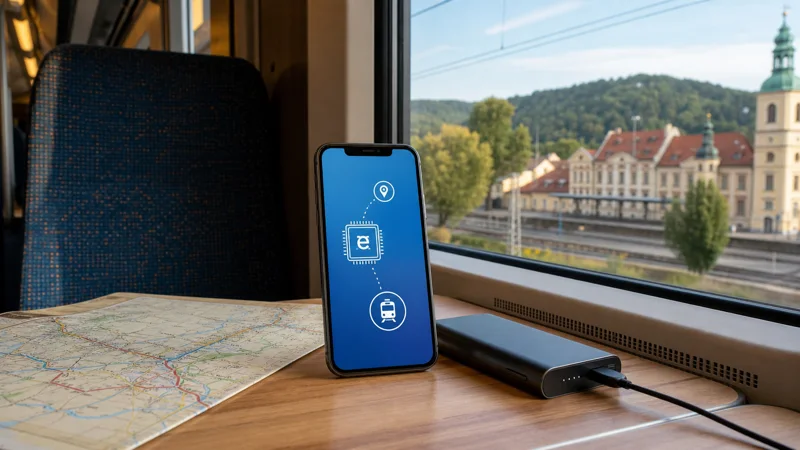

Internet during Czech train travel comes from two different sources: your phone’s mobile connection and onboard Wi-Fi where the service provides it. Neither should be assumed to work without interruption on every intercity or regional section.
A Czech travel eSIM is the more continuous option because it remains with you on platforms and after leaving the train. Reception can still drop in tunnels, cuttings, rural valleys or a crowded carriage.
Quick answer: Use a Czech eSIM for the journey, but save the ticket, train number, seat, connection and destination address offline. Treat onboard Wi-Fi as a useful extra, not the only way to access essential travel information.
Top Czech Republic eSIMs

Czech Republic eSIM
Fixed
1 GB, 7 days€ 1.772 GB, 15 days€ 3.553 GB, 30 days€ 4.44Unlimited
Unlimited, 1 day€ 2.22Unlimited, 3 days€ 4.88Unlimited, 5 days€ 7.99
Europe Extra eSIM
Fixed
1 GB, 7 days€ 2.222 GB, 15 days€ 3.553 GB, 30 days€ 4.44Unlimited
Unlimited, 1 day€ 2.66Unlimited, 3 days€ 5.32Unlimited, 5 days€ 8.87Europe+ eSIM
Fixed
1 GB, 7 days€ 2.662 GB, 15 days€ 3.993 GB, 30 days€ 5.32Unlimited
Unlimited, 1 day€ 2.66Unlimited, 3 days€ 6.21Unlimited, 5 days€ 10.20What affects internet on a Czech train
The phone connects to trackside mobile networks while the train moves. Performance changes as it crosses cells, enters terrain or passes through low-coverage sections. Carriage construction, passenger demand and the phone’s position can also affect the result.
The Czech Republic coverage guide gives national context, but no coverage map guarantees a stable call or upload throughout a specific rail journey.
Use onboard Wi-Fi as a secondary connection
Availability differs by operator, train and carriage. A portal may require acceptance before access begins, and the backhaul still depends on mobile coverage along the railway. Verify the network name through onboard information rather than joining a similar-looking access point.
For a focused comparison of the two connection types, see internet on trains in the Czech Republic. Avoid financial or sensitive account work on an unverified public network.
Save every part of a connection offline
- Ticket or QR code
- Train number and departure time
- Carriage and reserved seat
- Connection station and transfer time
- Destination address and local transport route
A screenshot is useful when an app signs out or cannot refresh. Keep the Czech spelling of the station name visible, especially where several stations serve the same city.
Prepare the eSIM before boarding
- Install the Czech eSIM on reliable Wi-Fi.
- Select it as the mobile-data line.
- Apply the plan’s required roaming setting.
- Disable mobile-data switching to the home line.
- Test a webpage before leaving the station.
NoveSIM travel eSIMs are data-only. The Czech eSIM installation guide explains the setup without requiring removal of the primary SIM.
Work or stream carefully on the journey
Email and ordinary browsing can tolerate brief interruptions better than a live meeting. If a call matters, schedule it while stopped in a well-covered city or use a confirmed fixed connection. Large downloads and cloud backups are better completed before boarding.
Train navigation and messaging use modest data. Review the Czech Republic data guide if streaming or tethering will be part of several long journeys.
Related Articles
- Internet for Czech Public Transport
- Internet for Navigation in the Czech Republic
- Czech Republic eSIM Plans
Frequently Asked Questions
Do Czech trains have Wi-Fi?
Some services do, but availability and performance vary by operator, train and route. Check the specific service and keep mobile data as a backup.
Will an eSIM work while the train is moving?
Yes where the partner network has usable coverage, although tunnels and rural sections can interrupt the connection.
Should I keep my rail ticket offline?
Yes. Save the ticket or QR code locally so it does not depend on Wi-Fi, mobile coverage or an app login.
Can I join a video meeting from a Czech train?
It may work on parts of a route, but moving coverage is not dependable enough for an important uninterrupted meeting.
Final Recommendation
For dependable internet during Czech train travel, combine a tested eSIM with offline tickets and connection details. Use onboard Wi-Fi when it performs well, but plan every essential step so a tunnel or rural signal gap cannot interrupt the journey.