


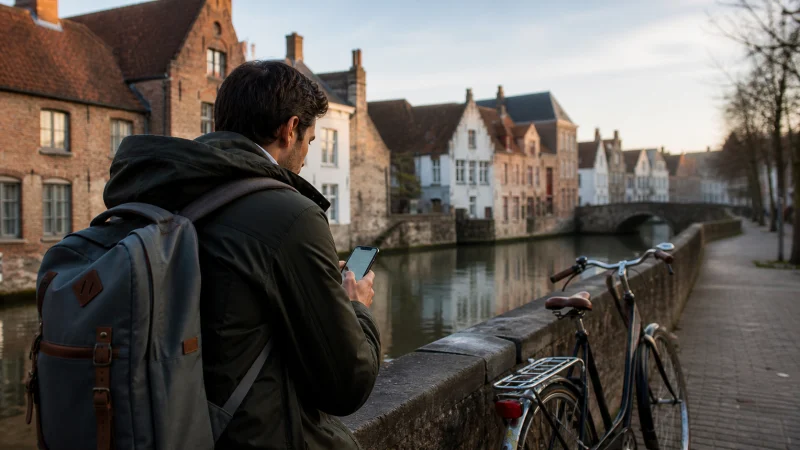

Bruges is compact enough to explore on foot, but visitors still need internet for rail times, walking routes, timed-entry bookings and onward travel towards Ghent or the Belgian coast.
Quick answer: Download the central Bruges map and rail ticket before arrival, then use a Belgium eSIM for live routes and booking changes. Treat hotel, café and station Wi-Fi as useful backups rather than continuous coverage.
Top Belgium eSIMs

Belgium eSIM
Fixed
1 GB, 7 days€ 1.772 GB, 15 days€ 3.553 GB, 30 days€ 4.44Unlimited
Unlimited, 1 day€ 2.22Unlimited, 3 days€ 4.88Unlimited, 5 days€ 7.99
Europe Extra eSIM
Fixed
1 GB, 7 days€ 2.222 GB, 15 days€ 3.553 GB, 30 days€ 4.44Unlimited
Unlimited, 1 day€ 2.66Unlimited, 3 days€ 5.32Unlimited, 5 days€ 8.87Europe+ eSIM
Fixed
1 GB, 7 days€ 2.662 GB, 15 days€ 3.993 GB, 30 days€ 5.32Unlimited
Unlimited, 1 day€ 2.66Unlimited, 3 days€ 6.21Unlimited, 5 days€ 10.20Prepare for a day trip or overnight stay
Day visitors often depend on a specific return train, while overnight guests need accommodation access and late-evening directions. Save the return ticket, station route and accommodation contact before starting the visit.
Bruges station may provide Wi-Fi, but the connection will not follow the traveller into the historic centre. Mobile data removes the need to search for a hotspot whenever the itinerary changes.
Use data efficiently while walking
GPS itself does not consume much data; map downloads, live traffic, photos and background uploads do. Download the central map area, pause cloud backup and save attraction confirmations offline.
For broader estimates, see how much data a Belgium trip needs.
Choose eSIM, roaming or local SIM
Eligible EU visitors may use domestic allowances under roaming rules, subject to their carrier’s fair-use policy. A local Belgian SIM is more relevant for a long stay or local number. A travel eSIM suits visitors who mainly need data.
NoveSIM Belgium plans are data-only and do not provide ordinary calls, carrier SMS or a Belgian number.
Continue towards Ghent or the coast
Save the next platform and destination before boarding. Short signal changes can occur on moving trains or inside older buildings. Wait for the phone to reconnect before manually changing network settings.
Travellers continuing west can use the Belgian coast internet guide; those travelling east can prepare with the Ghent tourist internet guide.
If data stops in Bruges
Check that the Belgium eSIM is enabled and selected for data, with Data Roaming on for that line. Keep network selection automatic, try aeroplane mode once and restart once. Do not delete the profile unless NoveSIM support requests it.
Related Articles
- Best Internet Options for Belgium
- Internet on Belgian Trains
- Google Maps in Belgium
- Belgium eSIM Coverage
FAQ
Do tourists need mobile data in Bruges?
It is not essential for every moment, but it is useful for train changes, bookings, maps and communication away from Wi-Fi.
Can I rely on Bruges station Wi-Fi?
Use it as a backup at the station, not as the connection for the whole city visit.
Does a Belgium eSIM include calls?
NoveSIM Belgium travel plans are data-only; app-based calls use data.
What should I save offline?
Save the central map, return ticket, station route, accommodation address and booking confirmations.
Final Recommendation
Prepare Bruges as a walking and rail journey: keep the map and tickets offline, then use mobile data for live changes. This is more reliable than searching for public Wi-Fi whenever a route or reservation changes.