


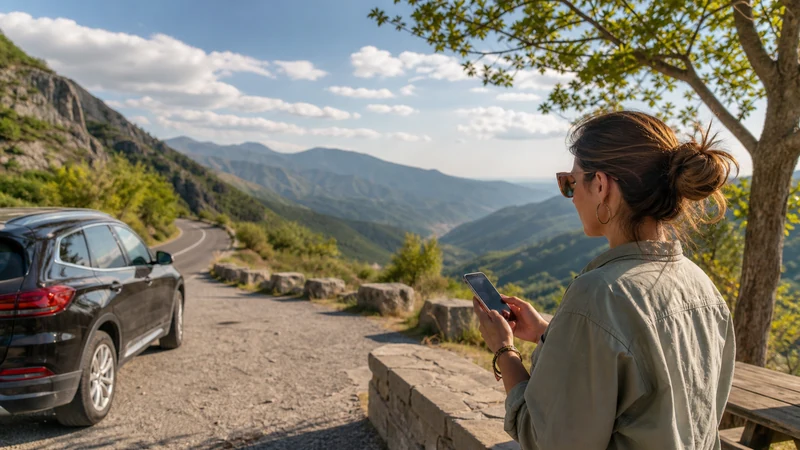

Greece to Bulgaria mobile internet requires a plan that explicitly covers both countries or a deliberate switch from a Greece plan to a Bulgaria plan.
Do not assume that working data in northern Greece will remain included after the phone registers on a Bulgarian network.
NoveSIM travel eSIMs are data-only, without Greek or Bulgarian numbers, conventional calls or SMS; messaging and internet calls work through data.
Quick answer: confirm Bulgaria in the plan coverage before departure, download the complete border-to-destination route, disable automatic data switching and verify the network after crossing. If using two plans, switch the mobile-data line only when safely stopped.
Top Bulgaria eSIMs

Bulgaria eSIM
Fixed
1 GB, 7 days€ 1.772 GB, 15 days€ 3.553 GB, 30 days€ 4.44Unlimited
Unlimited, 1 day€ 2.22Unlimited, 3 days€ 4.88Unlimited, 5 days€ 7.99
Greece eSIM
Fixed
1 GB, 7 days€ 1.772 GB, 15 days€ 3.553 GB, 30 days€ 4.44Unlimited
Unlimited, 1 day€ 2.22Unlimited, 3 days€ 4.88Unlimited, 5 days€ 7.99
Balkans eSIM
Fixed
1 GB, 7 days€ 4.442 GB, 15 days€ 7.103 GB, 30 days€ 9.32Unlimited
Unlimited, 1 day€ 4.88Unlimited, 3 days€ 11.09Unlimited, 5 days€ 17.30Europe Extra eSIM
Fixed
1 GB, 7 days€ 2.222 GB, 15 days€ 3.553 GB, 30 days€ 4.44Unlimited
Unlimited, 1 day€ 2.66Unlimited, 3 days€ 5.32Unlimited, 5 days€ 8.87Europe+ eSIM
Fixed
1 GB, 7 days€ 2.662 GB, 15 days€ 3.993 GB, 30 days€ 5.32Unlimited
Unlimited, 1 day€ 2.66Unlimited, 3 days€ 6.21Unlimited, 5 days€ 10.20Europe Lite eSIM
Fixed
1 GB, 7 days€ 2.222 GB, 15 days€ 3.553 GB, 30 days€ 4.44Unlimited
Unlimited, 1 day€ 2.66Unlimited, 3 days€ 5.32Unlimited, 5 days€ 8.87How should you prepare Greece to Bulgaria mobile internet?
Write down the plan’s supported networks in both countries and check when validity begins. A regional plan may make the transition simpler, while separate plans offer clearer country-specific control.
For the Greek part of the journey, use the Greece network guide. The reverse-direction workflow is covered separately in the Bulgaria-to-Greece guide.
What should you save before the border?
- The complete onward route and an alternative.
- Accommodation address and arrival instructions.
- Travel documents and booking references.
- Plan support details and compatible networks.
- A meeting point if communication is delayed.
Use the Google Maps in Greece guide to download the Greek route, then ensure the Bulgarian map area is stored too.
How do you switch connectivity after crossing?
- Stop in a safe place before changing phone settings.
- Confirm the phone has entered Bulgaria.
- Select the correct travel line for mobile data.
- Disable automatic data switching.
- Enable roaming on the chosen eSIM when required.
- Leave network selection automatic and test a webpage.
If NoveSIM requires a manual APN, use data.esim. Keep roaming off on the home SIM to avoid unintended charges.
Why might the phone keep the wrong network?
Near a border, signals from both countries may be detectable. Confirm the displayed operator before heavy use. If automatic registration fails, choose only a partner listed for the plan and return to automatic selection after testing.
What if data does not resume in Bulgaria?
Check country inclusion, validity, the selected data line, roaming and APN, then toggle Airplane Mode once. Do not delete the installed eSIM unless NoveSIM support instructs you to do so.
For the shared settings sequence, use Greece eSIM troubleshooting before contacting support.
Related Articles
FAQ
Will a Greece eSIM automatically work in Bulgaria?
Only if Bulgaria is explicitly included in the plan.
When should I change the data line?
After entering Bulgaria and stopping safely, unless one verified regional plan handles both countries.
Should I keep network selection automatic?
Yes initially; use a supported manual network only if registration fails.
Can border signals cause unexpected roaming?
They can, so verify the connected operator and keep home-SIM data roaming disabled.
Final Recommendation
Prepare Greece to Bulgaria mobile internet by confirming both countries before reaching the border.
Store the onward route, switch lines only while safely stopped and verify the Bulgarian network.
Protect the home SIM from roaming and preserve every installed eSIM during troubleshooting.