


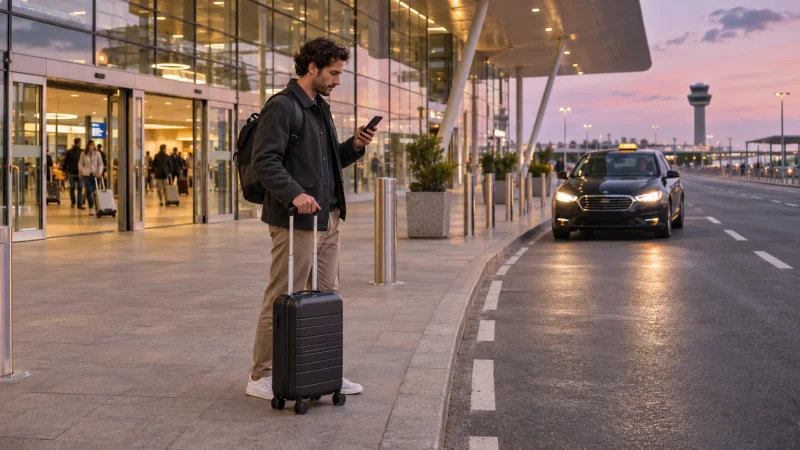

You can use a data-only travel eSIM to request a taxi through Freenow in a city it serves. The data connection lets you open the app, set your pickup point and track the car. Set up your account before you travel, while you can still receive any verification code Freenow sends to your phone or email.
Quick answer: Check that Freenow serves your destination, sign in and set up payment before you leave. After landing, use the travel eSIM for the app and keep access to the number on your account if you might need a verification text or a call to the driver.
Get your Freenow account ready before the trip
- Look up the destination in Freenow’s city list. Check the pickup options in the app for your arrival point, particularly if you’re coming through an airport.
- If you’re new to Freenow, enter your phone number and confirm it with the SMS code. If you already have an account, open it before departure and check that you can sign in. See Freenow’s registration steps.
- Check the payment options available in the app and set up the method you plan to use. See Freenow’s payment instructions.
If you already have a profile, consider setting up a passkey in the app’s settings. Freenow says you can then sign in on a device with that passkey using your usual device unlock. On a new device without one, you may need access to your registered email. Check Freenow’s sign-in options.
At arrivals, check the pickup pin before you book
Set the destination and check where the app is asking you to meet the car. At a busy terminal, the pickup point can be across a road or on a different level from the exit you’re standing at. Once the ride is confirmed, follow its progress on the trip screen and use the in-app chat if it’s available. You can also share your live location while the driver approaches where the app offers that option.
If you need to call, Freenow’s instructions say to use the number linked to your account. A NoveSIM travel eSIM provides mobile data. Verification texts and ordinary phone calls use your phone line, so check that your registered line will work abroad and what your carrier may charge. Read Freenow’s driver contact guidance.
Choose data for the places you’ll actually visit
For one country, check the NoveSIM plans for your destination. If you’ll use mobile data across several European stops, check the included countries on Europe+ against your itinerary. Check app coverage and data coverage separately. The first tells you where you can request a Freenow ride. The second tells you where your plan can connect.
Related Articles
FAQ
Can I register for Freenow with only a data eSIM?
Freenow’s registration asks for a phone number that can receive an SMS code. Use a number you can verify. The travel eSIM can then provide the internet connection for the app.
Do I need to switch my mobile data back to my home line to contact the driver?
You can use the travel data line for in-app chat when it’s available. If you call the driver, use the phone number associated with your Freenow account and check your carrier’s roaming terms.
Final Recommendation
Sign in and set up payment at home. When you land, open Freenow, check the pickup pin and keep your registered number available if the driver needs to reach you.