


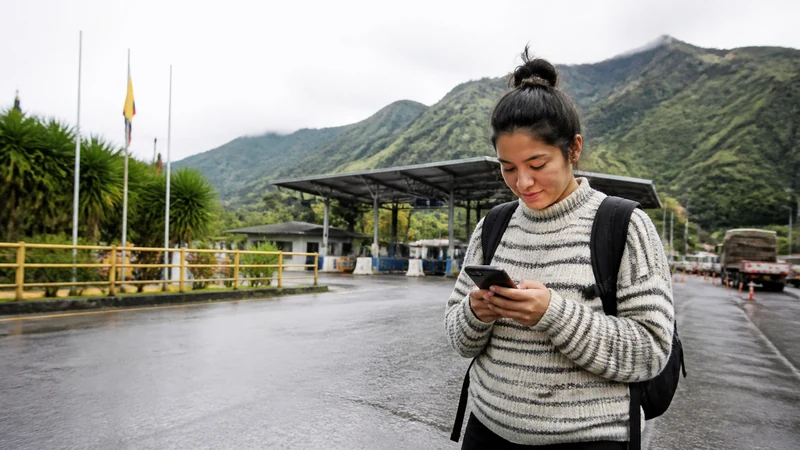

An Ecuador-to-Colombia crossing creates a country transition, not just a coverage gap. An Ecuador-only data plan should not be assumed to work after the phone registers on a Colombian network.
Before travelling, confirm the current border and entry requirements with the relevant authorities. Save identity documents, transport details, accommodation information and essential addresses offline; mobile data does not replace official documentation.
NoveSIM travel eSIM plans are data-only and do not include traditional calls or SMS. Coverage countries, networks and validity depend on the exact plan.
Quick answer: Check whether your plan explicitly includes both Ecuador and Colombia. If it does not, arrange Colombian or regional data before the crossing and keep all documents and onward directions available offline.
Top Ecuador eSIMs

Ecuador eSIM
Fixed
1 GB, 7 days€ 4.442 GB, 15 days€ 7.543 GB, 30 days€ 10.20Unlimited
Unlimited, 1 day€ 4.88Unlimited, 3 days€ 8.43Unlimited, 5 days€ 11.98
Plan the Ecuador-to-Colombia Crossing by Country
Read the live product coverage list and validity terms. A plan sold for Ecuador is not automatically a South America plan. Use the Ecuador product page for the Ecuador stage and the destination directory to locate the next-country option.
Prepare the Phone Before the Border
- Install the next plan while dependable Wi-Fi is available.
- Label each eSIM by country or region.
- Keep the Ecuador line active until the Ecuador stage is complete.
- After crossing, choose the plan that explicitly includes Colombia for mobile data.
- Enable Data Roaming on the active travel line and keep home-line roaming off.
The dual-SIM guide helps prevent the home line from taking over data unexpectedly.
Keep the Crossing Pack Offline
- Identity and entry documents required for the journey.
- Transport tickets and operator contact information.
- First-night address and a map of the onward route.
- Emergency and consular contact details relevant to the traveller.
Allow Time for Network Registration
After changing countries and selecting the correct plan, toggle Airplane Mode briefly and wait for registration. If signal appears without data, check the active line, roaming setting and allowance before entering a manual APN. Do not delete an installed eSIM during initial troubleshooting.
For Ecuador-side checks, use the Ecuador troubleshooting guide.
Related Articles
FAQ
Will an Ecuador eSIM work in Colombia?
Only if the exact plan’s current coverage list explicitly includes Colombia. Do not infer cross-border coverage from the word Ecuador or from regional proximity.
Should I install the next eSIM at the border?
Install it earlier over dependable Wi-Fi where possible, then select it for data after entering its covered country.
Can I keep both travel eSIMs installed?
Often yes, subject to the device’s profile and active-line limits. Label them clearly and verify which line carries data.
What if the Ecuador profile has signal but no data?
Keep the eSIM installed, confirm that the active plan still covers the current country and use data.esim only when its manual APN is required.
Final Recommendation
Treat the Ecuador-to-Colombia crossing as a product-coverage transition.
Install the next plan in advance, switch the data line deliberately and keep home roaming disabled.
Carry the complete crossing and onward-travel pack offline regardless of expected mobile service.