


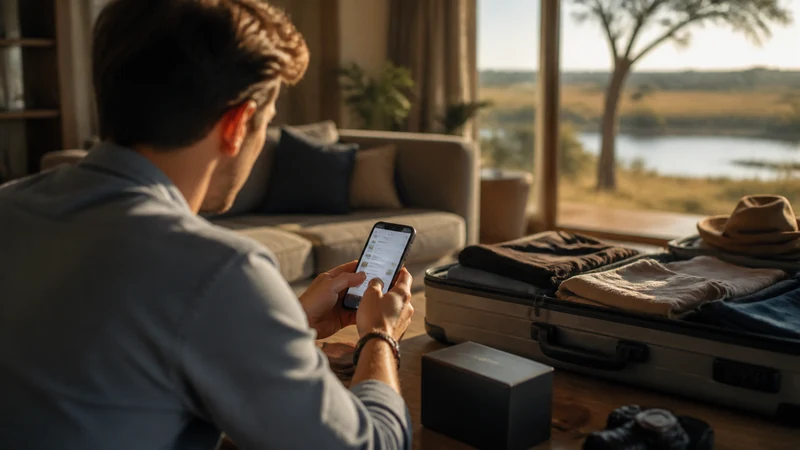

Most phones from the last several years support eSIM, but “most” isn’t “all,” and the check is worth doing properly before you fly rather than discovering an issue at the gate or on landing in Botswana.
Top Botswana eSIMs

Botswana eSIM
Fixed
1 GB, 7 days13.00$2 GB, 15 days28.50$3 GB, 30 days35.00$Unlimited
Unlimited, 1 day18.50$Unlimited, 3 days52.50$Unlimited, 5 days87.00$
Check the exact model, not just the product line
This is the detail that catches people out most often: eSIM support can differ between regional variants of the same phone. A model sold in one country might support eSIM while the same-looking model sold elsewhere doesn’t, often due to different carrier agreements or hardware variants in that market. Check your phone’s exact model number, not just “iPhone 14” or “Galaxy S23” generally, against your manufacturer’s official compatibility list.
Where to actually check
- iPhone: Settings → General → About, then check for an “EID” or “Digital SIM” entry. Its presence indicates eSIM hardware support, though carrier restrictions can still apply separately.
- Android: Settings → About Phone → look for an eSIM or “Add carrier” option in the SIM/network settings, though the exact menu path varies by manufacturer.
- Either platform: Your phone’s model number (found in settings, or on the original packaging/box) is what you actually need to check against a manufacturer’s compatibility list, not just the marketing name.
Carrier unlock is a separate requirement
Even if your phone’s hardware supports eSIM, it needs to be carrier-unlocked to add a Botswana eSIM profile alongside or instead of your home line. A phone locked to a specific home carrier may block adding other eSIM profiles regardless of hardware capability. Check with your home carrier if you’re unsure whether your device is unlocked — this is usually a quick check on their app or website.
Older or budget devices
eSIM support became standard on most flagship phones starting around 2018-2019, but budget and mid-range models have adopted it more slowly and inconsistently, and some regions never received eSIM-capable variants of certain budget lines at all. If you’re using an older or budget device, don’t assume support — check explicitly rather than finding out on the day you try to install.
What if your phone doesn’t support eSIM
A local physical SIM remains a fully workable option — Botswana’s local SIM registration process is covered in the local SIM versus eSIM guide, and the best SIM card guide covers what to look for at the carrier shops in Gaborone or Maun.
Once you’ve confirmed compatibility
The Botswana eSIM installation guide covers setting up the profile once you know your device supports it, and the activation guide covers the settings to use once you land.
FAQ
How do I know if my exact phone model supports eSIM?
Check your device’s exact model number against your manufacturer’s official eSIM compatibility list — regional variants of the same phone name can differ.
Does having eSIM hardware mean I can definitely use one?
Not necessarily — your phone also needs to be carrier-unlocked. A locked phone can block adding other eSIM profiles even with compatible hardware.
Are older phones less likely to support eSIM?
Generally yes — support became standard on flagships from around 2018-2019 onward, with budget and mid-range models adopting it more slowly and inconsistently.
What should I do if my phone doesn’t support eSIM?
A local physical SIM works just as well for connectivity in Botswana — it just requires the passport registration step at a carrier shop.
Final Recommendation
Check your phone’s exact model number against your manufacturer’s compatibility list, and confirm it’s carrier-unlocked, before assuming eSIM will work for your Botswana trip. If either check comes up short, a local SIM is a perfectly good fallback that just requires the passport registration step.