


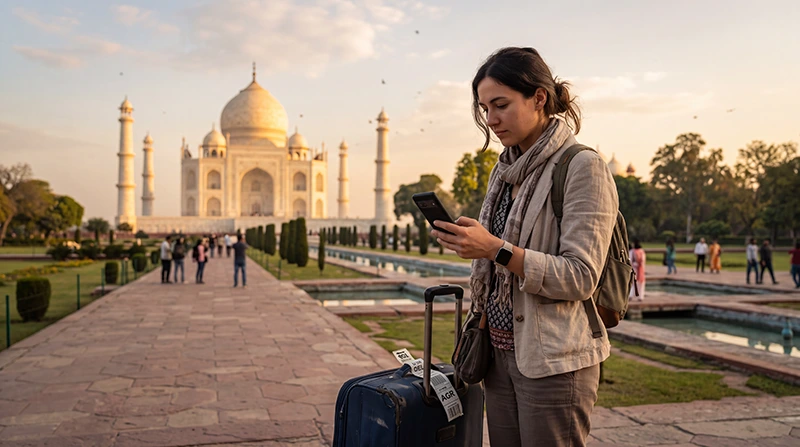

To answer “does my eSIM work in India?”, check that the installed plan includes India, the phone supports eSIM, the device is carrier-unlocked and the correct data settings are enabled. Having an eSIM-capable phone alone does not confirm destination coverage.
Check the plan and device separately before travelling. After landing, choose the travel line for mobile data and enable roaming on that line when the provider requires it.
NoveSIM travel eSIMs are data-only. They do not provide an Indian number or conventional calls and SMS; test the connection with a webpage rather than an ordinary call.
Quick answer: Verify that India appears in the plan coverage, confirm the exact phone model supports eSIM and shows no carrier restriction, then select the travel eSIM for Mobile Data and enable Data Roaming after arrival.
Top India eSIMs


Does My eSIM Work in India?
A regional or global product name does not prove that India is included. Open the current plan details on the India eSIM page and verify validity, allowance and any network or hotspot terms.
Check the exact phone model
Model and regional variant both matter. Confirm an Add eSIM option or EID and check that the phone is unlocked. Follow the detailed India phone-compatibility guide.
Use the correct settings in India
- Turn on the installed travel eSIM.
- Select it for Mobile Data.
- Enable Data Roaming on the travel line.
- Disable roaming on the primary SIM.
- Leave network selection on Automatic initially.
- Test with Wi-Fi switched off.
If manual APN entry is required for NoveSIM, use data.esim. The India activation guide covers the complete setup.
What if the eSIM still does not work?
Separate installation, network registration and mobile-data problems. Toggle Airplane Mode, restart the device and recheck the selected line. Do not delete the installed eSIM; use the India troubleshooting guide or contact support.
Related Articles
FAQ
Does every travel eSIM work in India?
No. The purchased plan must explicitly include India.
Does an unlocked phone guarantee eSIM support?
No. The exact model must also contain enabled eSIM hardware and software support.
Why is there signal but no internet?
The wrong data line, disabled roaming or an APN issue may prevent data even when network signal appears.
Should I delete and reinstall the profile?
No. Keep it installed and contact support before removal because the installation code may not be reusable.
Final Recommendation
To answer “does my eSIM work in India?”, verify destination coverage, device support and unlocked status before departure.
After landing, select the correct data line, enable roaming on it and test with Wi-Fi off.
Preserve the installed profile and troubleshoot settings methodically if data does not load.