


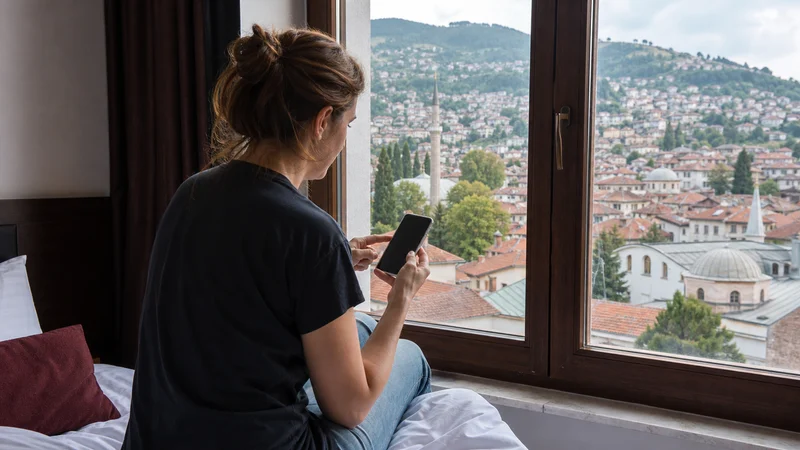

Using a Bosnia and Herzegovina eSIM on an iPhone requires an eSIM-compatible, network-unlocked model. Installation adds a separate cellular plan, allowing the physical SIM or another eSIM to remain available for the usual number.
The important part is not merely scanning the QR code. The Bosnia travel line must be selected for cellular data, data roaming must be enabled on that line and iPhone’s automatic data switching should normally be disabled.
NoveSIM travel eSIM plans are data-only. They do not add a Bosnian number or conventional voice and SMS service; communication apps can use the mobile-data connection.
Quick answer: On iPhone, open Settings > Cellular/Mobile Service, add the eSIM, label it clearly and select it for Cellular Data. Turn on Data Roaming for the travel line, turn off Allow Cellular Data Switching and test with Wi-Fi disconnected.
Top Bosnia and Herzegovina eSIMs

Bosnia and Herzegovina eSIM
Fixed
1 GB, 7 days€ 3.572 GB, 15 days€ 4.913 GB, 30 days€ 6.25Unlimited
Unlimited, 1 day€ 3.57Unlimited, 3 days€ 7.59Unlimited, 5 days€ 11.60
Balkans eSIM
Fixed
1 GB, 7 days€ 4.462 GB, 15 days€ 7.143 GB, 30 days€ 9.37Unlimited
Unlimited, 1 day€ 4.91Unlimited, 3 days€ 11.16Unlimited, 5 days€ 17.40Check Whether the iPhone Can Use an eSIM
- Open Settings > General > About.
- Look for an EID, which identifies eSIM capability.
- Check Carrier Lock; an unlocked phone normally shows “No SIM restrictions”.
- Confirm the exact model and country of purchase because availability can differ by market.
Apple’s menus can vary slightly by iOS version and region. If the device is absent from the NoveSIM compatible-device list, confirm support before purchasing a plan.
Install the Bosnia Travel eSIM
- Connect the iPhone to reliable Wi-Fi.
- Open Settings > Cellular/Mobile Service > Add eSIM.
- Select Use QR Code and scan the code from another screen, or enter the supplied details manually.
- Label the new line “Bosnia Travel” so it cannot be confused with the primary SIM.
- Follow the plan’s activation and validity instructions before switching the line on.
Do not scan a single-use code on a different phone as a test. The general Bosnia eSIM installation guide explains preparation before departure.
Choose the Correct Cellular Data Settings
Under Cellular Data, select the Bosnia travel eSIM. Open that line and enable Turn On This Line and Data Roaming. Leave Network Selection on Automatic for the first connection.
Disable Allow Cellular Data Switching. Otherwise, iPhone may use the home SIM for data when the selected line is temporarily weak. That can create roaming charges even though a travel eSIM is installed.
Keep the Home Number Without Using Its Data
The primary SIM may remain the default voice line when incoming calls or verification texts are needed. Charges for those services still come from the home provider. A NoveSIM eSIM supplies data only and does not change the number used by WhatsApp.
For predictable billing, switch off Data Roaming inside the primary line and check the provider’s rates for answering calls, voicemail and SMS. The guide to roaming in Bosnia and Herzegovina explains why ordinary European allowances may not apply.
Test the Connection after Arrival
- Enable the Bosnia travel line and select it for Cellular Data.
- Make sure its Data Roaming switch is on.
- Wait several minutes with Network Selection set to Automatic.
- Turn Wi-Fi off completely.
- Open a lightweight webpage and then a map.
If neither service loads, toggle airplane mode once and restart the iPhone. Check that the plan is active before editing the APN. NoveSIM uses data.esim when an APN field is available and needs correction.
Fix Common iPhone Problems Safely
If the eSIM shows signal but no data, recheck the selected data line, roaming and automatic network selection. If Personal Hotspot is missing, first verify whether the purchased plan supports tethering; availability also depends on the iPhone and local network.
Do not delete the installed eSIM as a routine troubleshooting step. Deletion can remove a profile that cannot be downloaded again without assistance. Keep it installed and use the Bosnia mobile-data troubleshooting sequence or contact support with screenshots.
Related Articles
- Bosnia and Herzegovina eSIM plans
- Activate a Bosnia and Herzegovina eSIM
- Bosnia and Herzegovina eSIM on Android
- Mobile data in Bosnia and Herzegovina
FAQ
Where is Add eSIM on an iPhone?
Open Settings, then Cellular or Mobile Service, and choose Add eSIM. Menu wording can vary by iOS region.
Should Data Roaming be on for the travel eSIM?
Yes, it normally needs to be enabled for the Bosnia travel line. Keep roaming data off on the primary SIM.
Can I keep my normal number active?
Yes, on a compatible dual-SIM iPhone. Calls and SMS on that line remain subject to the home provider’s roaming charges.
Should I delete the eSIM if mobile data fails?
No. Recheck line selection, roaming and network registration first, and delete only if NoveSIM support instructs you.
Final Recommendation
Confirm the exact iPhone supports eSIM and is unlocked before buying or installing a Bosnia plan.
Label both lines, select the travel eSIM for cellular data, enable roaming only where required and turn off automatic data switching.
Test with Wi-Fi disabled after arrival and preserve the installed profile if troubleshooting is needed.