


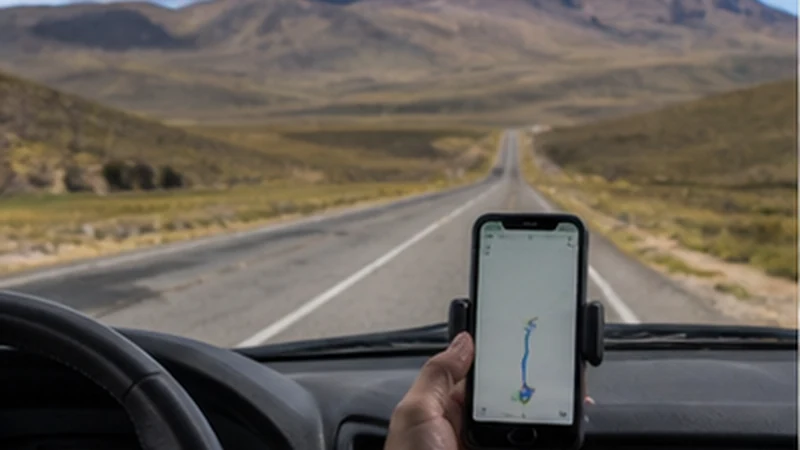

Bolivia road trip mobile internet can support navigation, accommodation updates and route research, but it cannot provide uninterrupted service on every road.
The safest setup combines an installed travel eSIM with full offline map regions, saved fuel and accommodation stops, and a plan for sections without reception.
NoveSIM travel plans are data-only and include no Bolivian number, traditional calls or SMS. Internet-based communication depends on an available data connection.
Quick answer: For Bolivia road trip mobile internet, install the eSIM before departure, let a passenger manage the phone, download the complete route offline and never depend on a last-minute message for fuel, lodging or pickup arrangements.
Top Bolivia eSIMs


Bolivia Road Trip Mobile Internet Setup
- Confirm the phone is unlocked and supports eSIM.
- Select a plan that includes Bolivia and review its validity and allowance.
- Install the profile over reliable Wi-Fi and label it Travel.
- After arrival, choose it for mobile data and enable Data Roaming.
- Disable roaming and automatic data switching on the home line.
- Test maps and messaging before leaving the city.
Use the Bolivia installation guide while dependable Wi-Fi is available. Do not attempt setup from a roadside location where the QR code or support conversation may be difficult to access.
Download the Entire Driving Area
Save a map region that includes the route, alternatives and destination town rather than a single navigation corridor. Store accommodation addresses, reservation references, fuel stops and vehicle-return instructions outside apps that require login.
Check the Bolivia coverage guide, but treat it as planning information rather than a guarantee. Terrain, distance from infrastructure, weather and the network available to the plan can create gaps.
Use the Phone Safely in the Vehicle
- Let a passenger handle route changes and messages.
- Mount the phone securely when using turn-by-turn navigation.
- Connect power before the battery becomes low.
- Keep a separate copy of critical addresses and contacts.
Hotspot use can connect a passenger’s device but also shares the allowance and increases power consumption. Review the Bolivia hotspot guide before tethering throughout a driving day.
Plan for Roads Without Signal
Agree in advance what to do if the route changes and messages cannot be sent. Share the itinerary and expected arrival time with a trusted contact. Mobile data is not an emergency service and should not replace appropriate vehicle, route and safety preparation.
Before each departure, update the offline route over Wi-Fi, check that the destination is saved and confirm that every traveller knows the next planned stop.
Connection Checks at a Safe Stop
- Stop safely before handling settings.
- Confirm the travel eSIM is enabled and selected for data.
- Check that Data Roaming is enabled on that line.
- Use Airplane Mode for 30 seconds, reconnect and restart if necessary.
- If signal exists without internet, use data.esim only when manual APN entry is required.
Do not delete the installed eSIM during a roadside connection gap. Keep the profile and follow the Bolivia troubleshooting guide after reaching a location where service is reasonably expected.
Related Articles
FAQ
Will an eSIM work on every road in Bolivia?
No. Coverage varies and remote routes can have long gaps. Download maps and essential details before driving.
Can I use online navigation for a Bolivia road trip?
Use it as a supplement, but keep the complete route offline so navigation continues without mobile data.
Does hotspot use drain the phone battery?
Yes. Tethering, navigation and network searching can consume power quickly, so carry suitable charging equipment.
Should I change settings while driving?
No. A passenger should handle the phone, or the driver should stop in a safe place before troubleshooting.
Final Recommendation
Bolivia road trip mobile internet should be treated as a useful layer above complete offline navigation and route preparation.
Install and test the travel line in a connected location, then keep the profile installed during temporary coverage gaps.
Let a passenger manage live information, protect the phone’s battery and make every essential driving decision possible without a network.