


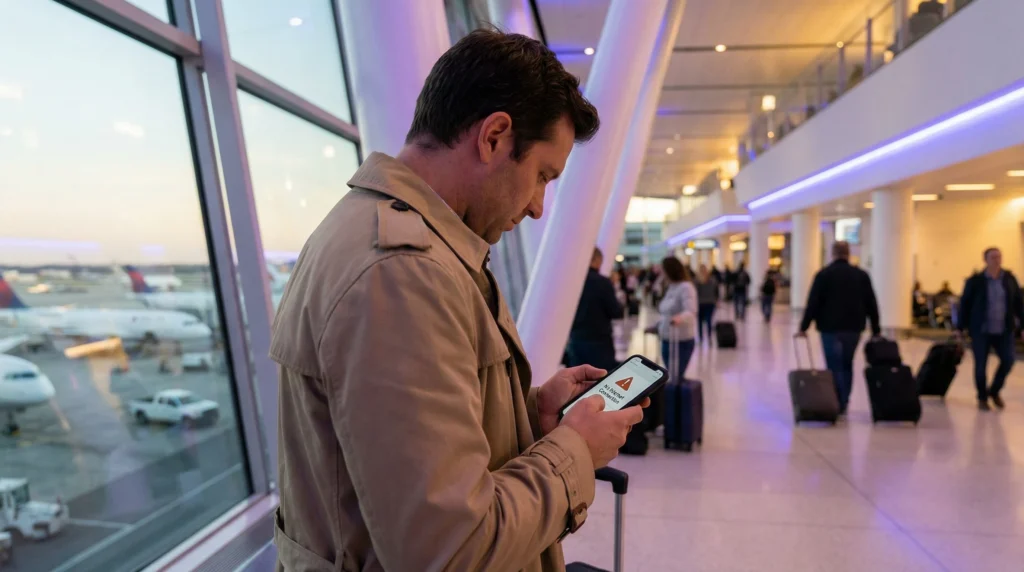

Sometimes travelers arrive in the United Kingdom and discover that their eSIM is not working correctly.
This can happen for several reasons including roaming settings, activation timing, network selection, installation issues, or incorrect mobile data settings.
Quick answer: most UK eSIM issues can usually be fixed by enabling data roaming, selecting the eSIM for mobile data, restarting the phone, or reconnecting to the network.
Top United Kingdom eSIMs

United Kingdom eSIM
Fixed
1 GB, 7 days€ 2.162 GB, 15 days€ 3.033 GB, 30 days€ 4.33Unlimited
Unlimited, 1 day€ 2.60Unlimited, 3 days€ 5.62Unlimited, 5 days€ 9.09
Europe Extra eSIM
Fixed
1 GB, 7 days€ 2.162 GB, 15 days€ 3.463 GB, 30 days€ 4.33Unlimited
Unlimited, 1 day€ 2.60Unlimited, 3 days€ 5.19Unlimited, 5 days€ 8.65Europe+ eSIM
Fixed
1 GB, 7 days€ 2.602 GB, 15 days€ 3.893 GB, 30 days€ 5.19Unlimited
Unlimited, 1 day€ 2.60Unlimited, 3 days€ 6.06Unlimited, 5 days€ 9.95Common Reasons Why an eSIM May Not Work in the UK
- Data roaming is disabled
- The eSIM is not selected for mobile data
- The eSIM is not fully activated
- Incorrect APN settings
- Network selection problems
- The device does not support eSIM
- The phone is carrier locked
- Weak signal in the current area
Step 1: Make Sure Data Roaming Is Enabled
One of the most common reasons for no internet is disabled data roaming.
Most travel eSIMs require Data Roaming to be enabled.
On iPhone
- Open Settings
- Tap Mobile Data
- Select the eSIM
- Enable Data Roaming
On Android
- Open Settings
- Tap Connections or Mobile Network
- Select the eSIM
- Enable Data Roaming
Step 2: Select the eSIM for Mobile Data
Sometimes the phone continues using the original SIM card instead of the travel eSIM.
Make sure the UK eSIM is selected for:
- Mobile Data
- Cellular Data
- Internet Connection
Step 3: Restart the Phone
Restarting the phone often fixes temporary network registration problems.
Many travelers successfully solve eSIM issues after:
- Turning Airplane Mode on for 30 seconds
- Restarting the device
- Reconnecting to the network
Step 4: Check If the eSIM Is Installed Correctly
Go to your phone’s SIM settings and verify that the eSIM appears in the device.
If the eSIM does not appear:
- The QR code may not have installed correctly
- The installation may have been interrupted
- The eSIM may already be installed on another device
Step 5: Try Manual Network Selection
Sometimes automatic network selection may not connect properly.
Try disabling automatic network selection and manually choosing another supported network.
Common UK networks include:
- EE
- Vodafone UK
- Three UK
- O2
Step 6: Check APN Settings
Some eSIM providers require manual APN settings.
If internet is not working but the signal appears connected, incorrect APN configuration may be the reason.
Your eSIM provider should provide the correct APN details if needed.
Example APN troubleshooting guide
Step 7: Check Device Compatibility
Not all smartphones support eSIM functionality.
Most modern devices do support eSIM, including:
- Recent iPhones
- Samsung Galaxy devices
- Google Pixel phones
- Many flagship Android phones
However, some regional device models may not support eSIM.
Step 8: Check If the Phone Is Carrier Locked
Carrier-locked devices may prevent eSIM activation from other providers.
If the phone is locked to a carrier, international travel eSIMs may not work properly.
How Good Is Mobile Internet in the UK?
The United Kingdom generally offers excellent mobile internet coverage with strong 4G and expanding 5G networks.
Coverage is usually reliable across:
- London
- Manchester
- Edinburgh
- Liverpool
- Birmingham
- Train routes
- Airports
- Tourist destinations
Ofcom reports that UK 4G geographic coverage from at least one mobile operator reaches 96% of UK landmass.
Can Travelers Keep Their Original SIM Active?
Yes. Most modern smartphones support dual SIM functionality using a physical SIM together with an eSIM.
This allows travelers to:
- Keep their regular number active
- Receive SMS verification codes
- Use UK mobile data through eSIM
- Continue using banking apps
- Stay reachable while traveling
Can Travelers Use Google Maps with a UK eSIM?
Yes. Google Maps works extremely well throughout the UK and is heavily used by tourists.
Read our Google Maps in London guide
How to Properly Install a UK eSIM
- Purchase the UK eSIM plan.
- Connect your phone to WiFi.
- Open Mobile Data or SIM settings.
- Select Add eSIM.
- Scan the QR code.
- Follow the installation instructions.
- Select the eSIM for mobile data.
- Enable Data Roaming.
- Restart the phone if needed.
Tips to Prevent eSIM Problems
- Install the eSIM before departure
- Save the QR code offline
- Check device compatibility
- Enable data roaming
- Restart the phone after installation
- Keep WiFi available during setup
Related UK Travel Internet Guides
- United Kingdom eSIM
- How to Activate eSIM
- How to Install eSIM
- Best Internet Option UK
- Google Maps in London
- Traveling UK with eSIM
FAQ: eSIM Not Working in the UK
Why is my eSIM not working in the UK?
The most common reasons include disabled data roaming, incorrect mobile data selection, network issues, or incomplete activation.
Should data roaming be enabled for UK eSIMs?
Yes. Most travel eSIMs require Data Roaming to be enabled.
Why do I have signal but no internet?
This may happen because of incorrect APN settings or because the wrong SIM is selected for mobile data.
Can restarting the phone fix eSIM issues?
Yes. Restarting the phone or enabling Airplane Mode for 30 seconds often fixes temporary connection problems.
Can carrier-locked phones block eSIMs?
Yes. Carrier-locked devices may prevent travel eSIM activation from other providers.
Can travelers install the UK eSIM before arrival?
Yes. Many travelers install the UK eSIM before departure and activate mobile data after arrival.
Final Recommendation
Most UK eSIM issues are usually simple to fix through roaming settings, network selection, restarting the phone, or verifying installation.
For the smoothest experience, many travelers now install and test their UK eSIM before departure so they can use maps, transport apps, WhatsApp, and mobile internet immediately after arriving in the United Kingdom.