


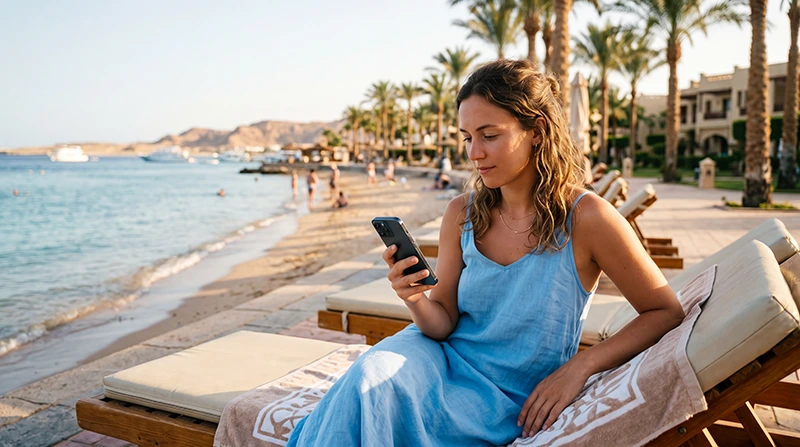

The best eSIM for Hurghada should cover Egypt, remain valid through departure and provide enough data for transfers, maps, messages and resort use. Excursions away from the city need separate coverage planning.
Reception can differ between central Hurghada, resort compounds, desert roads and offshore trips. Download tickets, meeting points and maps before leaving dependable service.
NoveSIM travel eSIMs are data-only. We do not provide an Egyptian number, conventional calls or SMS; internet apps work over the data connection.
Quick answer: Choose a plan that explicitly covers Egypt, match its validity to the full stay and install it before departure. Keep offline details for boat trips and desert excursions where signal cannot be guaranteed.
Top Egypt eSIMs

Egypt eSIM
Fixed
1 GB, 7 days€ 4.442 GB, 15 days€ 7.103 GB, 30 days€ 9.76Unlimited
Unlimited, 1 day€ 4.88Unlimited, 3 days€ 11.54Unlimited, 5 days€ 18.64
Africa eSIM
Fixed
1 GB, 7 days€ 10.202 GB, 15 days€ 19.083 GB, 30 days€ 26.62Unlimited
Unlimited, 1 day€ 13.75Unlimited, 3 days€ 39.49Unlimited, 5 days€ 65.22What to Compare for Hurghada
| Plan detail | Travel question |
|---|---|
| Validity | Does it include both flight days? |
| Allowance | Will you stream or upload excursion media? |
| Coverage | Which partner serves planned routes? |
| Hotspot | Will a laptop or second device connect? |
| Activation | When does plan validity begin? |
Review current Egypt eSIM plans and check the exact phone on the compatible-device list.
Plan for Resorts, Desert and Red Sea Trips
Hotel WiFi can reduce daily mobile use, but transfer coordination and navigation still need independent data. Offshore and remote desert coverage depends on local infrastructure and terrain.
Save the operator’s meeting point, vessel or driver details, hotel address and emergency contact offline. Mobile data should not replace an excursion provider’s safety arrangements.
Install and Activate the eSIM
- Install on dependable private WiFi before travel.
- Label both SIM lines clearly.
- After landing, select the travel eSIM for Mobile Data.
- Enable Data Roaming on that line when required.
- Keep home-SIM roaming and automatic switching off.
Coverage, 4G or 5G and hotspot use depend on the plan, device, location and congestion.
If Mobile Data Does Not Start
Wait for registration, toggle Airplane Mode and leave Network Selection on Automatic. Use APN data.esim only when manual entry is required.
Follow the Egypt eSIM troubleshooting guide and do not delete the installed profile unless NoveSIM Support instructs you.
Related Articles
FAQ
Does an eSIM work in Hurghada?
It can work where the plan’s authorised partner has coverage and the device is compatible.
Will it work on a Red Sea boat trip?
Offshore reception cannot be guaranteed. Save essential details before departure.
Does NoveSIM include an Egyptian number?
No. NoveSIM travel eSIMs are data-only.
Should I install before flying?
Yes, while reliable WiFi is available, but follow the plan’s activation instructions.
Final Recommendation
Choose the best eSIM for Hurghada by validity, allowance and the actual excursion schedule.
Install it before departure and prevent the home SIM from using roaming data.
Keep resort, boat and desert-trip details available offline.