


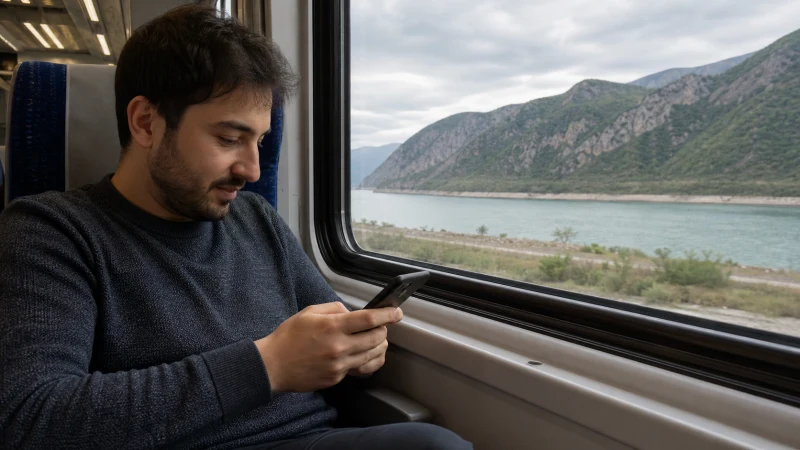

Internet on Azerbaijan trains depends on the mobile network along the railway route, the carriage environment and local congestion. A phone may have useful data near cities and stations but lose speed or signal between populated areas.
Prepare the journey so tickets, addresses and onward transport remain available without a continuous connection.
NoveSIM Azerbaijan travel eSIMs are data-only. We do not provide an Azerbaijani number, conventional calls or SMS.
Quick answer: Install and test the Azerbaijan eSIM before boarding, download the ticket and destination map, and refresh essential information at connected stations. Do not depend on uninterrupted mobile data for the entire rail journey.
Top Azerbaijan eSIMs


Why Train Coverage Changes
The phone moves quickly between network cells, while terrain, distance from towns and the train body can affect reception. Signal bars can rise near a station and fall again after departure. Even a plan with broad coverage cannot guarantee a stable video call throughout the route.
Prepare Before Boarding
- Save the ticket and identification details offline.
- Download the destination and station map.
- Store accommodation and transfer addresses.
- Charge the phone and carry a power bank.
- Download work files or entertainment on Wi-Fi.
Use the eSIM on the Train
- Select the Azerbaijan eSIM for Mobile Data.
- Enable Data Roaming on that line.
- Keep Network Selection on Automatic.
- Disable data switching to the primary SIM.
- Retry important tasks near a station if the route signal is weak.
For NoveSIM, use data.esim only if manual APN entry is required. Do not keep changing networks while the train is moving.
Work, Streaming and Hotspot Use
Messaging and light browsing tolerate brief interruptions better than video meetings or live uploads. Schedule important calls before departure or after arrival. Download media in advance and use the Azerbaijan hotspot guide only when the selected plan permits tethering.
If the Connection Does Not Return
Wait until the train reaches a more populated area, toggle Airplane Mode and let the phone register automatically. Check the active line and roaming. Do not delete the eSIM; follow the Azerbaijan troubleshooting guide.
Related Articles
- Azerbaijan eSIM plans
- Mobile internet in Azerbaijan
- Azerbaijan eSIM coverage
- Best network in Azerbaijan
- How much data for Azerbaijan?
- Azerbaijan road-trip internet
FAQ
Is there reliable internet on Azerbaijan trains?
Mobile data may be useful near cities and stations, but performance can change between them. Prepare for interruptions.
Should I download my train ticket?
Yes. Keep the ticket and essential journey information available offline before boarding.
Can I work through a train hotspot?
Possibly, when the plan allows tethering, but moving coverage is unsuitable for a call that cannot tolerate interruption.
What should I do when signal disappears?
Wait for a stronger area, keep automatic network selection enabled and toggle Airplane Mode if registration does not return.
Final Recommendation
Use an Azerbaijan eSIM for ordinary train messaging, maps and searches, but design the journey to work offline.
Download tickets and destination information, keep automatic network selection enabled and retry large tasks at connected stations.
This is more dependable than expecting uninterrupted data between every stop.