


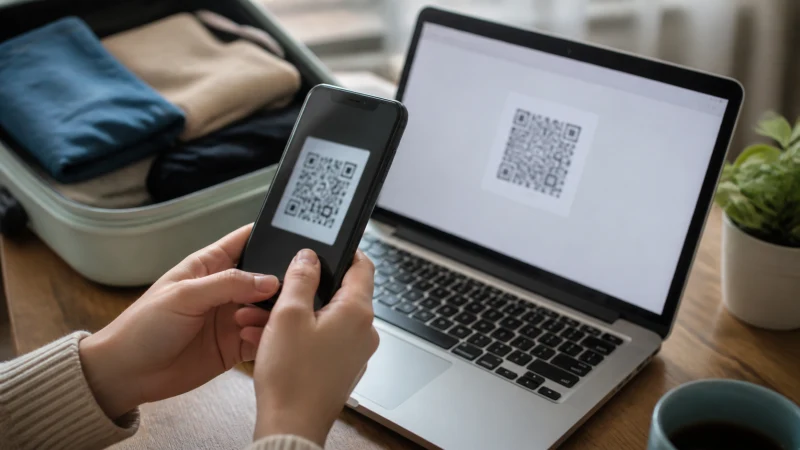

Installing a Jamaica eSIM adds the profile to the phone. It does not always start the plan immediately, because activation timing depends on the product’s stated rules.
Quick answer: Confirm the phone is compatible and unlocked, connect to reliable Wi-Fi, open Add eSIM and scan the supplied QR code. Label the line Jamaica and follow the order’s activation timing rather than turning it on by assumption.
Top Jamaica eSIMs

Jamaica eSIM
Fixed
1 GB, 7 days€ 9.332 GB, 15 days€ 16.883 GB, 30 days€ 23.55Unlimited
Unlimited, 1 day€ 12.89Unlimited, 3 days€ 37.77Unlimited, 5 days€ 62.21
Caribbean eSIM
Fixed
1 GB, 7 days€ 9.332 GB, 15 days€ 16.883 GB, 30 days€ 23.55Unlimited
Unlimited, 1 day€ 13.77Unlimited, 3 days€ 39.55Unlimited, 5 days€ 65.32Check the phone before installation
Verify the exact handset model supports eSIM and is carrier-unlocked. Update the operating system while there is enough time to resolve a problem. Keep the order details available on another screen.
Protect the QR code
Treat the QR code and manual installation information as private credentials. Do not post or forward them. Many installation codes are intended for one use, so scan only on the phone that will use the plan.
Add the eSIM profile
On iPhone, open Settings > Cellular/Mobile Data > Add eSIM. On Android, the option may appear under Network & Internet, Connections or SIM Manager. Scan the code or enter the supplied details manually.
Label the new line Jamaica. Keep the home line clearly named so the mobile-data selection is unambiguous after arrival.
Installation is not the same as activation
Some plans start at first connection to a supported network; others follow a different rule. The instructions supplied with the selected Jamaica plan are authoritative. Do not enable the line early unless those instructions allow it.
After landing, select Jamaica for mobile data, enable Data Roaming on that line and leave Network Selection on Automatic. Turn off automatic data switching to protect the home SIM.
Related Articles
- Activate a Jamaica eSIM
- Check Jamaica eSIM Compatibility
- Jamaica eSIM on iPhone
- Jamaica eSIM on Android
FAQ
Should I install the Jamaica eSIM before flying?
Yes, installation on reliable Wi-Fi before departure is usually easiest. Follow the plan’s separate activation instructions.
Does scanning the QR code activate the plan?
Not necessarily. Activation rules vary, so use the instructions supplied with the purchased plan.
Can I scan the QR code twice?
Do not assume that you can. Many codes are intended for one installation; contact support rather than deleting and rescanning.
Should I delete the eSIM if it shows no data?
No. Check activation, the selected data line and roaming settings, then contact support before deleting the profile.
Final Recommendation
Install the Jamaica profile before travel, protect the QR code and keep installation separate from activation. After arrival, assign the eSIM to data and apply only the settings required by the order.