


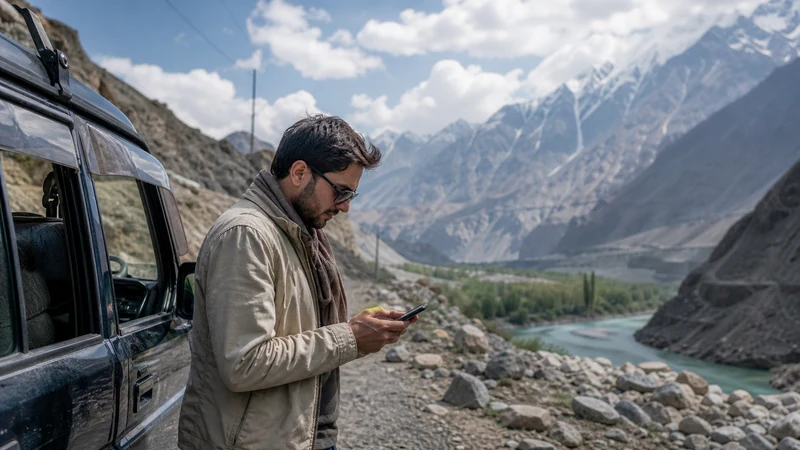

The Islamabad-to-Hunza journey crosses from a well-served metropolitan base into a northern route where network access, terrain and road conditions can change sharply.
Use Islamabad to solve phone and plan problems, then prepare for gaps rather than expecting the same connection throughout the journey.
NoveSIM Pakistan plans are data-only and their exact northern partner access must be verified.
Quick answer: Test the eSIM in Islamabad, confirm its network can serve Gilgit-Baltistan, download the complete route and alternatives, save every stop and carry power before leaving the capital.
Top Pakistan eSIMs

Pakistan eSIM
Fixed
1 GB, 7 days€ 3.992 GB, 15 days€ 7.103 GB, 30 days€ 10.20Unlimited
Unlimited, 1 day€ 5.32Unlimited, 3 days€ 15.09Unlimited, 5 days€ 23.96
Complete a Departure Test in Islamabad
- Verify the Pakistan eSIM is selected for data.
- Confirm Data Roaming is on for that line.
- Open maps and two normal websites with Wi-Fi off.
- Check plan allowance and validity.
- Resolve any APN or registration problem before departure.
Use the Islamabad internet guide for city preparation.
Check Northern Network Access
Do not infer Gilgit-Baltistan coverage from a successful capital-city test. Verify the current plan partner, review recent local information and compare the exact route with the network-selection guide.
Download the Whole Journey
- Primary road and current alternatives
- Overnight stops and accommodation contacts
- Driver and vehicle details
- Gilgit and Hunza maps
- Latest official road and weather updates
Expect Delays and Coverage Transitions
Road conditions and journey timing can change. Keep water, power and arrangements appropriate to the trip, and do not schedule a connection-sensitive commitment during an untested section.
Use Gilgit as a Recheck Point
Test service, update maps and contact the next accommodation before continuing. Read the Gilgit guide and the Hunza guide for their different roles.
Do Not Chase Signal from an Unsafe Stop
Continue only according to the safe route plan and current guidance. At a safe stop, test outdoors, refresh registration and preserve the eSIM. The road-trip workflow defines driver and passenger responsibilities.
Related Articles
FAQ
Will an eSIM work all the way from Islamabad to Hunza?
Do not assume continuous service. Verify northern partner access and prepare for gaps.
Where should I test the plan?
Test in Islamabad before departure and again in Gilgit before the next stage.
What maps should I download?
Save the full primary route, alternatives, Gilgit, Hunza and planned side trips.
Can mobile data replace road updates?
No. Check official and recent local road and weather information before travelling.
Final Recommendation
Use Islamabad to prove the setup, not the whole route.
Verify northern network access and download every stage before departure.
Recheck in Gilgit and keep the journey safe and navigable through expected coverage gaps.