


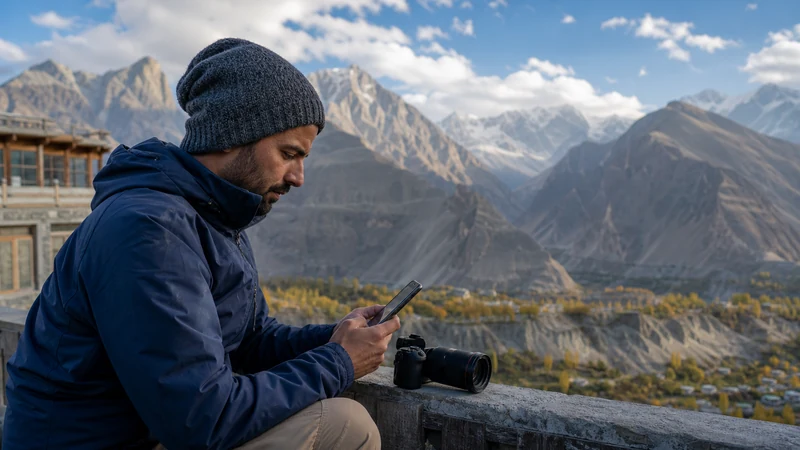

A photography trip in Pakistan should protect original files before it optimises social uploads. Mobile data is useful for maps, coordination and selected previews, but full-resolution backup can exhaust an allowance quickly.
Mountain travel also makes power, dust, cold and coverage part of the media workflow.
NoveSIM Pakistan plans are data-only and do not provide a local number.
Quick answer: Keep originals on primary and duplicate storage, upload only selected previews over mobile data, reserve full backup for trusted Wi-Fi, and protect enough battery and allowance for navigation and communication.
Top Pakistan eSIMs

Pakistan eSIM
Fixed
1 GB, 7 days€ 3.992 GB, 15 days€ 7.103 GB, 30 days€ 10.20Unlimited
Unlimited, 1 day€ 5.32Unlimited, 3 days€ 15.09Unlimited, 5 days€ 23.96
Use a Layered File Workflow
- Keep originals on the camera card.
- Create a second local copy where practical.
- Generate smaller previews for sharing.
- Upload critical selects on a trusted connection.
- Verify files before formatting any card.
Stop Automatic Uploads
Disable phone photo backup, cloud-drive synchronisation and automatic video upload on mobile data. Use the Pakistan data guide to estimate deliberate transfers.
Reserve Data for the Journey
Do not spend the last allowance on social posts before a remote route or return transfer. Keep maps, weather, driver communication and booking access available.
Protect Power and Equipment
Carry labelled cables and suitable power banks, keep devices out of direct heat and protect batteries from winter cold. Hotspot and uploads can heat and drain the host phone.
Plan Upload Locations
Ask accommodation about actual upload performance, not only a Wi-Fi password. For northern travel, finish important transfers in a proven location and review the remote connectivity plan.
Share through a Hotspot Carefully
If a laptop needs mobile access, mark the connection as metered and pause every unrelated sync task. Follow the hotspot guide.
Related Articles
FAQ
Should I back up all photos over an eSIM?
Usually not. Full-resolution media can consume an allowance rapidly; use duplicate local storage and trusted Wi-Fi.
How can I share images economically?
Create selected lower-resolution previews and disable automatic original uploads.
Can I hotspot a laptop for editing?
Yes when the plan permits it, but pause background synchronisation and monitor heat and data.
What data should I reserve?
Keep enough for maps, weather, transport, accommodation contact and the return journey.
Final Recommendation
Protect originals with local redundancy before uploading.
Use mobile data for selected files and travel tasks, not uncontrolled backup.
Plan power and proven upload locations before remote or winter photography routes.