


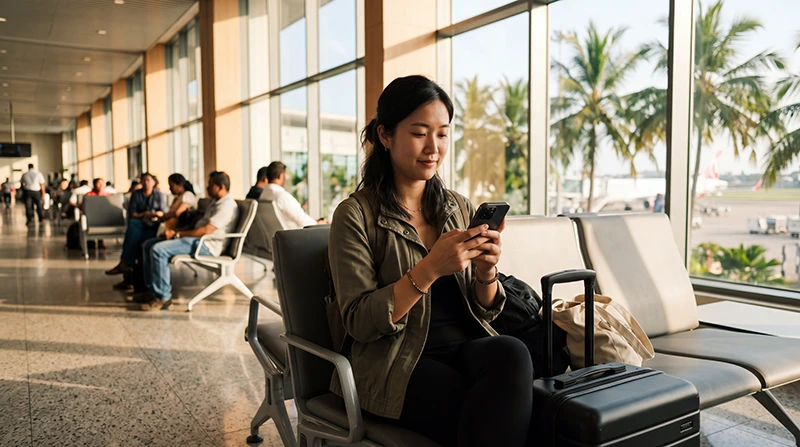

Colombo Airport WiFi can help with a booking check or arrival message, but travellers should confirm the current network name on official signage or with airport staff. Avoid similarly named hotspots.
The sign-in page may require a browser step, and performance can slow during busy periods. Airport WiFi also ends once you leave terminal coverage.
A NoveSIM travel eSIM provides data only, without a Sri Lankan number or conventional calls and SMS. Internet apps work after the line registers.
Quick answer: Join only the Colombo Airport WiFi network shown on current terminal signs, open a normal webpage to trigger the portal and avoid sensitive activity on an unverified network. Keep mobile data ready for the onward journey.
Top Sri Lanka eSIMs

Sri Lanka eSIM
Fixed
1 GB, 7 days€ 4.452 GB, 15 days€ 7.133 GB, 30 days€ 9.35Unlimited
Unlimited, 1 day€ 4.90Unlimited, 3 days€ 11.14Unlimited, 5 days€ 17.37
How to Connect to Colombo Airport WiFi
- Check the network name against official terminal signage.
- Select the verified passenger network.
- Open a browser if the portal does not appear.
- Complete only the legitimate airport login.
- Forget the network afterwards if automatic reconnection is unnecessary.
Ask airport staff to confirm the network if several similar names appear. Do not install an unknown certificate or configuration profile.
If the WiFi Login Page Does Not Open
Turn WiFi off and on, forget the network and reconnect. Temporarily pause a VPN, private relay or custom DNS only for diagnosis because it can block a captive portal.
Open a simple webpage instead of repeatedly refreshing an app. If access remains unavailable, use mobile data rather than weakening device security.
Use Airport WiFi Safely
- Verify the network name.
- Avoid certificate warnings.
- Prefer mobile data for banking.
- Never expose an eSIM QR code.
- Save the hotel address and transport booking offline.
Prepare Data Beyond the Terminal
Review current Sri Lanka eSIM plans and confirm the handset on the compatible-device list. Install the profile before travel on dependable WiFi.
After landing, select it for Mobile Data and enable Data Roaming on that line when required. Keep home-SIM roaming and automatic switching off.
If Mobile Data Does Not Start
Wait for registration, toggle Airplane Mode and leave Network Selection on Automatic first. Use APN data.esim only when manual entry is required.
Follow the Sri Lanka eSIM troubleshooting guide and do not delete the profile unless NoveSIM Support instructs you.
Related Articles
- Sri Lanka eSIM plans
- SIM card at Colombo Airport
- Sri Lanka mobile networks
- Sri Lanka roaming charges
FAQ
Is WiFi available at Colombo Airport?
Passenger WiFi may be available, but confirm the current network name and access instructions inside the terminal.
Why does the login portal not appear?
Reconnect, open a browser and temporarily pause a VPN or private DNS that may block the captive portal.
Is airport WiFi safe for banking?
Mobile data is the safer default. Never proceed through certificate warnings or use an unverified hotspot.
Will airport WiFi work after I leave?
No. Prepare an eSIM, roaming plan or local SIM for travel beyond the terminal.
Final Recommendation
Use Colombo Airport WiFi only after confirming the official network and portal.
Keep sensitive activity on mobile data and store transfer details offline.
Activate and test the travel eSIM before leaving arrivals.