


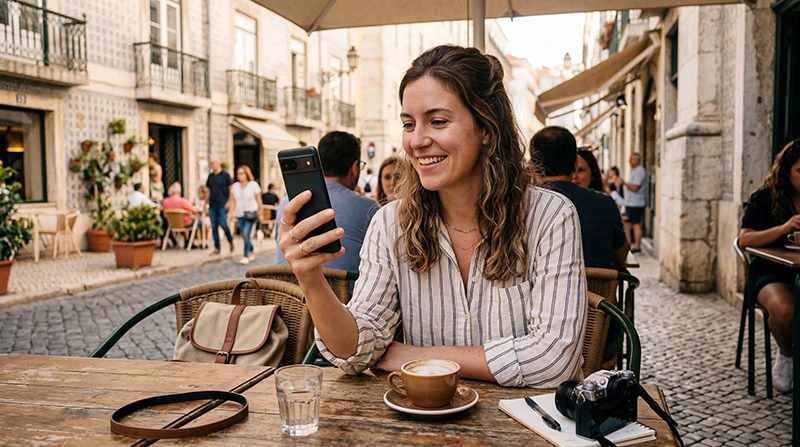

Using WhatsApp while traveling abroad?
WhatsApp is one of the most important apps for travelers, used for messaging, voice calls, and video calls. The good news is that WhatsApp is very data-efficient compared to most social media apps.
This guide explains exactly how much data WhatsApp uses and how to manage your usage while traveling.
Quick Answer
- text messages: negligible (less than 1 MB per hour)
- voice calls: 0.3–0.5 MB per minute
- video calls: 3–5 MB per minute
- sending photos: 1–3 MB per image
- sending videos: 5–20 MB per video
WhatsApp is one of the most efficient ways to stay connected while traveling.
WhatsApp Data Usage Breakdown
Text Messaging
Text messages use almost no data.
- ~1 KB per message
Voice Calls
- ~0.3–0.5 MB per minute
A 10-minute call uses about 3–5 MB.
Video Calls
- ~3–5 MB per minute
Video calls are the biggest data consumer on WhatsApp.
Media Sharing
- photo: 1–3 MB
- video: 5–20 MB
How Much Data Do You Need for WhatsApp?
- light use: 200–500 MB per week
- normal use: 500 MB – 1 GB per week
- heavy use (video calls): 1–3 GB per week
Why WhatsApp Uses Less Data
- efficient compression
- optimized messaging protocol
- low bandwidth requirements for voice
How to Reduce Data Usage
- disable auto-download for media
- use WiFi for video calls
- avoid sending large videos on mobile data
Why eSIM Is Ideal for WhatsApp
- stable connection for calls
- no roaming charges
- reliable messaging everywhere
Related Guides
Stay connected with friends and family anywhere.
Use a reliable eSIM for WhatsApp calls and messaging.
FAQ
Does WhatsApp use a lot of data?
No. It is one of the most efficient communication apps.
How much data does a WhatsApp call use?
About 0.3–0.5 MB per minute.
How much data does a video call use?
Approximately 3–5 MB per minute.
Can I use WhatsApp with 1 GB?
Yes, easily for messaging and moderate calling.
Author: NoveSIM Travel Team