


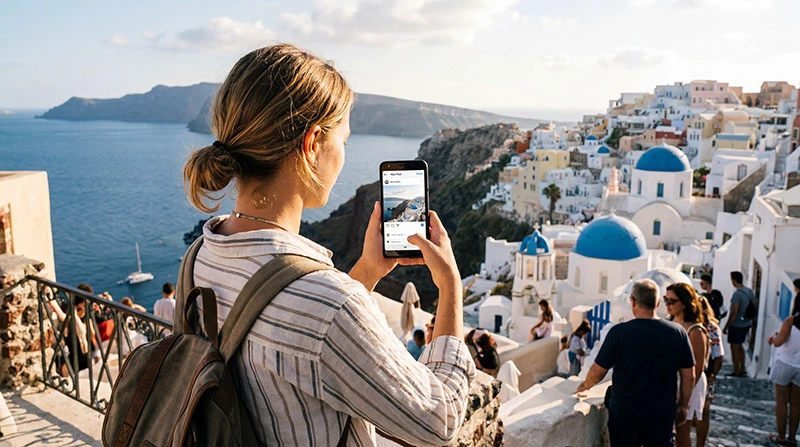

Using Instagram while traveling abroad?
From posting photos to watching reels and stories, Instagram can quickly consume mobile data — especially when you’re exploring a new destination.
This guide breaks down exactly how much data Instagram uses and how to manage your usage while traveling.
Quick Answer
- browsing feed: 50–100 MB per hour
- stories: 100–150 MB per hour
- reels: 300–600 MB per hour
- uploading content: 5–20 MB per post
Instagram is one of the most data-intensive travel apps.
Instagram Data Usage Breakdown
Scrolling the Feed
Images and short videos load continuously.
- ~1–2 MB per minute
Watching Stories
Stories autoplay and include video content.
- ~2–3 MB per minute
Watching Reels
Reels use high-quality video and autoplay continuously.
- ~5–10 MB per minute
This is the biggest data drain.
Uploading Photos and Videos
- photo: 2–5 MB
- video: 10–20+ MB
How Much Data Do You Need for Instagram While Traveling?
- light use: 1–2 GB per week
- normal use: 3–5 GB per week
- heavy use (reels): 7–10+ GB per week
Why Instagram Uses So Much Data
- auto-loading images and videos
- high-resolution media
- continuous scrolling and autoplay
Tips to Reduce Instagram Data Usage
- enable data saver mode in Instagram
- avoid watching reels on mobile data
- use WiFi for uploads
- limit background app refresh
Why eSIM Is Ideal for Instagram Use
- stable mobile connection
- predictable data plans
- no roaming charges
Related Guides
Stay connected and share your journey.
Choose the right eSIM plan based on your Instagram usage.
FAQ
Does Instagram use a lot of data?
Yes, especially when watching reels and stories.
How much data do reels use?
Approximately 5–10 MB per minute.
Can I use Instagram with 1 GB?
Yes, but only for light usage such as browsing and limited posts.
How can I reduce Instagram data usage?
Enable data saver mode and avoid video-heavy content.
Author: NoveSIM Travel Team