


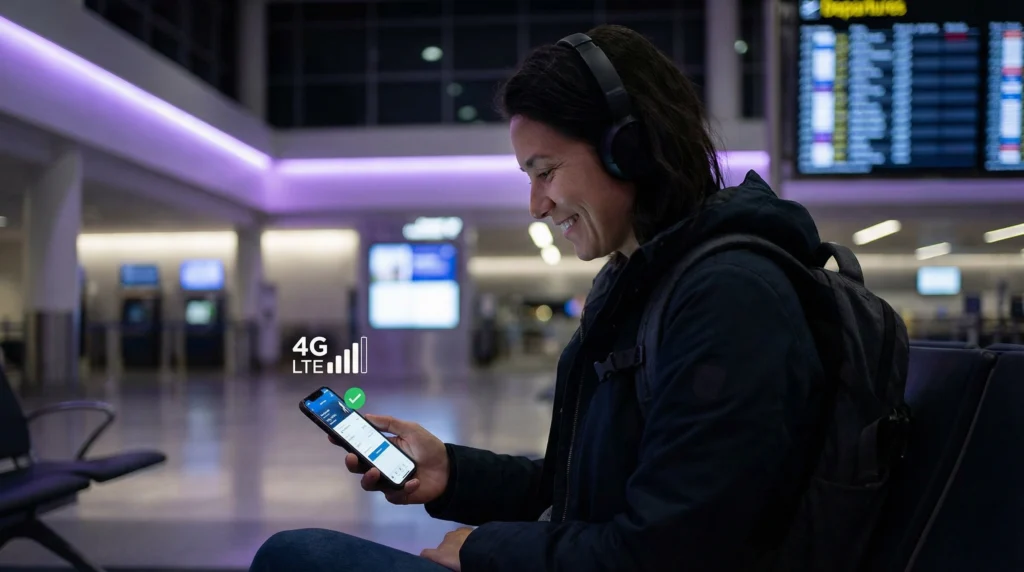

A travel eSIM can prevent home-carrier data roaming only when the phone is configured to use the travel line for mobile data. Installing an eSIM does not automatically block the primary SIM from connecting abroad.
Calls, SMS and voicemail on the normal number remain separate from mobile data and may still create roaming charges under the home tariff.
NoveSIM travel eSIMs are data-only, so they do not replace the primary number or provide conventional calls and carrier SMS.
Quick answer: select the travel eSIM for Mobile Data, disable automatic data switching and turn off Data Roaming on the primary SIM. Enable Data Roaming only on the travel eSIM when its instructions require it, then test without Wi-Fi.
Top eSIMs

Confirm Dual SIM compatibility, review whether to leave the primary line enabled and learn how to keep your normal number.
Use the Correct Line for Each Function
| Function | Recommended line |
|---|---|
| Mobile data abroad | Travel eSIM |
| Normal number | Primary SIM, if needed |
| Primary Data Roaming | Off |
| Automatic data switching | Off |
Configure the Phone before Departure
- Label the two lines clearly.
- Choose the travel eSIM under Mobile Data.
- Disable mobile-data switching or fallback.
- Turn off Data Roaming on the primary line.
- Check call, SMS and voicemail prices with the home carrier.
- Take screenshots of the final settings for reference.
Why Data Roaming May Be On for the Travel eSIM
A travel eSIM often connects through partner networks, so its own Data Roaming control may need to be enabled. This does not authorise data roaming on the primary SIM; the two settings are independent.
Check Again after a Restart or Border Crossing
Phones can change network registration after restarting or entering another country. Reconfirm the selected data line and automatic-switching setting. A regional eSIM must explicitly include the next destination; otherwise use offline maps while changing plans.
Related Articles
FAQ
Does installing an eSIM stop roaming charges automatically?
No. The phone must be configured so the primary line cannot carry mobile data abroad.
Can receiving a call still cost money?
Yes. Calls, SMS and voicemail follow the home carrier’s roaming tariff even when data uses another line.
Should I turn off my primary SIM completely?
That offers stronger protection but also stops ordinary calls and texts to the number. Keeping it enabled requires careful settings.
Why is roaming enabled on my travel eSIM?
It may be required to connect through the plan’s local partner network and is separate from primary-line roaming.
Final Recommendation
Do not rely on the presence of an eSIM as proof that roaming is controlled. Assign data deliberately, block fallback to the home line and understand the separate cost of calls, texts and voicemail before travelling.