


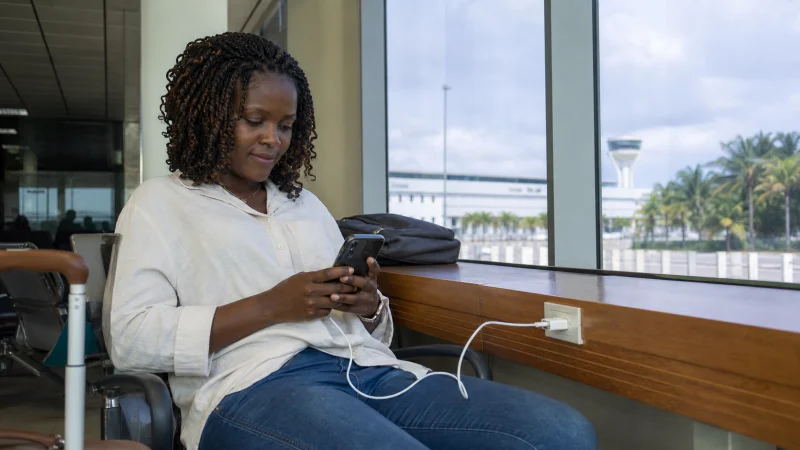

Wi-Fi at Mombasa’s Moi International Airport is useful only if it gets your next task done: finding the transfer instructions, contacting the hotel or sending an arrival message. Check the current access arrangement at the airport rather than relying on a saved network name from another trip.
We cannot confirm a public network name, password, free-access duration or availability in every part of the terminal. Ask airport staff for the correct connection details; a nearby hotspot is not automatically an airport service.
If you need internet after departure, our Kenya travel eSIMs provide mobile data. We do not provide a Kenyan number or conventional calls and SMS; your existing internet messaging account can use the connection.
Quick answer: Confirm the Mombasa airport Wi-Fi network with staff or official signage, complete its portal and send the essential arrival message. Save the transfer details before leaving the building. If access fails, use a pre-checked mobile option rather than depending on terminal Wi-Fi for the onward coastal journey.
Top Kenya eSIMs


Use the first connection to confirm your coastal transfer
Send the hotel or driver your arrival status and ask where to meet. For a transfer beyond Mombasa, save the property’s full name, destination and any special meeting instructions. A pin without the accompanying message may be insufficient when there are several entrances or pickup locations.
If your itinerary continues to Diani, Kilifi or another coastal destination, agree the transfer directly with the provider. Do not assume a route, crossing arrangement or travel time from an old article. Keep the booking confirmation available offline so the journey does not depend on a live map.
See our Mombasa internet guide for connectivity after leaving the airport.
How to join a verified network
- Confirm the current network name and whether access requires a password or sign-in page.
- Select it in Wi-Fi settings and complete the access process shown on your phone.
- Open a new webpage to check that internet works.
- Send your arrival message and save the driver’s reply locally.
Prefer a verified connection over a hotspot advertised by an unfamiliar device. A café or lounge network may be restricted to customers; ask before treating it as public access.
When the connection stalls
If Wi-Fi connects but nothing loads, check for a pending login notification. Rejoin the verified network once and reopen its portal. Do not enter payment information, install a device profile or ignore a security warning just to get an arrival message through.
With a successful browser test but a failed messaging app, check whether the account needs a login or verification code. Keep an alternative contact method agreed before departure. An airport connection cannot receive an SMS sent to an unavailable telephone number.
Set a practical limit on troubleshooting. If someone is waiting for you, your prepared data line may be more useful than another attempt at the same portal.
Airport Wi-Fi and mobile data solve different problems
| What you need | What to arrange |
|---|---|
| One arrival message inside the terminal | A verified Wi-Fi connection, if available. |
| Messages and navigation during the transfer | Mobile data, plus downloaded directions for gaps. |
| A Kenyan telephone number | A suitable local voice SIM, not a data-only travel eSIM. |
Compare the current Kenya eSIM plans if mobile data fits your needs. Check phone compatibility, validity and the activation conditions before buying. If you want a local line instead, use the checks in our Mombasa airport SIM-card guide; do not assume an outlet will be open at your arrival time.
Once outside, test your chosen data line by opening a fresh page. Keep the home SIM’s data roaming off unless you deliberately intend to use an agreed roaming allowance.
Related Articles
- Installing your Kenya travel eSIM
- Checking Kenya mobile coverage at coastal accommodation and transfer stops
FAQ
Is there a confirmed free Wi-Fi service at Mombasa airport?
We have not verified current public access conditions. Ask airport staff or check official signage for availability, charges, login requirements and any time limit.
Can I contact my Diani hotel using airport Wi-Fi?
A working connection can carry a message or internet call. Send it before leaving Wi-Fi coverage, save the reply and agree how to contact the provider during the transfer.
Should I keep reconnecting if the portal fails?
Check the login notification and retry the verified network once. If it still does not work, use your prepared fallback rather than delaying the pickup indefinitely.
Does mobile data guarantee a connection throughout the coastal transfer?
No. Availability depends on the plan’s supported network, device and local reception. Download directions and keep the transfer contact details offline.
Final Recommendation
Treat Mombasa airport Wi-Fi as a chance to finish arrival coordination, not as your internet plan for the coast.
Before leaving, save the driver’s reply and hotel address, then test your mobile fallback if you need messages during the transfer.
That preparation lets you continue from Moi airport without relying on an unverified hotspot or an uninterrupted connection.