


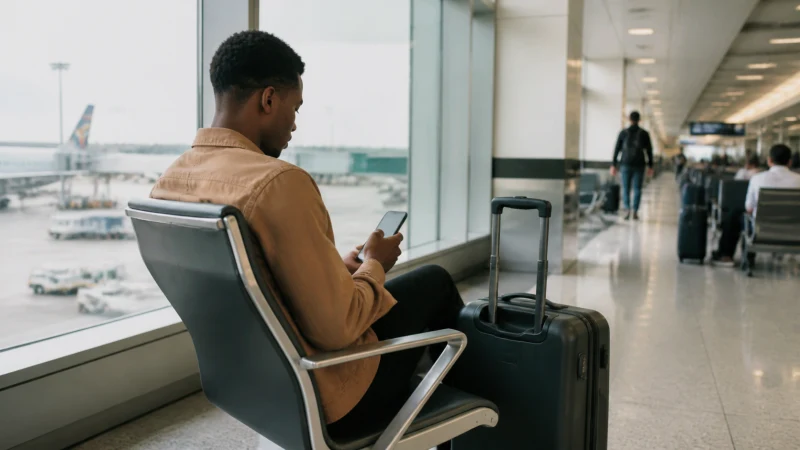

Kotoka International Airport, Ghana’s main gateway in Accra, handles the bulk of the country’s international arrivals, and for most visitors it’s the very first place they’ll want to get online — whether to message someone that you’ve landed, check a hotel booking, or book a ride into the city.
Quick answer: Free WiFi is available in parts of the terminal, though it isn’t always fast or fully reliable, so many travelers prefer to get a local SIM or activate a pre-installed eSIM right away rather than depending on the airport network for anything beyond a quick check.
Top Ghana eSIMs


Terminal WiFi
Kotoka’s terminal offers WiFi access in the public areas, generally sufficient for basic browsing, checking messages, or looking up a booking while you wait for luggage or a ride. Speed and reliability can vary depending on how busy the terminal is at the time, so it’s worth treating it as a convenience rather than something to depend on for anything more demanding, like a video call.
Buying a SIM on arrival
SIM kiosks for MTN, Telecel, and AirtelTigo operate in the arrivals area, and the buying a SIM at Kotoka Airport guide covers exactly what that process looks like, including the passport registration requirement all three networks apply. This is generally the more reliable option than relying on terminal WiFi if you need dependable connectivity right away.
Using an eSIM instead
Many visitors skip the kiosk entirely by installing an eSIM before departure and simply activating it once they land, connecting within minutes of stepping off the plane without needing to queue anywhere or hand over a passport at the airport itself.
Mobile coverage right outside the terminal
Coverage from all three Ghanaian networks is strong immediately outside the airport and along the road into central Accra, so there’s no meaningful gap between airport connectivity and city connectivity here — the internet in Accra guide covers what to expect once you’re settled in the city.
Booking a ride from the airport
Ride-hailing apps work well from Kotoka once you have a working data connection, whether through terminal WiFi for a quick booking or your own mobile data once you’ve got a SIM or eSIM active — the best apps for Ghana travel guide covers which apps are worth having installed before you land.
Arriving for business vs arriving for leisure
For business travelers whose first commitments start soon after landing, relying on terminal WiFi alone is risky given its variable performance — having a working eSIM already activated, or a plan to get a local SIM immediately, matters more here than for a leisure trip with more flexible timing.
FAQ
Is there free WiFi at Kotoka International Airport?
Yes, in the public terminal areas, though speed and reliability can vary depending on how busy it is.
Can I buy a SIM card at Kotoka Airport?
Yes, kiosks for MTN, Telecel, and AirtelTigo operate in the arrivals area, requiring passport registration.
Should I set up an eSIM before I land instead?
Many travelers do, since it means being connected immediately without a kiosk stop or relying on variable terminal WiFi.
Is airport WiFi reliable enough for a video call?
Not consistently — treat it as sufficient for basic browsing and messaging rather than anything more demanding.
How far is the airport from central Accra?
A relatively short drive, with strong mobile coverage from all three networks the whole way.
Should business travelers rely on airport WiFi for their first calls?
No, an already-activated eSIM or a quick SIM purchase is more dependable if commitments start soon after landing.
Final Recommendation
Use terminal WiFi for a quick check on arrival, but get a local SIM or activate an eSIM as soon as possible for anything you actually need to depend on. See the buying a SIM at Kotoka Airport guide for the on-arrival process in detail.