


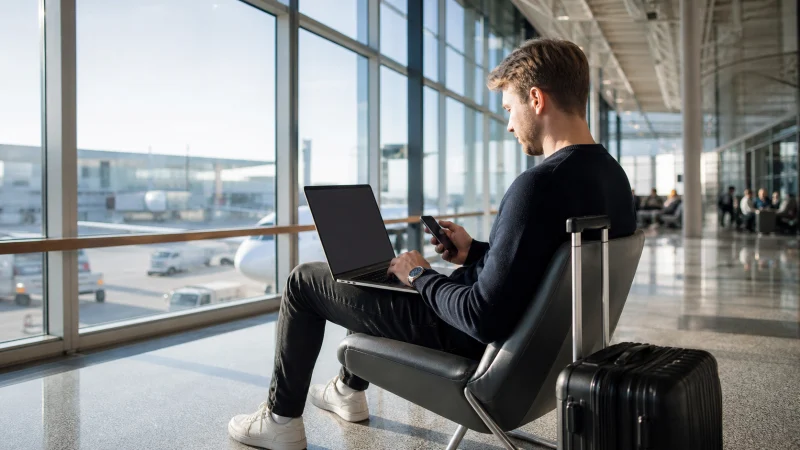

Helsinki Airport WiFi is free and unlimited for passengers. Finavia names the network Helsinki Airport Free Wi-Fi; it opens a start page in the browser and does not require separate login credentials.
The airport connection is useful for checking a train platform, sending an arrival message or retrieving a booking. It stops being a solution after you leave the terminal, so the onward journey still needs mobile data or an offline plan.
NoveSIM Finland travel eSIMs are data-only. They support online maps, transport apps and internet messaging, but do not provide a Finnish number, conventional calls or carrier SMS.
Quick answer: Join “Helsinki Airport Free Wi-Fi”, allow its browser start page to open and use it for immediate arrival tasks. Before leaving, download the first route and activate prepared mobile data for the train, bus or transfer.
Top eSIMs

How to connect to Helsinki Airport WiFi
- Open Wi-Fi settings inside the terminal.
- Select Helsinki Airport Free Wi-Fi.
- Open a browser if the start page does not appear automatically.
- Complete the connection on that page.
- Load a normal website before depending on an app.
Finavia currently describes the service as unlimited and lists a connection speed of 100 Mb/s. That is the airport’s service description, not a guaranteed speed at every gate; distance, passenger demand and the device can affect the result.
When the login page does not open
Disconnect, reconnect and open a standard website in the browser. Temporarily disabling a VPN or private relay may let a captive portal appear; restore the privacy setting afterwards. Forget any similarly named network that does not match Finavia’s published name.
If the portal still fails, use prepared mobile data rather than changing unrelated settings. The Finland eSIM troubleshooting guide is for cellular problems, not an airport Wi-Fi portal.
Prepare the first journey before leaving
Helsinki Airport railway station connects directly with the terminal, while buses and taxis also serve the airport. Open the official journey planner, confirm the correct ticket or zone and save the accommodation address. The Finland public transport apps guide covers Helsinki and longer journeys.
Keep a screenshot of the first route and enough battery for ticket inspection. A ticket held only inside an app can become awkward if the phone loses power.
Airport WiFi versus mobile data
| Option | Best use | Main limitation |
|---|---|---|
| Airport Wi-Fi | Messages, tickets and bookings in the terminal | Does not continue after departure |
| Travel eSIM | Navigation and apps throughout the trip | Requires a compatible unlocked device |
| Home roaming | Convenience when the tariff is suitable | Allowance depends on the home plan |
Compare the alternatives in the Finland internet options guide. Current eSIM validity and allowances appear on the Finland eSIM page.
Use public WiFi carefully
- Confirm the exact network name.
- Prefer HTTPS websites and avoid sensitive account changes.
- Never install a certificate or profile offered by a Wi-Fi page.
- Forget the network afterwards if automatic reconnection is unwanted.
- Use cellular data for payment or identity tasks when practical.
Related Articles
- Public Transport Apps for Finland
- Internet in Helsinki for Tourists
- Best Ways to Get Internet in Finland
- Roaming Charges in Finland
FAQ
Is WiFi free at Helsinki Airport?
Yes. Finavia currently provides free, unlimited passenger Wi-Fi under the name “Helsinki Airport Free Wi-Fi”.
Do I need a password?
Finavia says separate credentials are not required. Select the official network and complete the browser start page.
Will airport WiFi work on the train?
No. Prepare mobile data or download the route before leaving the terminal.
Should I install an eSIM before landing?
Installing before departure prevents the onward journey from depending on airport Wi-Fi. Activate it according to the selected plan’s instructions.
Final Recommendation
Use the official airport network for immediate arrival tasks, but prepare the next route before leaving the terminal.
For continuous navigation and transport updates, arrange mobile data in advance and protect the home SIM from unintended roaming.
The practical combination is Helsinki Airport WiFi for arrival, an offline copy of the route and a tested connection for the rest of Finland.